Safeguard Yourself and Your Devices on Public Wi-Fi
Safeguard Yourself and Your Devices on Public Wi-Fi
Free public Wi-Fi networks are convenient but do not forget that you are not the only one connected to the network. So here are some dos and don'ts when using public Wi-Fi.
How to keep safe when connecting to a Public Wi-Fi
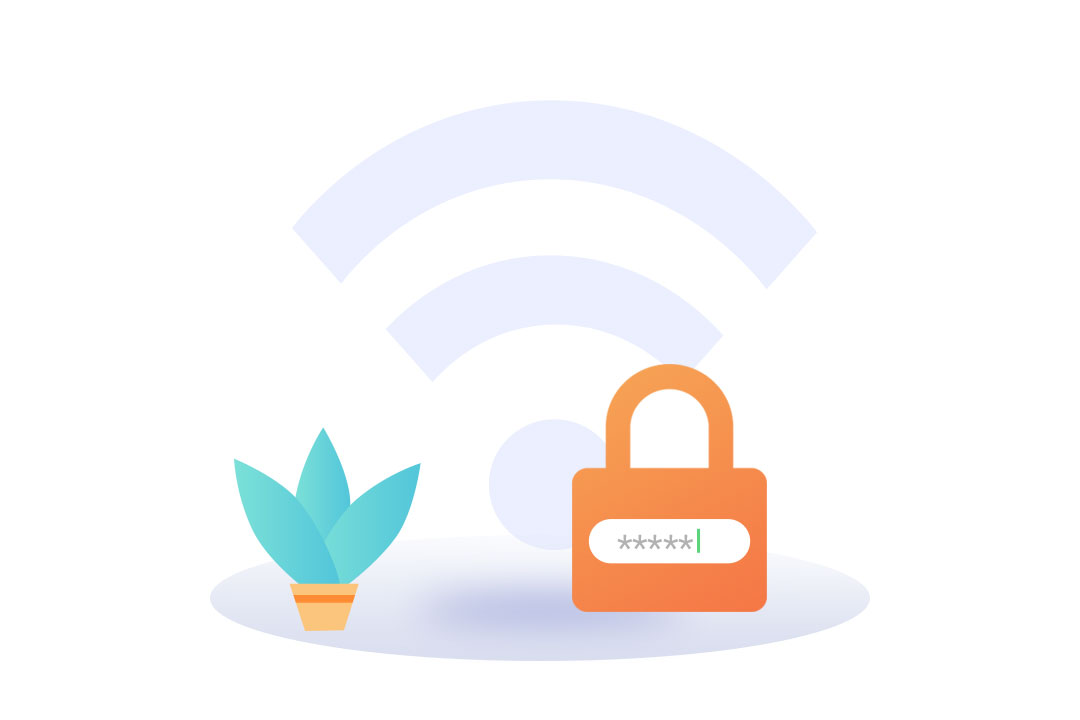
1. Make sure to only connect to secured public networks that require a login password or registration.
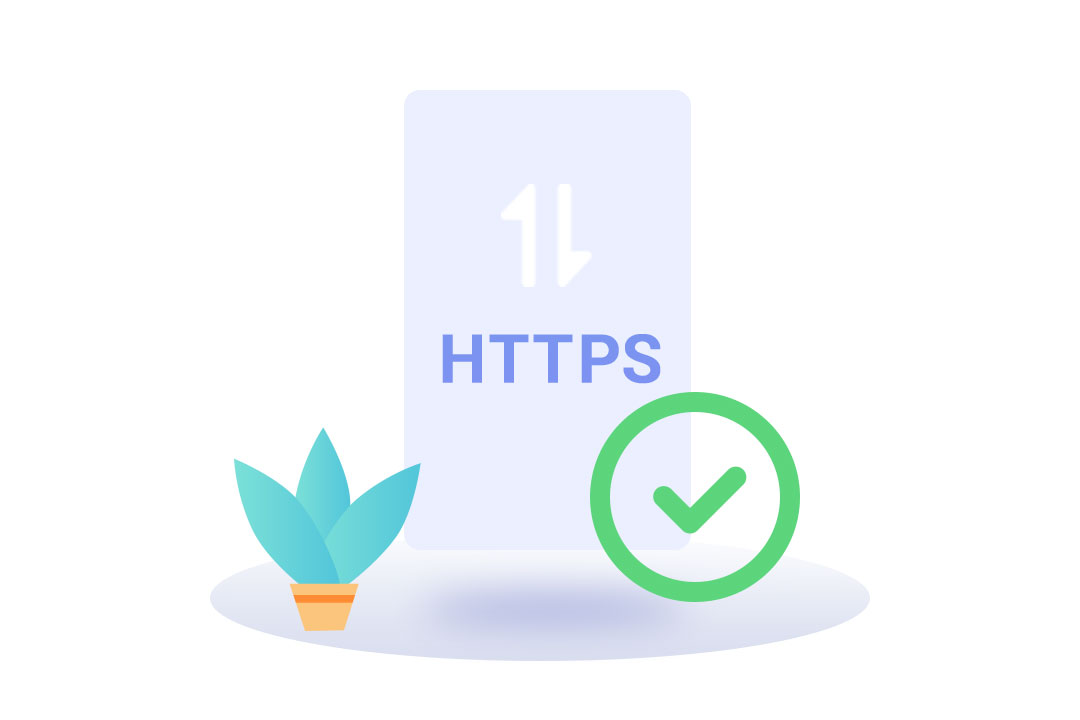
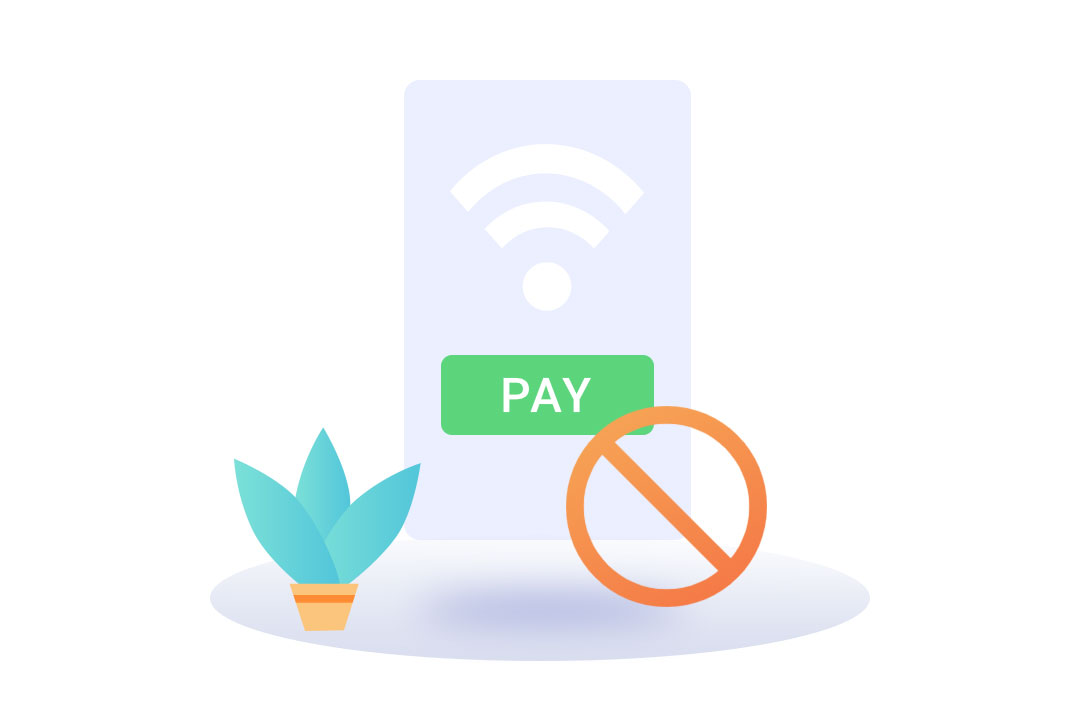
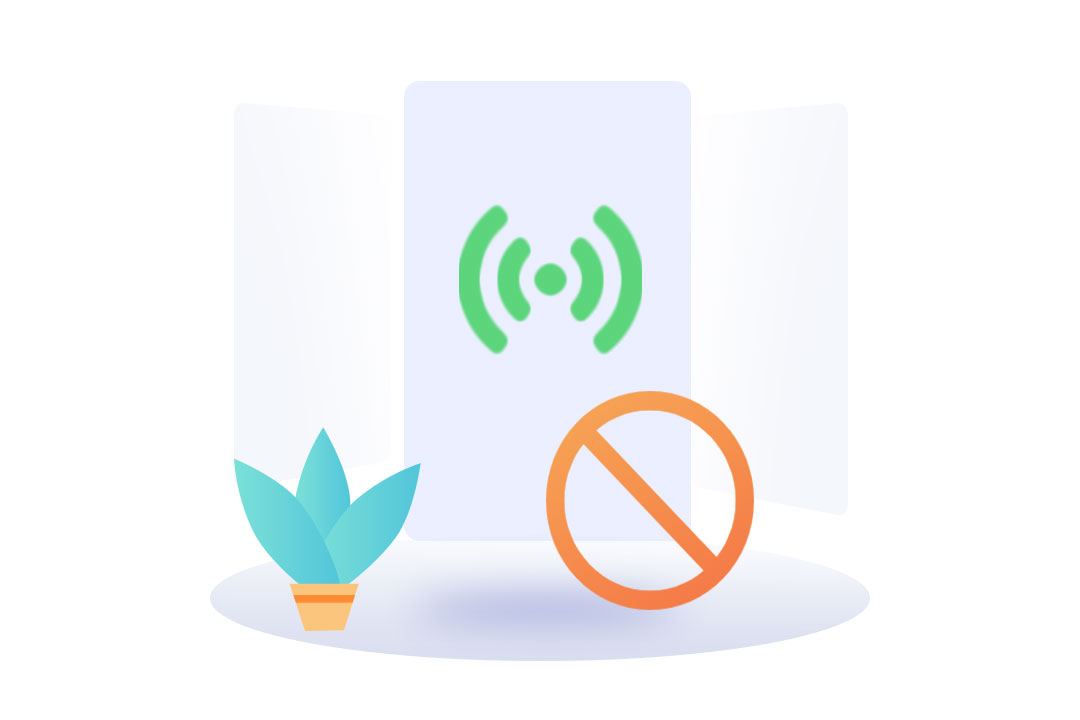

Taken all these precautions? Now go enjoy a worry-free Wi-Fi experience at your local coffee shop.
Related articles:
* All images used are for illustration purposes ONLY. The actual product may vary due to product enhancement.
Sponsored Deals
Advertisement · Hand-picked offers, refreshed regularly
These are paid/affiliate advertisements from our partner store and are not related to OPPO or OPPO spare parts.
Related Articles
Sponsored Deals
Advertisement · Hand-picked offers, refreshed regularly
These are paid/affiliate advertisements from our partner store and are not related to OPPO or OPPO spare parts.