96. Notice about “Can’t Hang Up / Disconnect Calls” Caused by MiChat
Model Involved
All OPPO models.
Background
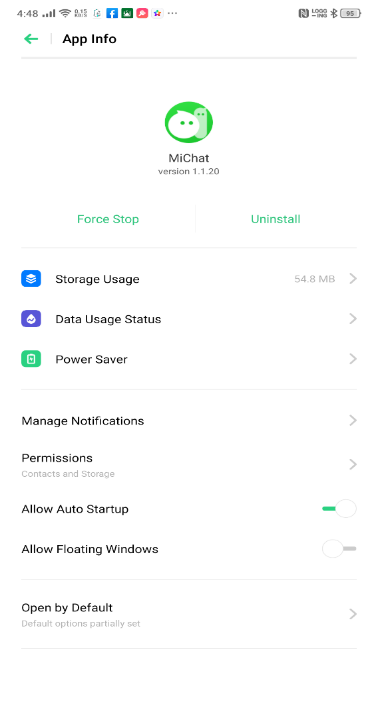
Recently, we received feedback from users after installing MiChat (Ver 1.1.20), and they can’t hang up / disconnect calls normally.
Solution
a.Uninstall the MiChat;
b.Or go to the Recent Task interface and slide up the MiChat to stop its running in the background.
Script
Q: Why I can't hang up / disconnect calls normally?
A: Dear customer, please check if you have installed the MiChat App. If so, the problem may be caused by the MiChat. Please uninstall the MiChat or enter Recent Task interface and slide up the MiChat to stop its running in the background.
The updated version of MiChat is expected to be released on th 29th October in order to solve this issue.
Sponsored Deals
Advertisement · Hand-picked offers, refreshed regularly
These are paid/affiliate advertisements from our partner store and are not related to OPPO or OPPO spare parts.
Related Articles
Explanation and solutions for A33f JIO 4G Voice prompting “calling is disabled” and JIO cannot make calls
[Complaint Case Sharing]Handle Complaint Caused by Salesmen Providing Wrong Information
Notice on Hanging in the OTA Interface after Updating for R9s and A57
Sponsored Deals
Advertisement · Hand-picked offers, refreshed regularly
These are paid/affiliate advertisements from our partner store and are not related to OPPO or OPPO spare parts.