Smart Tips on Mobile Phone Safety
Bulletproof your phone from fraudulent phone calls, bullies, privacy leaks, online phishing, and other scams. We listed some tips below to help you secure your device.
Tips to secure your phone
Protect your personal information
Be creative with your password. Make it unique. Use a combination of CAPS/Capital letters, symbols, & numbers. Just be sure not to forget them. Check Set Pattern and Lock Screen Password on Your OPPO Phone.
Utilize Kids Space for safe browsing
Safeguard your kids from online bullies and harassment, disturbing websites, and mobile addiction with Kids Space. See Creating Kid Space-At-Home on OPPO Phone.

Know what your applications know
Be an app critic. Know the apps you have downloaded. Give permissions “ONLY” if you trust it. Applies in real life too. See more How to Allow/ Deny App Permission on OPPO Phone.

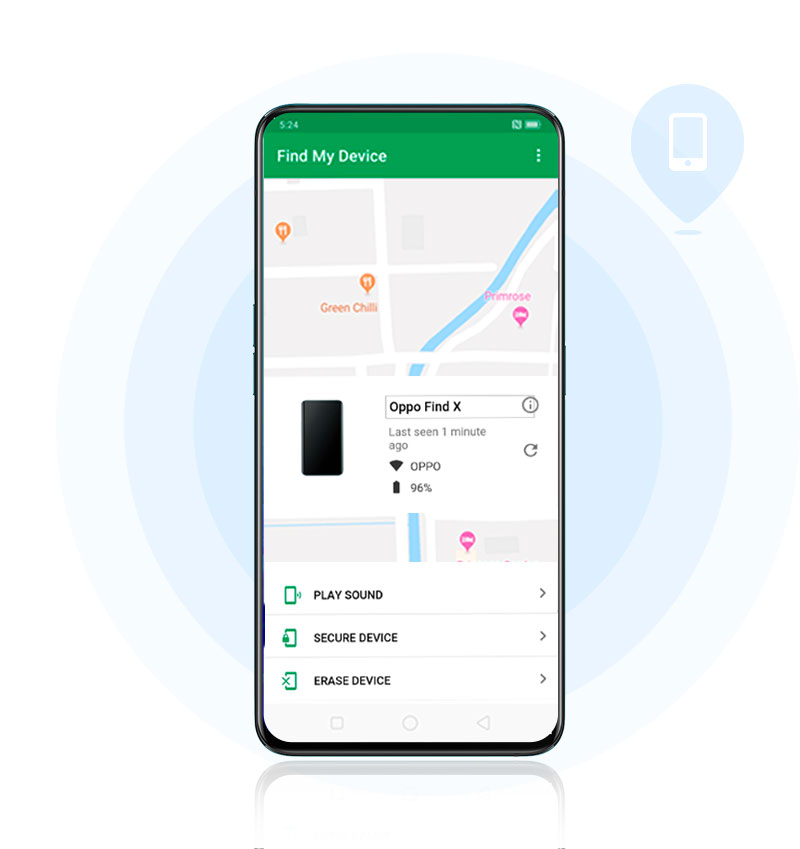
Activate Find My Device
Remotely lock and erase data using Find My Device if you misplaced, lost, or left it somewhere to avoid data leakage. See How to Activate Find My Device on OPPO Phone.
Set Emergency SOS
Some unfortunate events may happen (knock on wood): getting lost, forces of nature, no network signal, Internet or mobile data. You can SOS with your device. Make an emergency call or send your current location along with an image and sound recording. Read more here What is Emergency SOS on OPPO Phone.
As an old adage says, “prevention is ALWAYS better than cure”. Take time to manage these safety precautions and don't be sorry in the end. Anything we miss?
* ALL images used are for illustration purposes ONLY. The actual product may vary due to product enhancement.
Sponsored Deals
Advertisement · Hand-picked offers, refreshed regularly
These are paid/affiliate advertisements from our partner store and are not related to OPPO or OPPO spare parts.
Related Articles
Sponsored Deals
Advertisement · Hand-picked offers, refreshed regularly
These are paid/affiliate advertisements from our partner store and are not related to OPPO or OPPO spare parts.