Learn How to Use the Button of Your OPPO Headphones
Learn How to Use the Button of Your OPPO Headphones
You want to know the functions of the buttons of OPPO's earphones. There's one to control music, play videos, call handling, and more! To know the detailed function of each button and other functions - check here!
Situation: You want to know how to use the OPPO earphone button to simplify your life.
Applicable to: All OPPO Smartphones.
OPPO's earphone button can help you control a number of functions on your phone.

Music control
When listening to music with the Music app or third-party apps, you can play, pause, or even change songs.
To play or pause music: press the button once.
To switch to the next song: press twice.
Video player
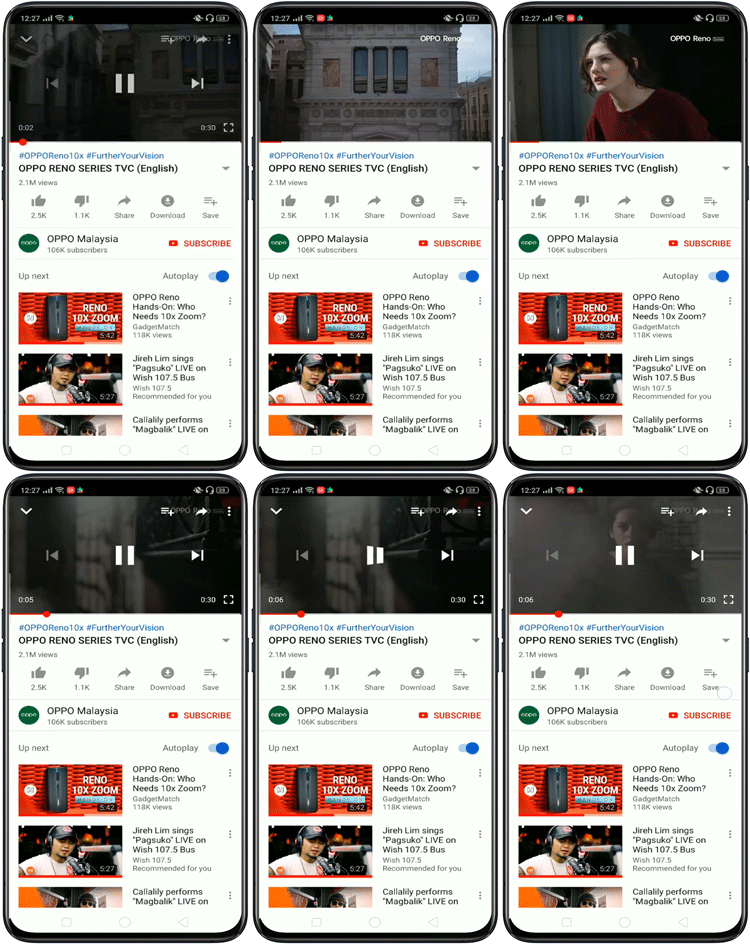
Play and pause your favorite video on the Videos app or YouTube with a single press of the button.
Call handling
To answer or hang up calls, press the button once.
Note: You will unable to reject calls before answering by pressing the button
Camera shutter
While you're in the Camera app, you can take a picture or video by pressing the earphone button.
Note: Change to your desired camera mode manually before start capturing with the button.
Launch Google Assistant
Long press the earphone button to bring up Google Assistant .

* Pictures, settings, and paths might differ from those of your phone, but these won't affect the description in this article.
Sponsored Deals
Advertisement · Hand-picked offers, refreshed regularly
These are paid/affiliate advertisements from our partner store and are not related to OPPO or OPPO spare parts.
Related Articles
Can I Still Use OPPO Enco Free Headphone if the Charging Case is Lost or Damaged?
Sponsored Deals
Advertisement · Hand-picked offers, refreshed regularly
These are paid/affiliate advertisements from our partner store and are not related to OPPO or OPPO spare parts.