How to Use GPS on OPPO Phone
GPS, or Global Positioning System, is a radio navigation system. It uses radio waves between satellites and receivers inside the phone to provide location and time information to any software that needs to be used. Your phone's GPS receiver uses the data from these signals to triangulate where you are and what time it is. Read on!
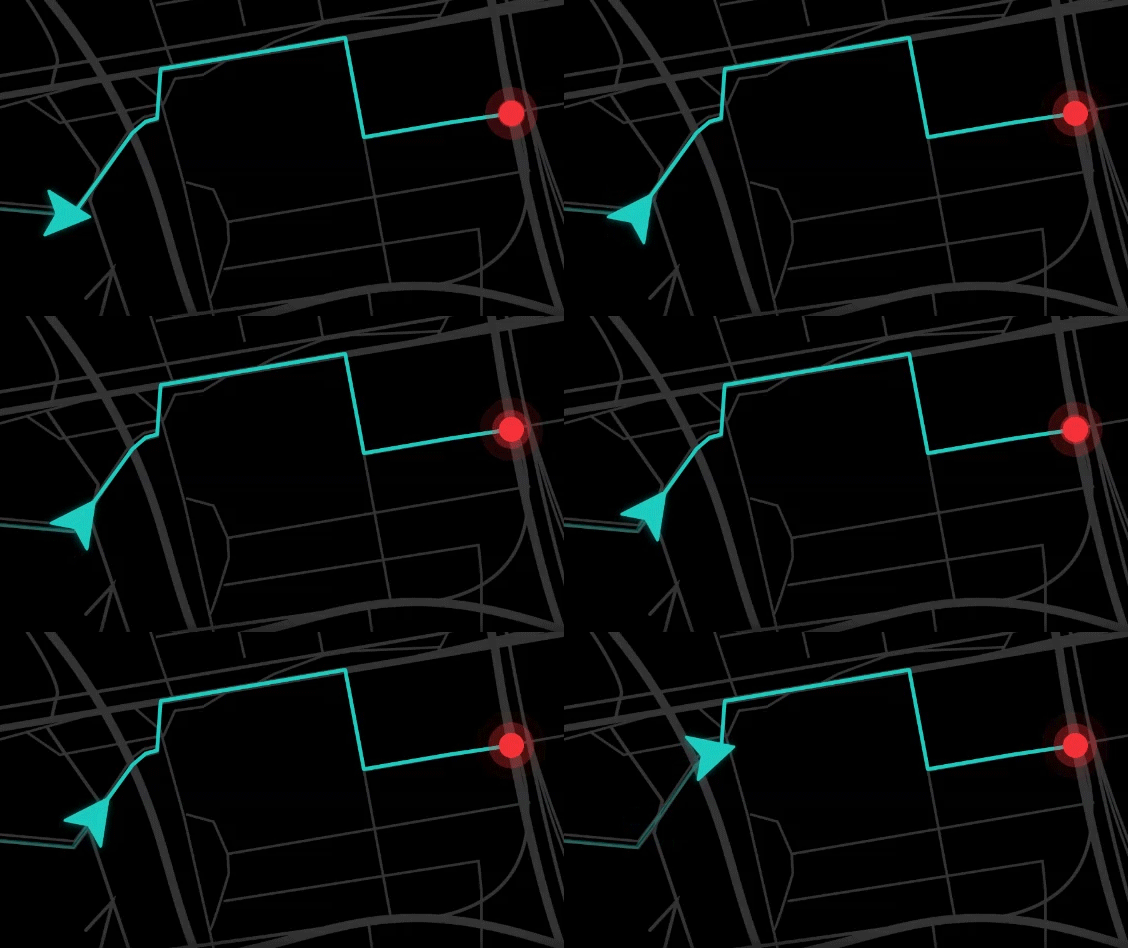
How to use Maps
Go to the home screen of your OPPO phone and tap the [Google] folder and open [Maps]. On the search bar, key in a location > [Directions]. If your Google Maps is not updated, see How to Update Applications in Google Play Store.
Note: Before using the Maps from Google, you need to enable the Location Services for accurate results. See more on Google Maps Help.
)
Related articles:
* Pictures, settings, and paths might differ from those of your phone, but these won't affect the description in this article.
Sponsored Deals
Advertisement · Hand-picked offers, refreshed regularly
These are paid/affiliate advertisements from our partner store and are not related to OPPO or OPPO spare parts.
Related Articles
Sponsored Deals
Advertisement · Hand-picked offers, refreshed regularly
These are paid/affiliate advertisements from our partner store and are not related to OPPO or OPPO spare parts.