How to Make Voice Mail in OPPO
Voice mail is a convenient feature that allows you to receive and manage voice messages on your phone when you cannot answer a call. Setting up and customizing your voicemail preferences can vary depending on your phone's operating system. In this article, we will explore how to access and configure voicemail settings on different versions of ColorOS.
For ColorOS 11 and above:
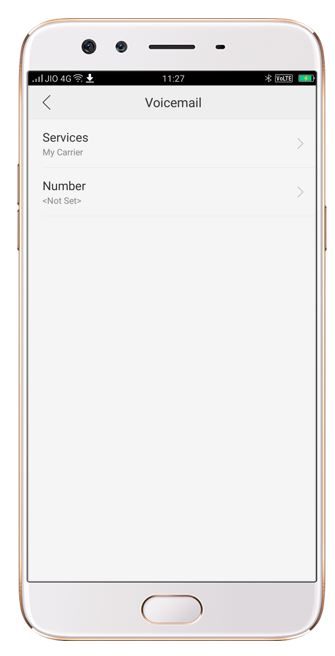
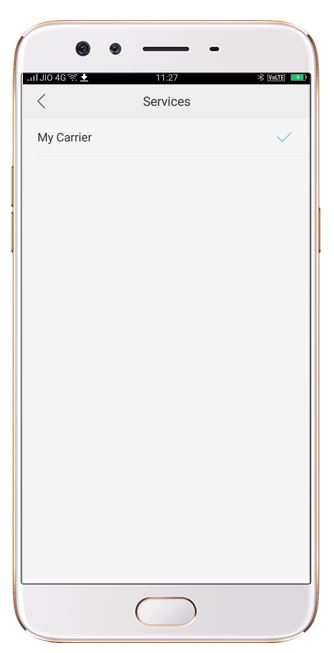
Go to [Phone App] > [3 dots] > [Settings] > [Voicemail] > [Select desired option (Service/Number)].
For ColorOS 5.0 and above:
-
Go to [Settings] > [System Apps] > [Call] > [Carrier Call Settings] > [Voicemail] > [Select desired option (Service/Number)].
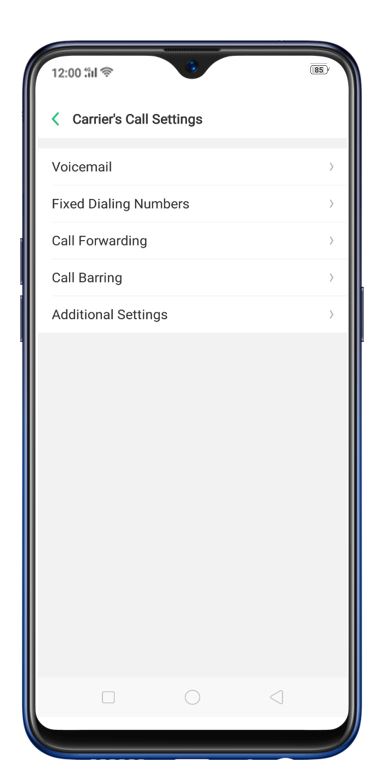
For ColorOS 3.2:
-
Go to [Settings] > [Call] > [Carrier Call Settings] > [Voicemail] > [Select desired option (Service/Number)].
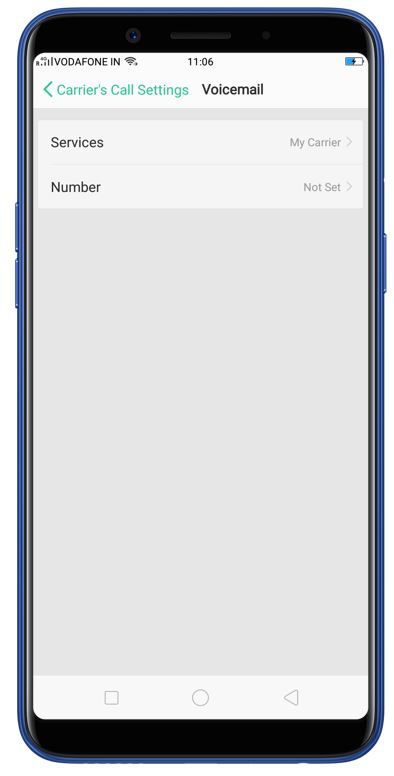
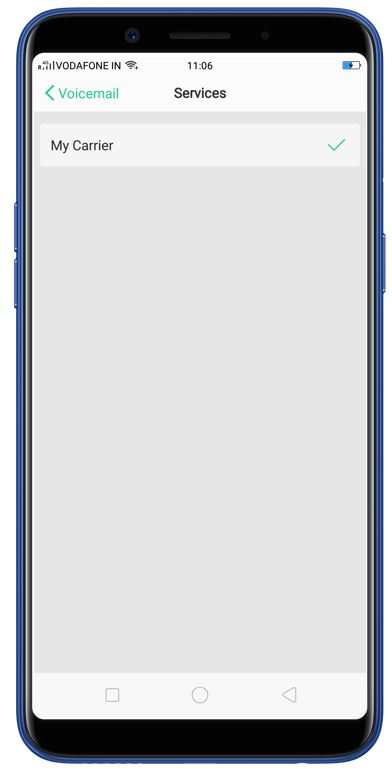
For ColorOS 3.0:
-
Go to [Settings] > [Call] > [Operator's related call settings] > [Voicemail] > [Select desired option (Service/Number)].
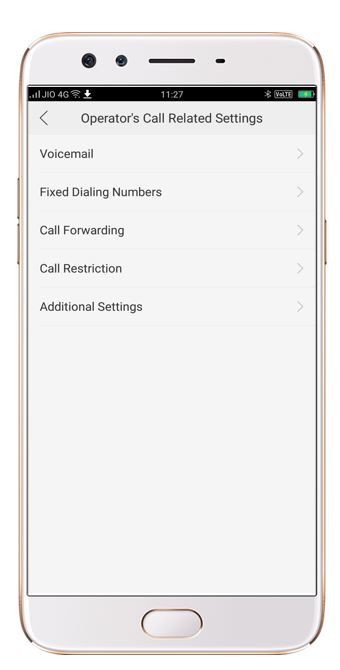
Other articles you may be interested in:
* Pictures, settings, and paths might differ from those of your phone, but these won't affect the description in this article.
Sponsored Deals
Advertisement · Hand-picked offers, refreshed regularly
These are paid/affiliate advertisements from our partner store and are not related to OPPO or OPPO spare parts.
Related Articles
Sponsored Deals
Advertisement · Hand-picked offers, refreshed regularly
These are paid/affiliate advertisements from our partner store and are not related to OPPO or OPPO spare parts.