How to Increase the Touch and Hold Delay in OPPO Phones
You may sometimes accidentally trigger a touch-and-hold gesture when you want to do a simple tap. No need to worry because the Touch & Hold Delay feature on OPPO phones lets you adjust the touch and hold delay time for the gesture on the home screen. To know more about this feature, including how to utilize it, continue reading the simple guide we created below.
Note: Check your ColorOS version in [Settings] > [About Phone] / [About Device].
Adjust the Touch and Hold delay
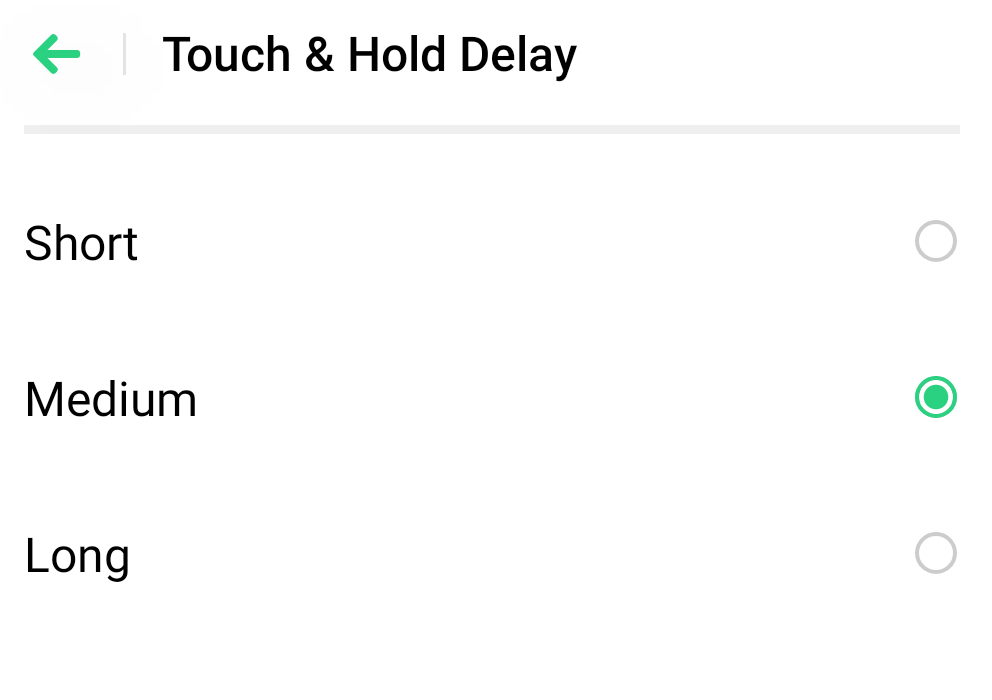
You can set a longer time so that you need to place your finger on a place for a longer duration before your tap becomes a touch-and-hold. Read on to learn how to enable the Touch and Hold Delay function:
For ColorOS 12 to and above: Go to [Settings] > [Additional Settings] > [Accessibility] > [Interaction] > [Touch & delay] / [Touch and hold delay] > choose from [Short], [Medium], and [Long].
For ColorOS 11 and below: Go to [Settings] > [Additional Settings] > [Accessibility] > [Touch & Hold Delay], and then select between [Short], [Medium], and [Long].
Related articles:
* Pictures, settings, and paths might differ from those of your phone, but these won't affect the description in this article.
Sponsored Deals
Advertisement · Hand-picked offers, refreshed regularly
These are paid/affiliate advertisements from our partner store and are not related to OPPO or OPPO spare parts.
Related Articles
How to Manage the Touch and Hold Delay in the Accessibility Feature?
Sponsored Deals
Advertisement · Hand-picked offers, refreshed regularly
These are paid/affiliate advertisements from our partner store and are not related to OPPO or OPPO spare parts.