How to Send Documents using NFC on OPPO Phones?
How to Send Documents using NFC on OPPO Phones?
Situation: You want to share documents using NFC on your OPPO phone.
Applicable to: OPPO Devices that has the NFC feature.
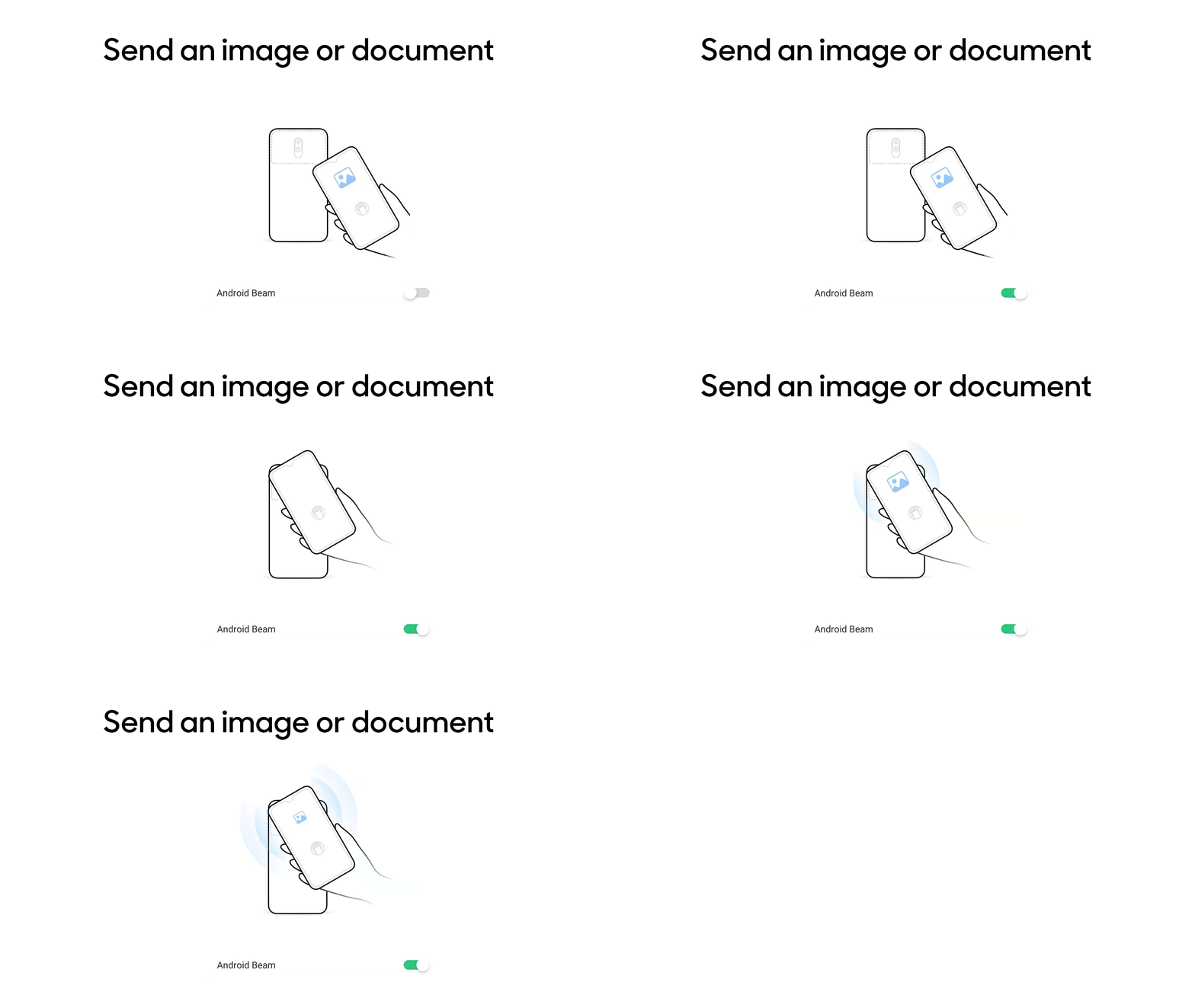
If you want to send an eBook, PDF or other documents, you can use Android Beam. First, enable Android Beam in both the devices. Go to [Settings] > [Other Wireless Connections], and toggle on [NFC]. This should automatically enable Android Beam. If not, tap [Android Beam] and toggle on to activate.
Place the phones back to back with each other, and follow the instructions on the screen to start sharing the file.
Related articles:
*Pictures, settings, and paths might differ from those of your phone, but these won't affect the description in this article.
Sponsored Deals
Advertisement · Hand-picked offers, refreshed regularly
These are paid/affiliate advertisements from our partner store and are not related to OPPO or OPPO spare parts.
Related Articles
Sponsored Deals
Advertisement · Hand-picked offers, refreshed regularly
These are paid/affiliate advertisements from our partner store and are not related to OPPO or OPPO spare parts.