How to Apply for the ColorOS 6.0 Trial Version In OPPO?
How to Apply for the ColorOS 6.0 Trial Version In OPPO?
You are excited that ColorOS 6.0 will have a trial version on some OPPO phone models. OPPO F9, OPPO Find X, OPPO F7, and other models are on the list. Check if your device and the country/ region of your device can have this trial version.
Situation: You want to apply the ColorOS 6 + Android 9 trial version on your OPPO phone.
Applicable to: F9, F9 Pro, Find X, F7, R17 Pro/RX17 Pro, RX17, RX17 Neo, F7 Youth, K1, R15, and R15 Pro.
1. Go to [Settings] > [Software Updates].
2. Tap the Settings icon  at the top right corner.
3. Tap [Trial Version] > [ColorOS 6 Trial Version Program].
4. Enter the applicant's information, select 'I have read and agree to', and tap [Apply Now].
)
5. Tap [Done] when the application is successful.
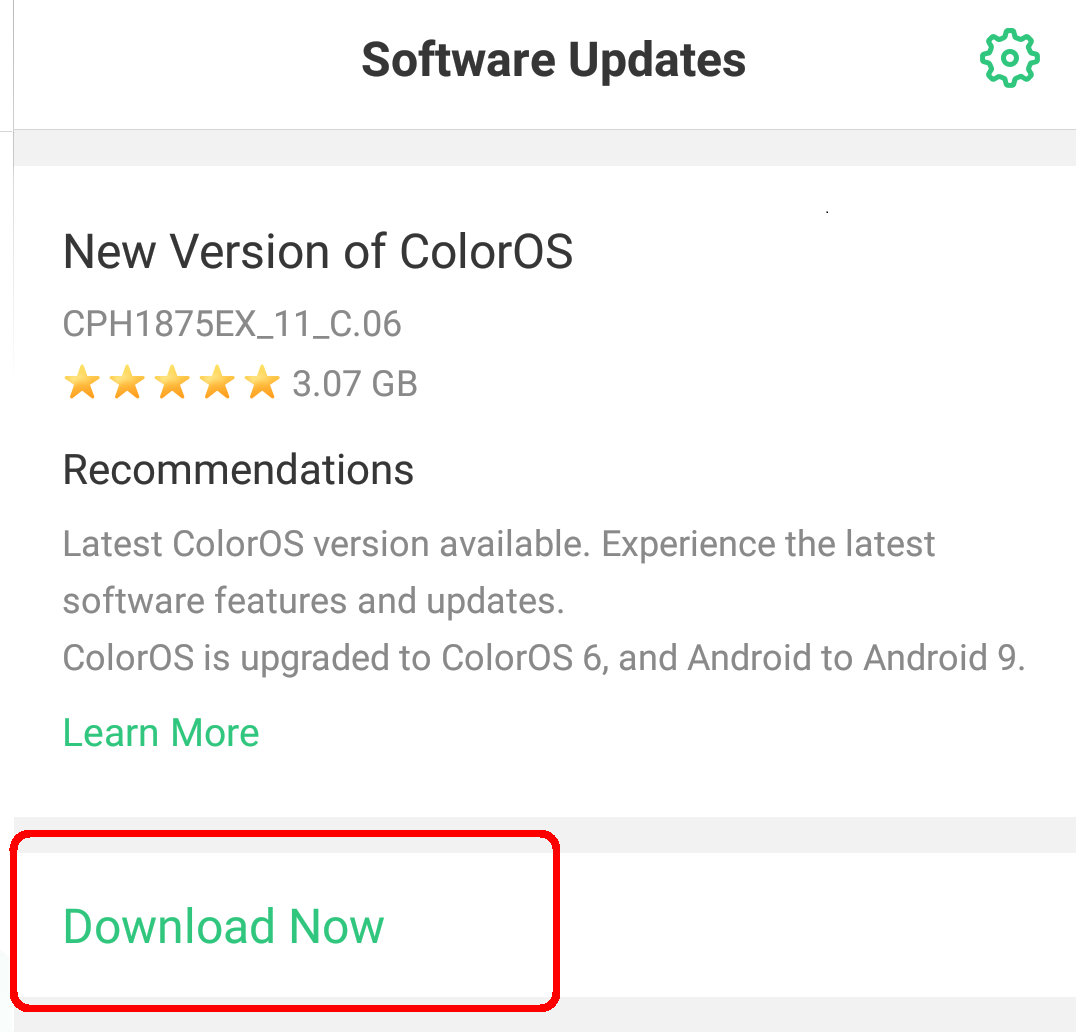
6. Go back to [Software Updates] and tap [Download Now].
This trial version aims at functional testing and maybe unstable at first, but user requirements can be basically met. If you encounter any problems when using the trial version, report to us to solve these problems.
Related article:
* Pictures, settings, and paths might differ from those of your phone, but these won't affect the description in this article.
Sponsored Deals
Advertisement · Hand-picked offers, refreshed regularly
These are paid/affiliate advertisements from our partner store and are not related to OPPO or OPPO spare parts.
Related Articles
Sponsored Deals
Advertisement · Hand-picked offers, refreshed regularly
These are paid/affiliate advertisements from our partner store and are not related to OPPO or OPPO spare parts.