How to Make a Note with Google's Keep Notes?
How to Make a Note with Google's Keep Notes?
Situation: You want to take down notes, besides keeping it both secured and accessible anytime, anywhere you go.
Applicable to: All OPPO smartphones.
Write note
Open [Keep notes  ] > [Take a note]. Write a note and tap
  . Your notes are automatically saved.
Delete note
Tap and hold a note to select. Tap to select more notes that you want to delete. Tap  > [Delete].
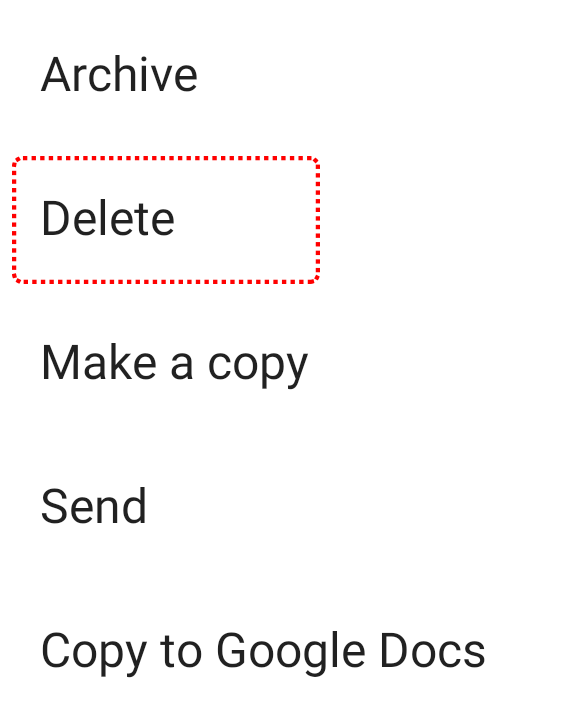
* Pictures, settings, and paths might differ from those of your phone, but these won't affect the description in this article.
Sponsored Deals
Advertisement · Hand-picked offers, refreshed regularly
These are paid/affiliate advertisements from our partner store and are not related to OPPO or OPPO spare parts.
Related Articles
Sponsored Deals
Advertisement · Hand-picked offers, refreshed regularly
These are paid/affiliate advertisements from our partner store and are not related to OPPO or OPPO spare parts.