Watch Settings
Setup the Watch on OPPO Watch 46mm
28 steps · OPPO Watch 46mm
- 1
Tap to Begin.
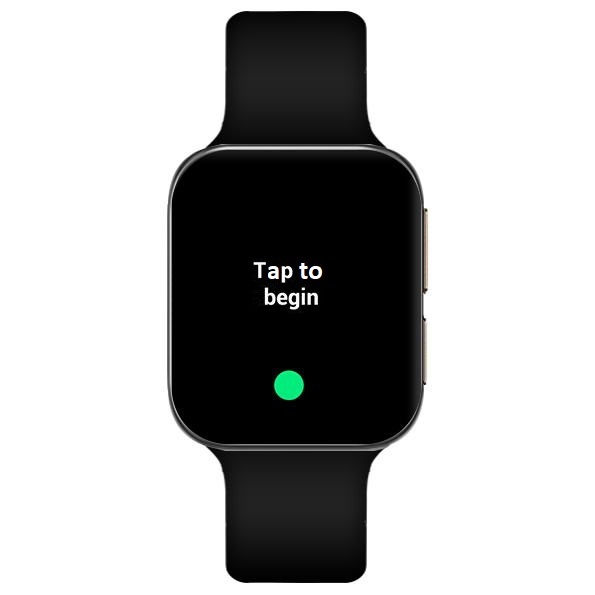
- 2
Select desired Language.
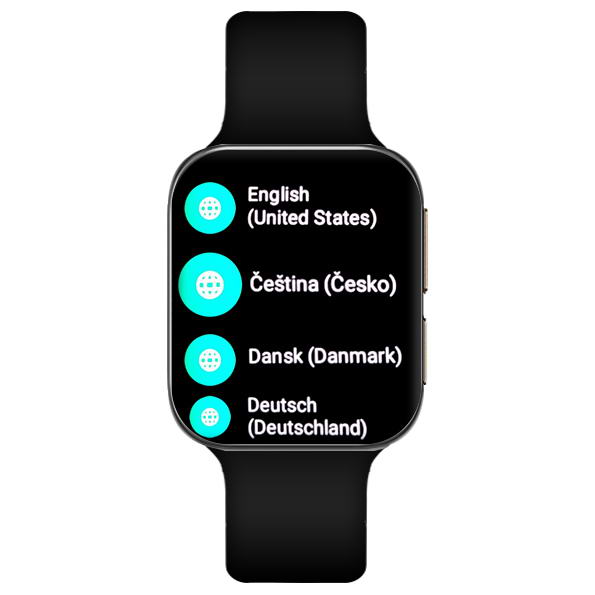
- 3
Tap on OK.
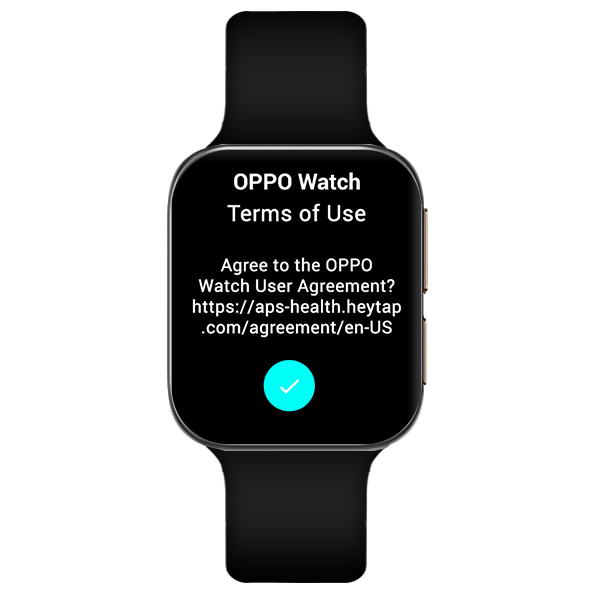
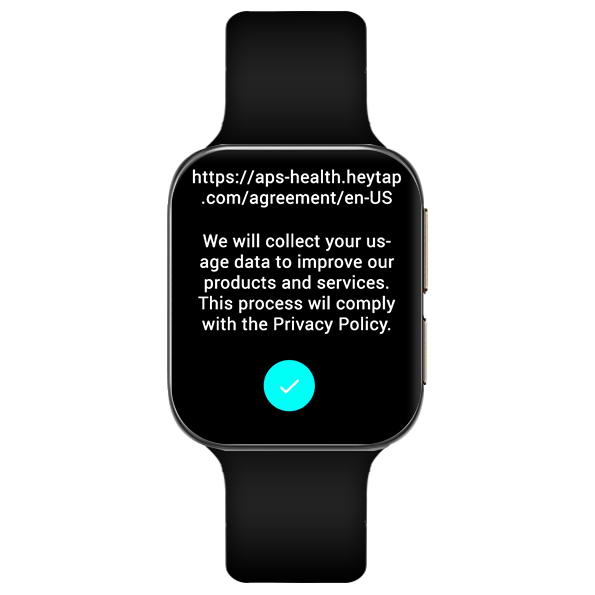
- 4
Check Mark on Join the User Experience Program.
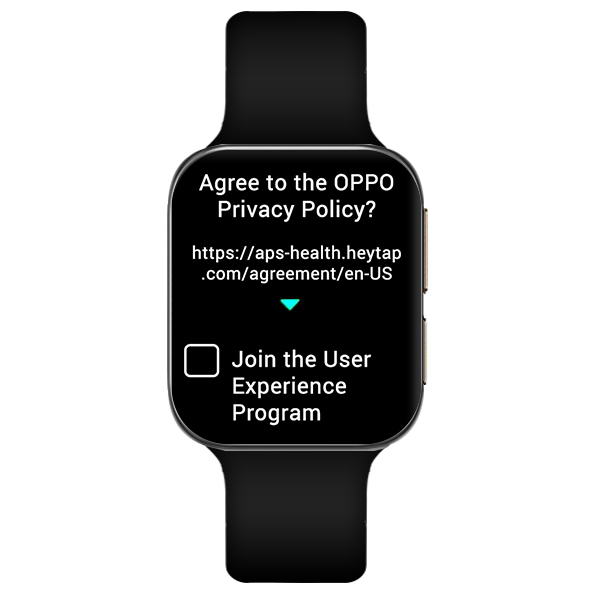
- 5
Tap on OK.
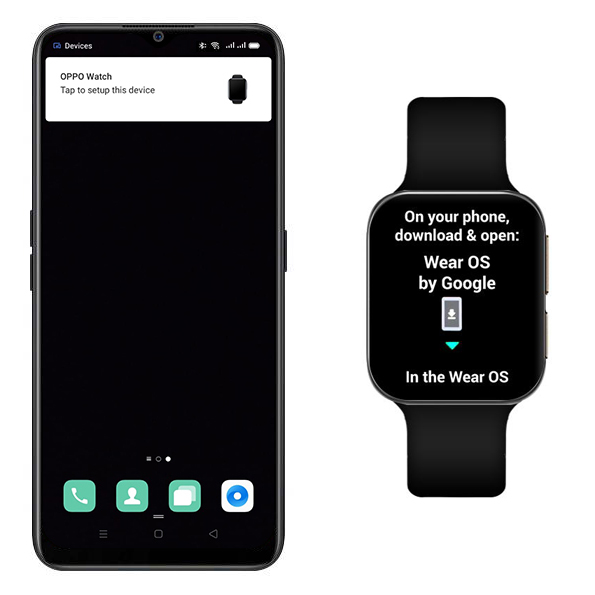
- 6
Tap to setup this device.
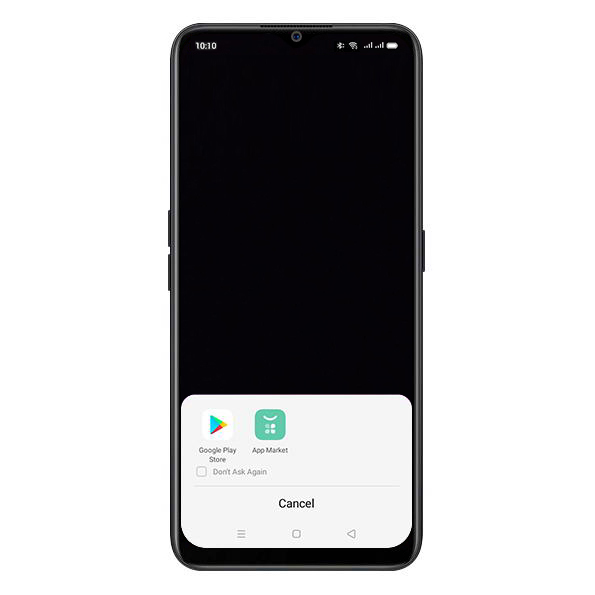
- 7
Tap on Google Play Store.
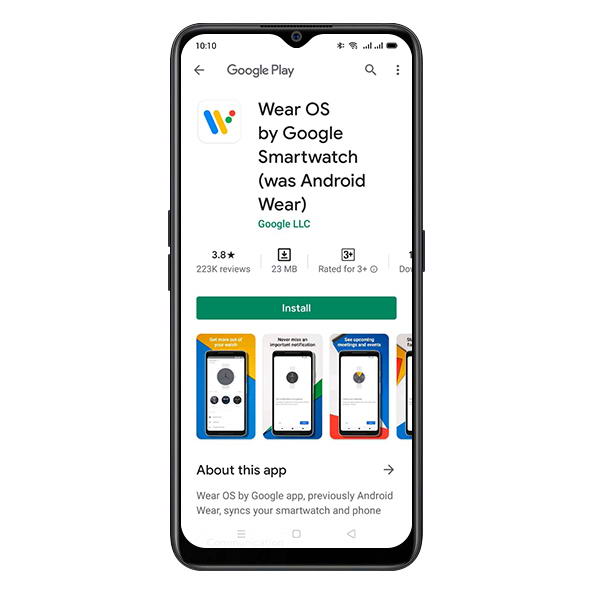
- 8
Tap on Install.
- 9
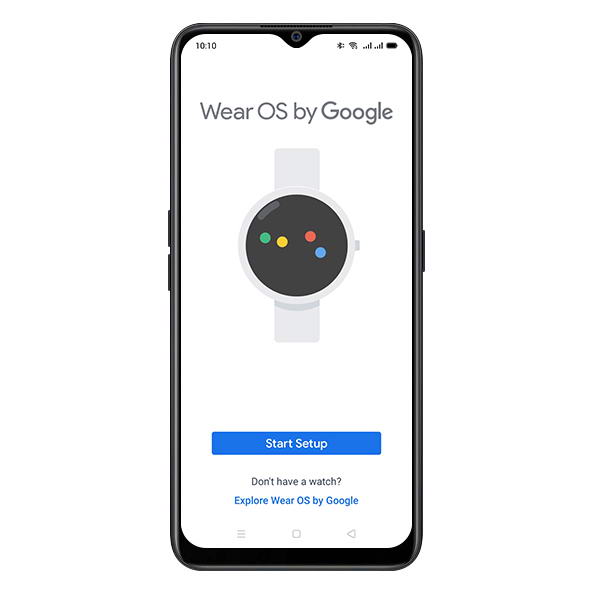
Tap on Start Setup.
- 10
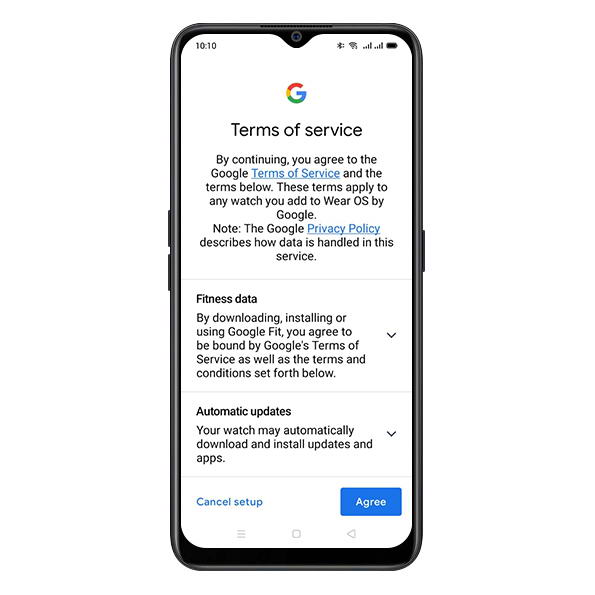
Tap on Agree.
- 11
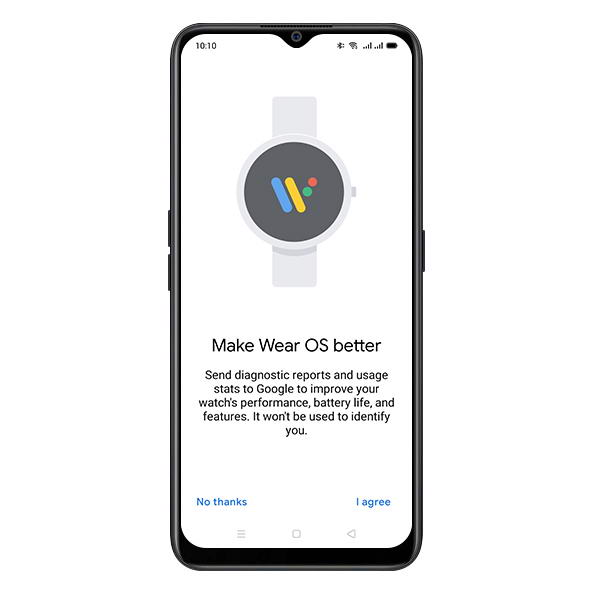
Tap on I agree.
- 12
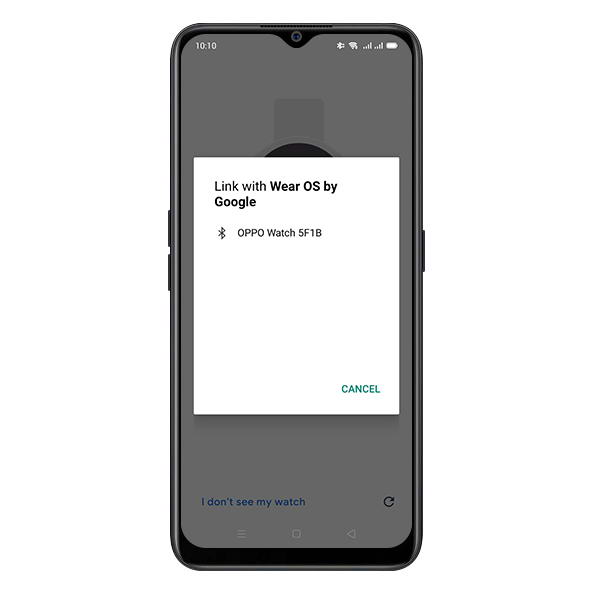
Tap on OPPO Watch.
- 13
Connecting to OPPO Watch.
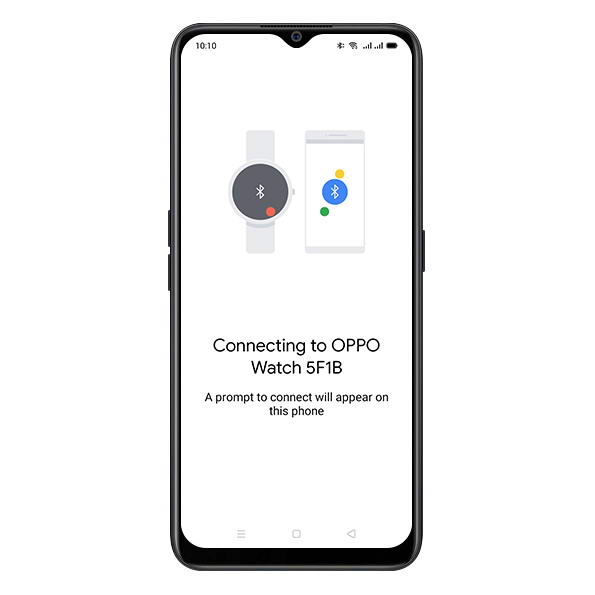
- 14
Tap on Pair.
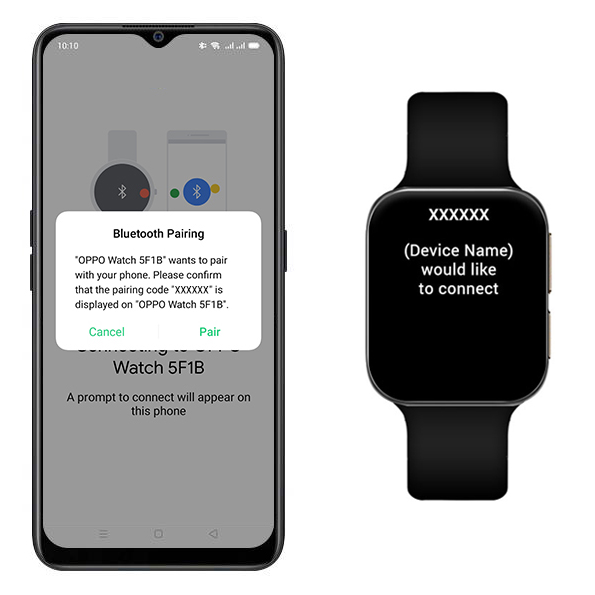
- 15
Tap on Next.

- 16
Tap on Copy.
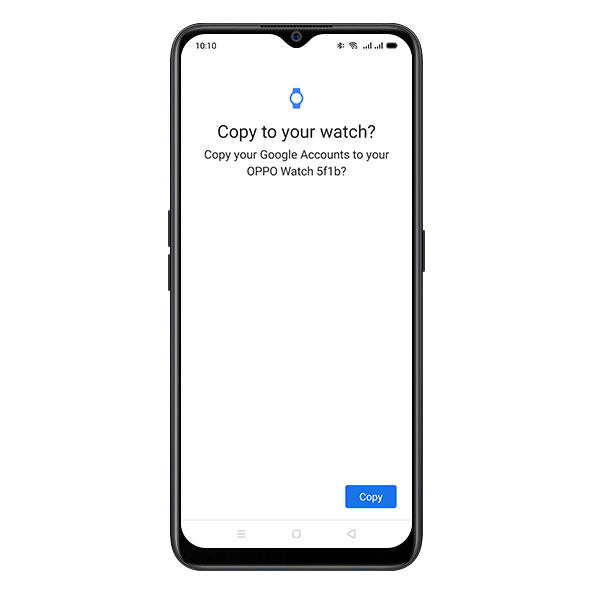
- 17
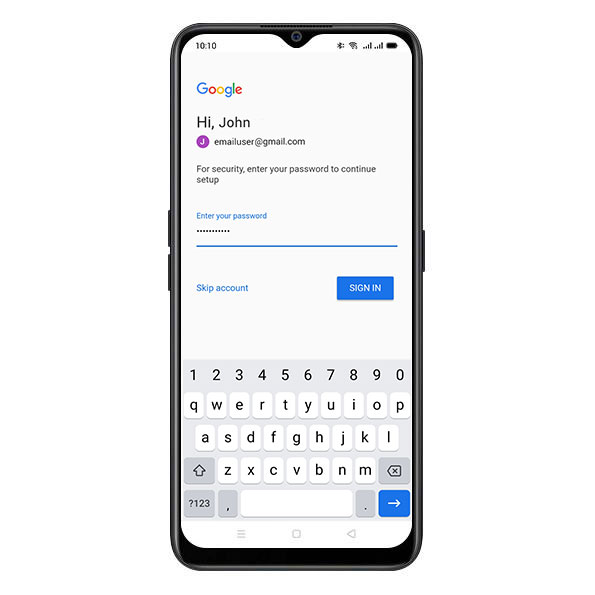
Tap on Enter your password.
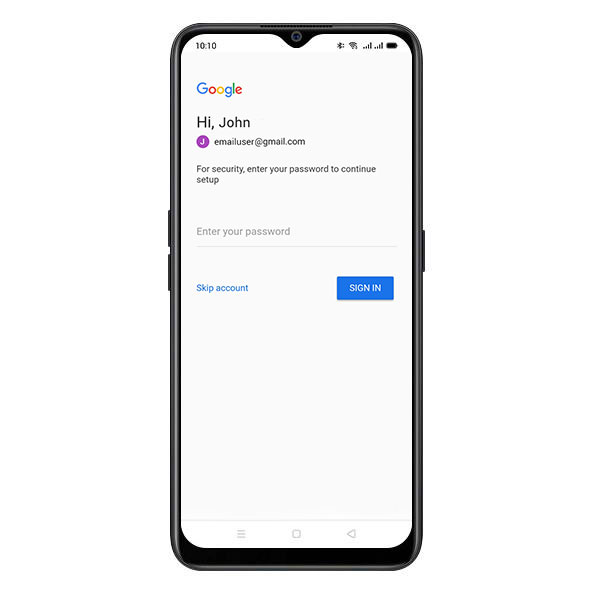
- 18
Enter your password and tap on SIGN IN.
- 19
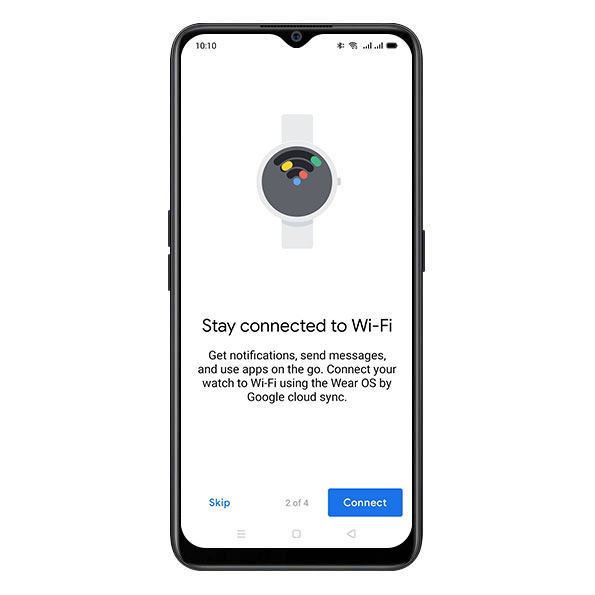
Tap on Connect.
- 20
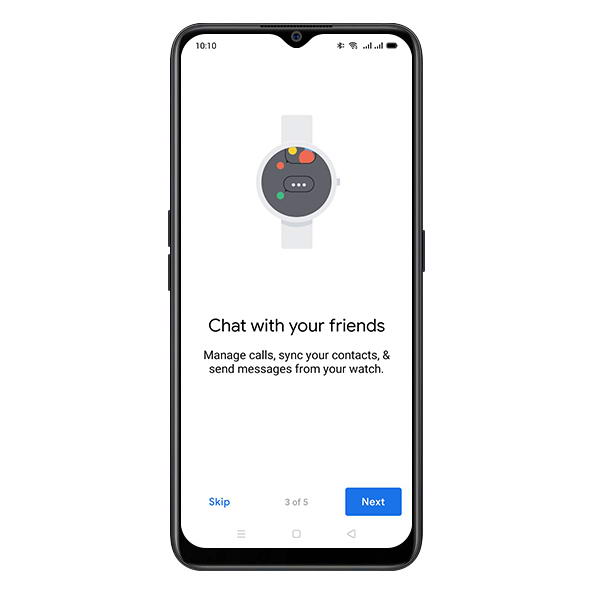
Tap on Next.
- 21
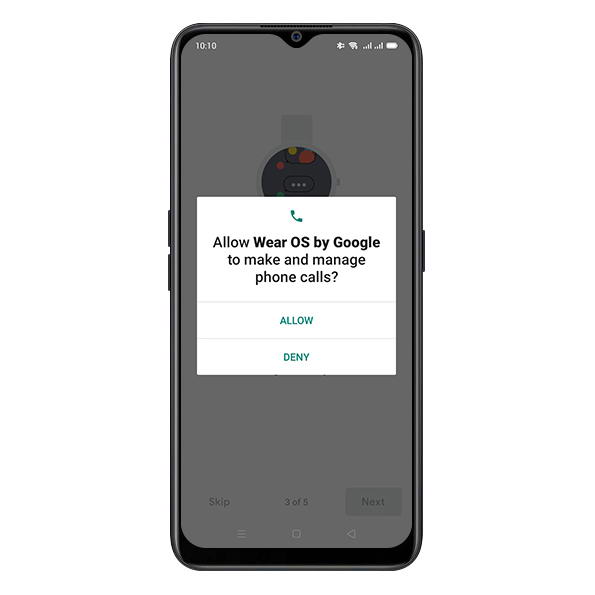
Tap on ALLOW.
- 22
Tap on ALLOW.
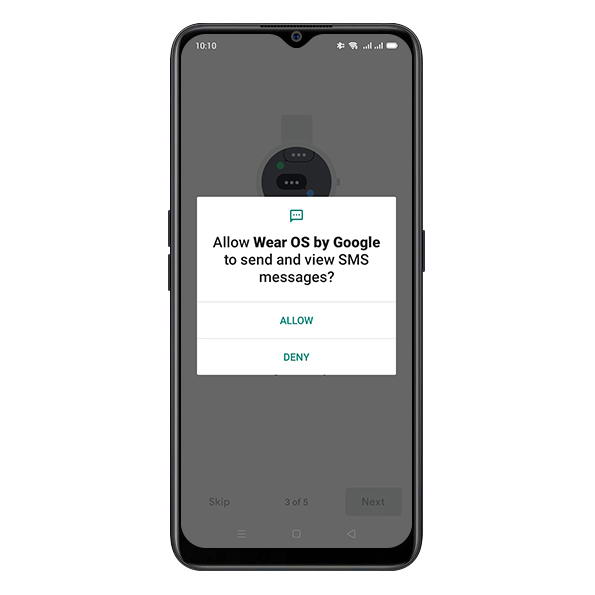
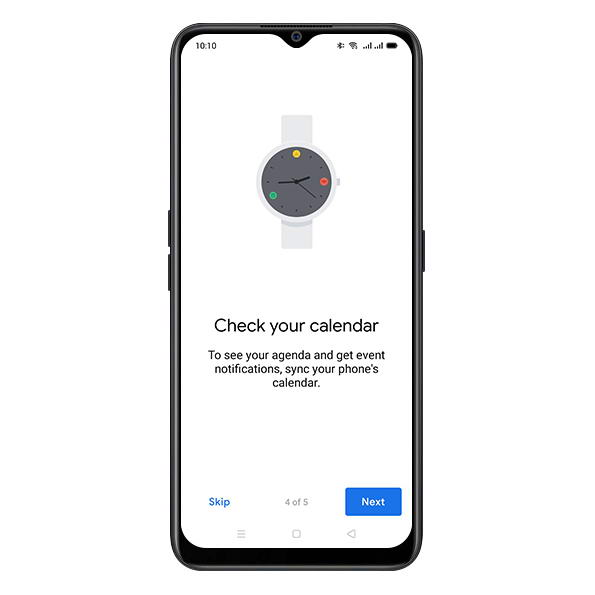
- 23
Tap on Next.
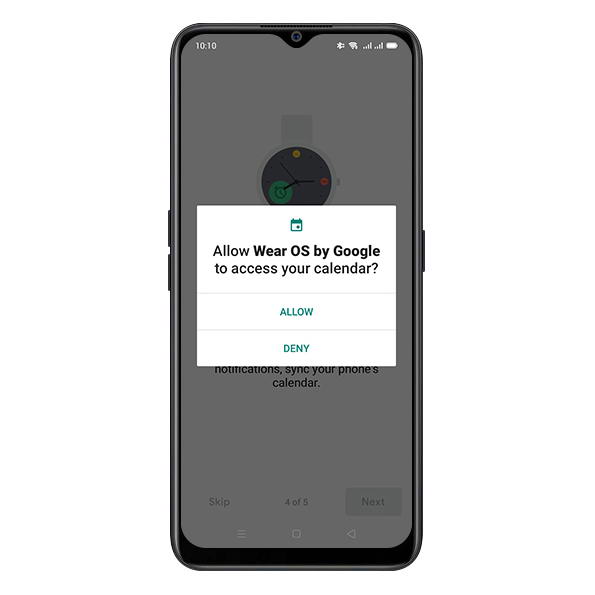
- 24
Tap on ALLOW.
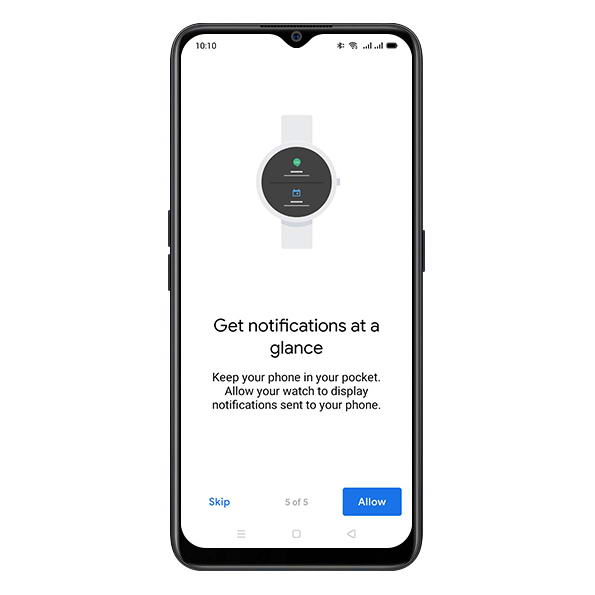
- 25
Tap on Allow.
- 26
Tap on Next.
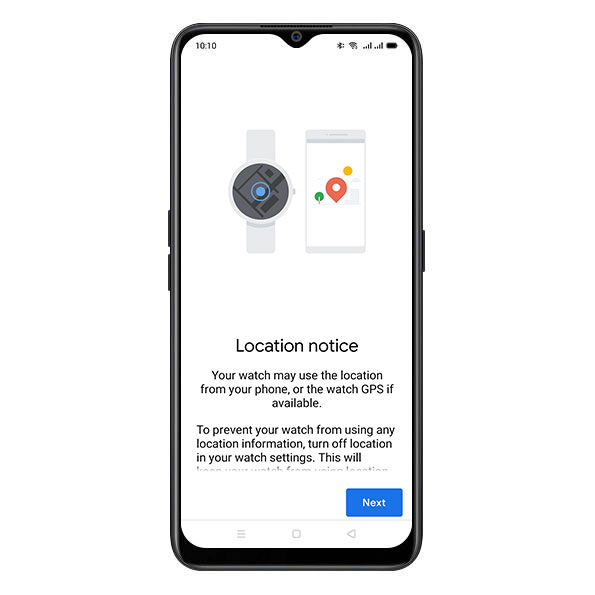
- 27
Tap on Done.
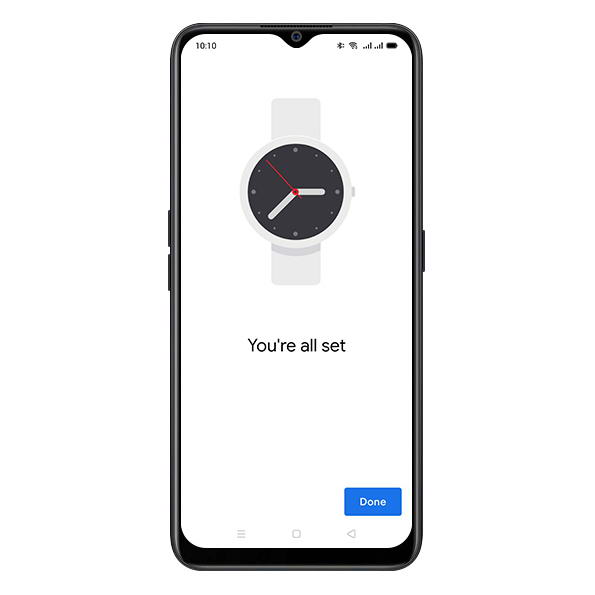
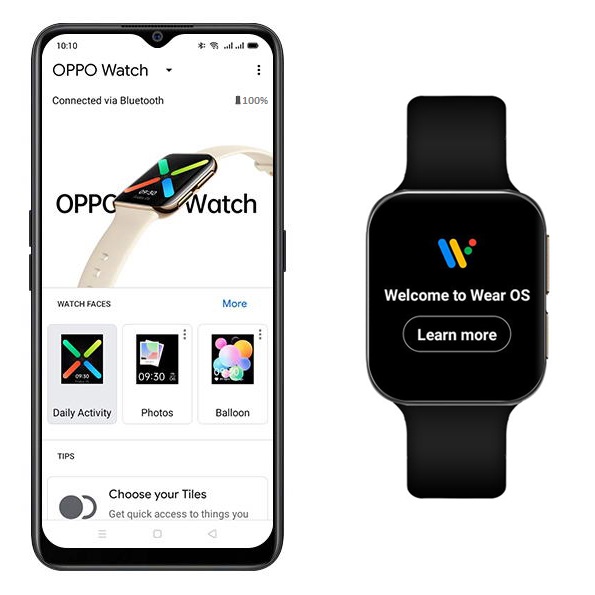
- 28
Watch Setup has been Completed.
View on OPPO: Setup the Watch on the official OPPO site