Password & Security
Set Screen Pattern Lock on OPPO Watch 46mm
8 steps · OPPO Watch 46mm
- 1
Press Home button.
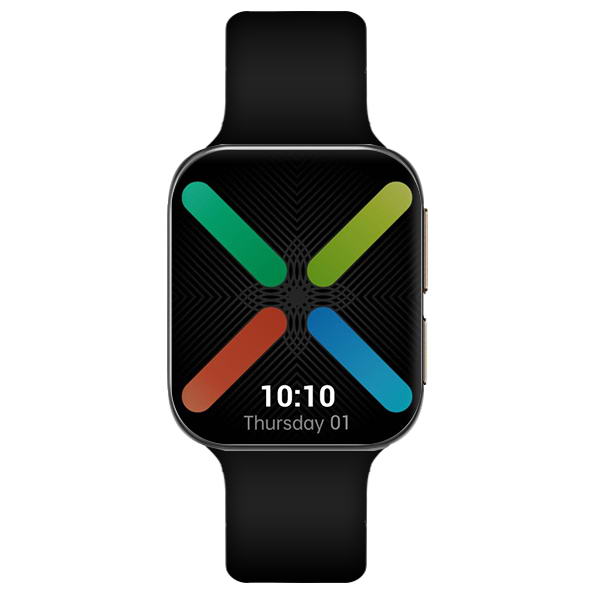
- 2
Tap on Settings icon.
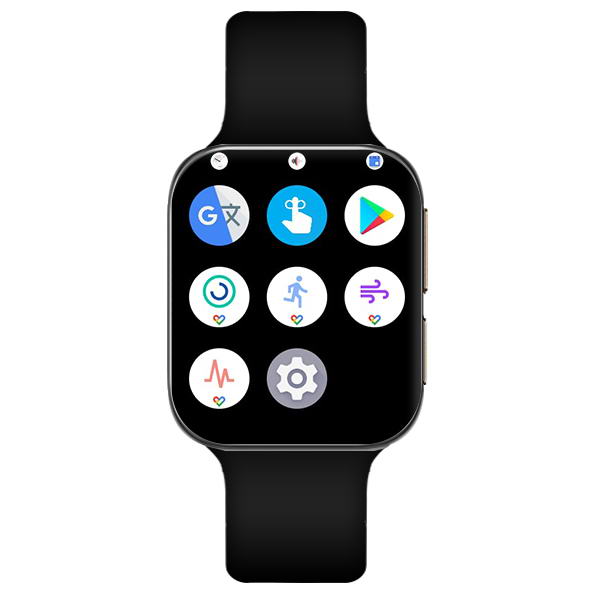
- 3
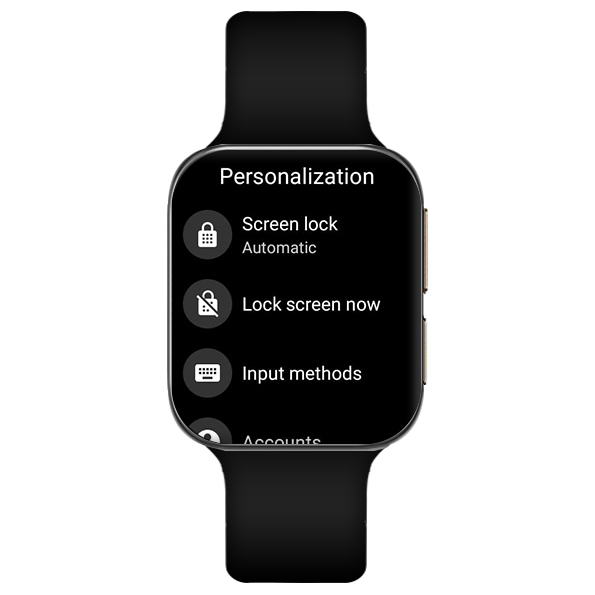
Swipe up for Personalization.
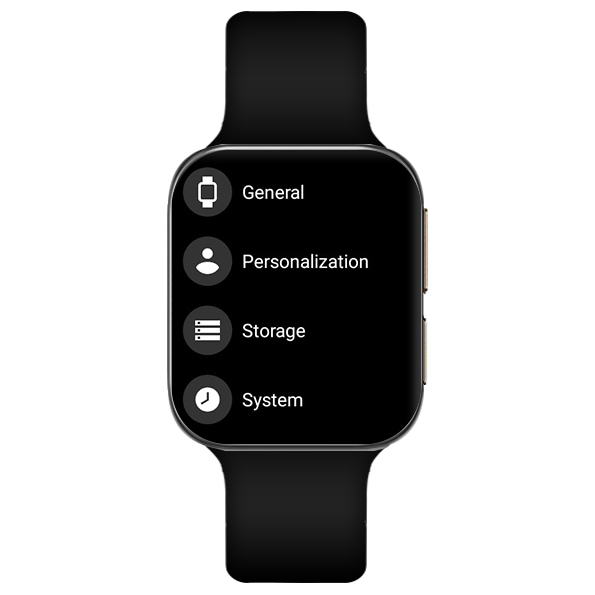
- 4
Tap on Screen lock.
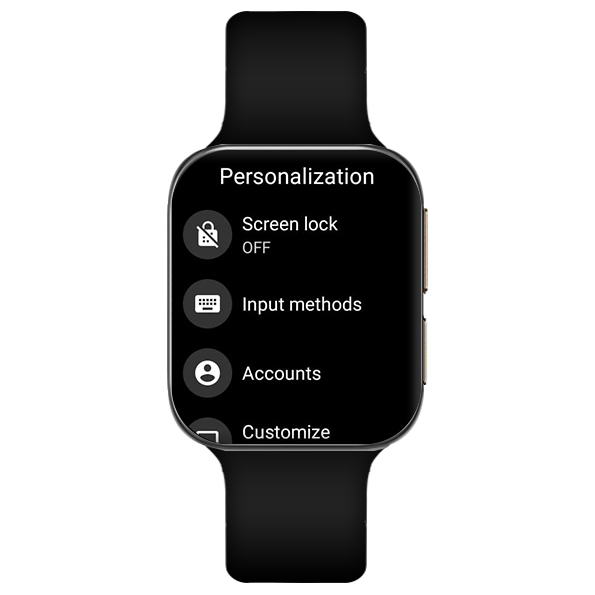
- 5
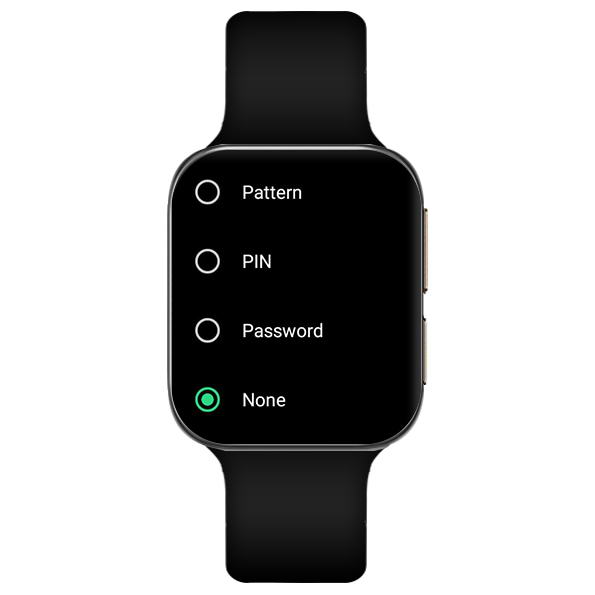
Tap on Pattern.
- 6
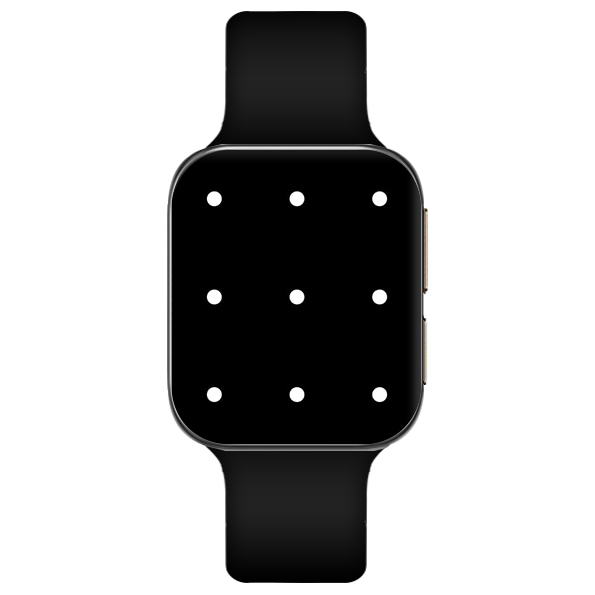
Draw Pattern.
- 7
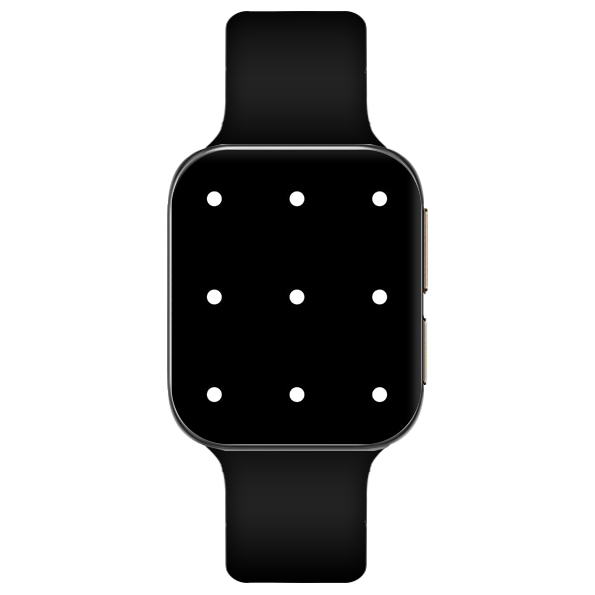
Draw Pattern again.
- 8
Press Home button.
View on OPPO: Set Screen Pattern Lock on the official OPPO site