Personalizing
Remove Widgets or Tile on OPPO Watch 46mm
3 steps · OPPO Watch 46mm
- 1
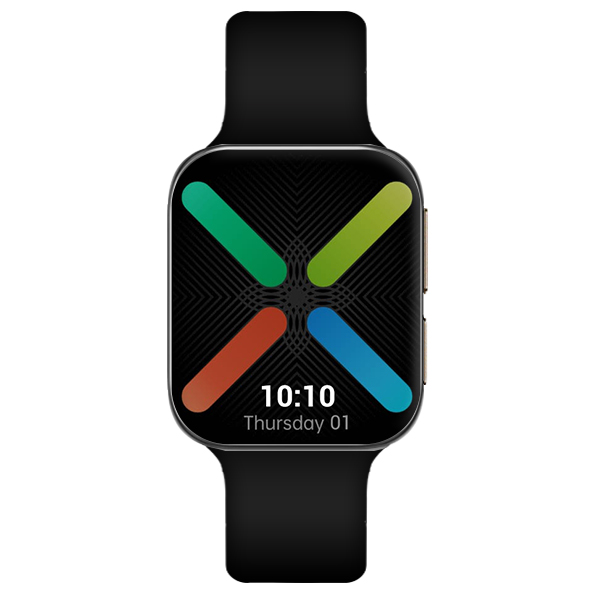
Swipe left to Widgets.
- 2
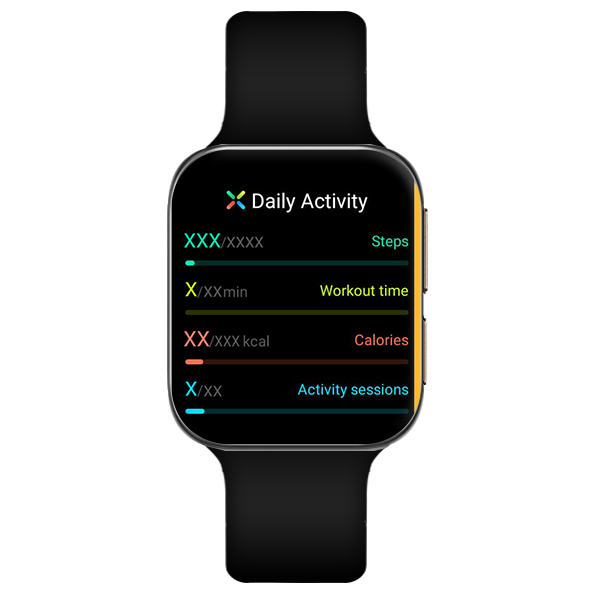
Tap and Hold on desired Widgets.
- 3
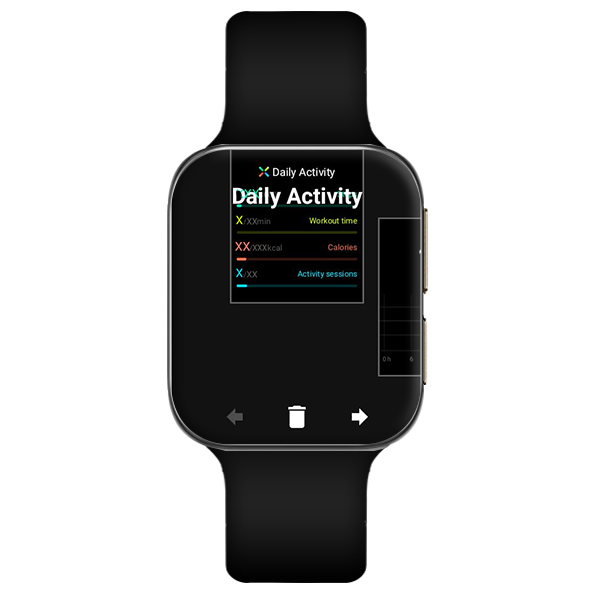
Swipe up and tap on Delete icon.
View on OPPO: Remove Widgets or Tile on the official OPPO site