Watch Settings
Open an App in Watch on OPPO Watch 46mm
5 steps · OPPO Watch 46mm
- 1
Press Home button.
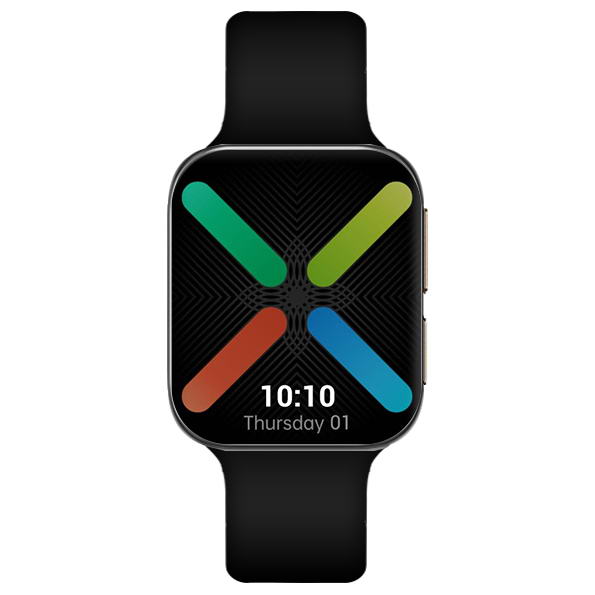
- 2
Tap on desired App icon.
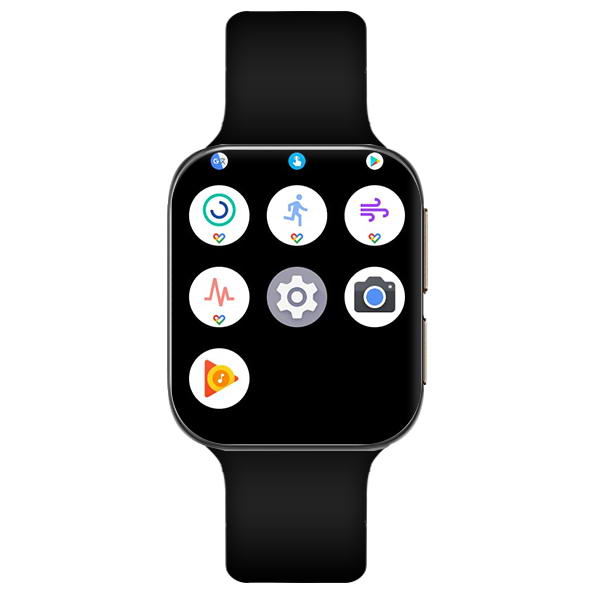
- 3
Tap on Go.
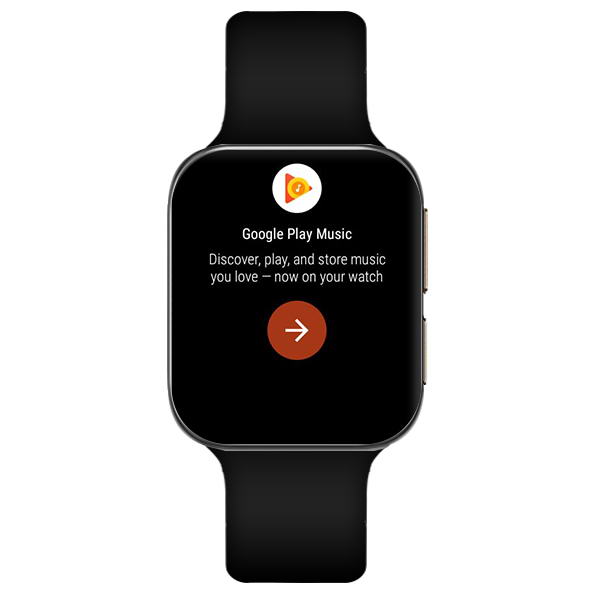
- 4
Tap on My library.
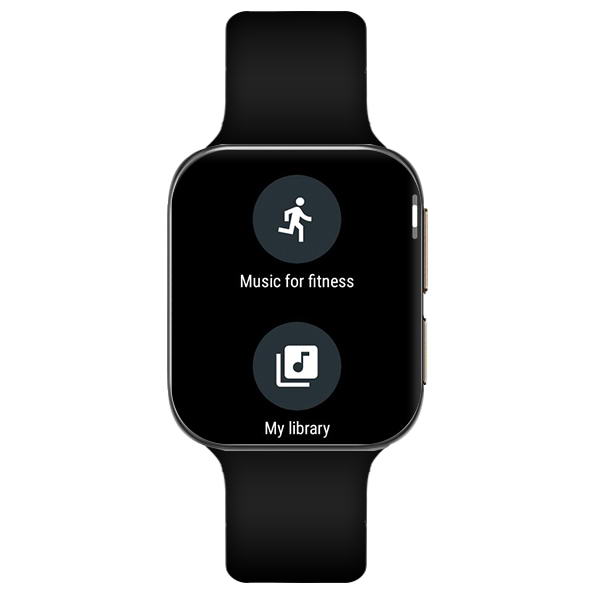
- 5
Access App in watch.
View on OPPO: Open an App in Watch on the official OPPO site