Device Support
Check Software or Build Version on OPPO Watch 46mm
4 steps · OPPO Watch 46mm
- 1
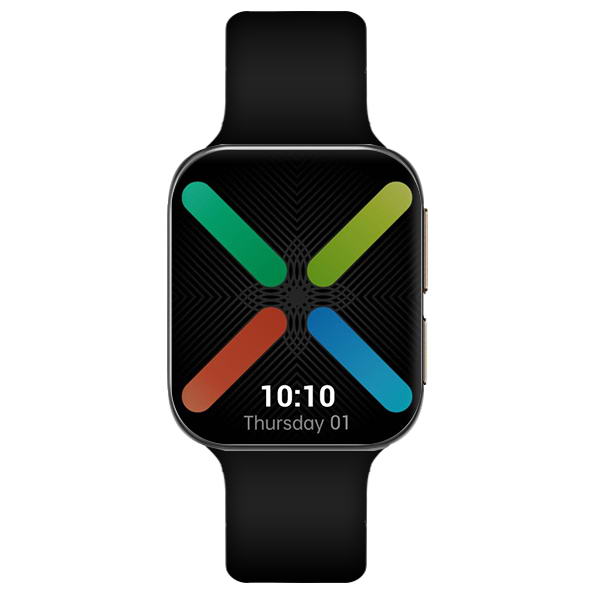
Press Home button.
- 2
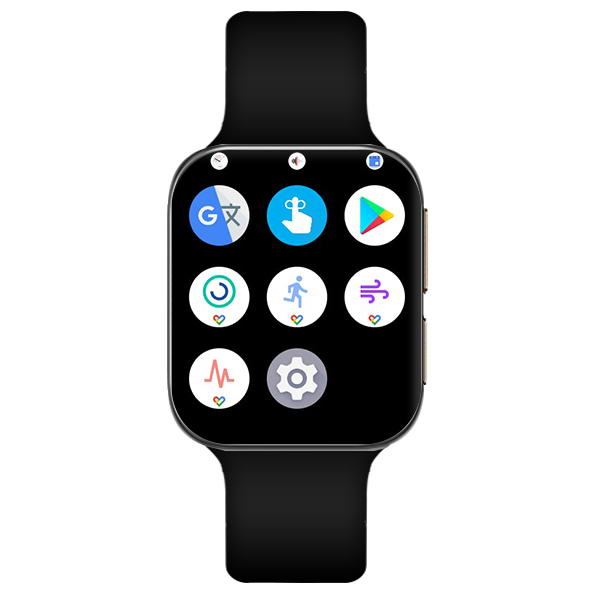
Tap on Settings icon.
- 3
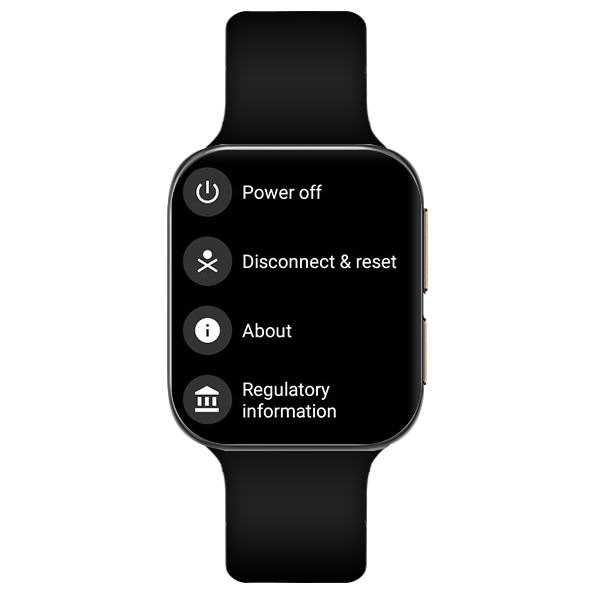
Swipe up for About.
- 4
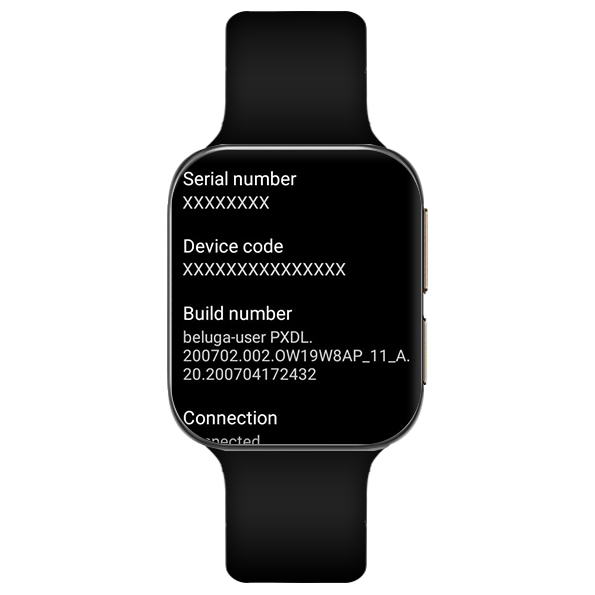
Check Software version.