Voice Calling
Adjust the Volume During the Call on OPPO Watch 46mm
4 steps · OPPO Watch 46mm
- 1
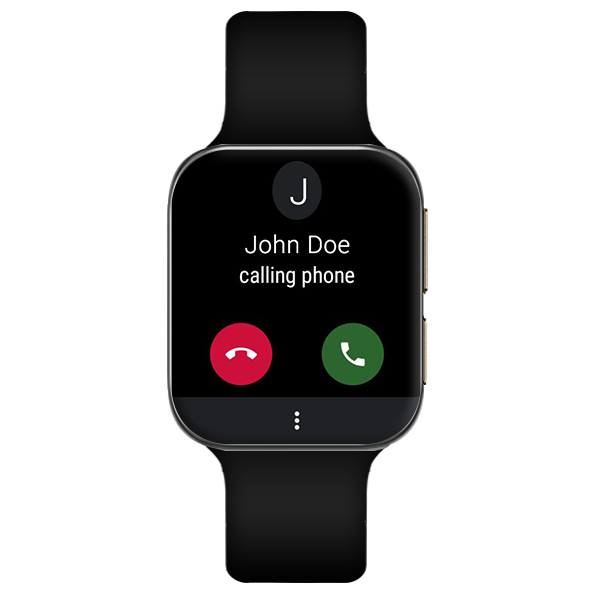
Receive the incoming call.
- 2
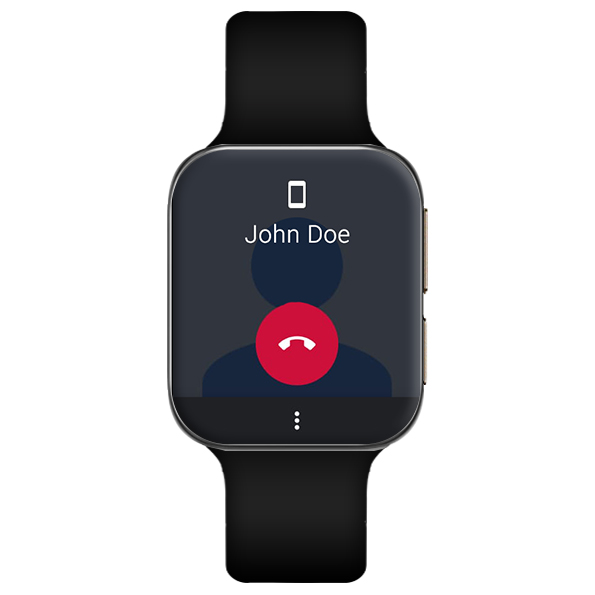
Tap on Menu icon.
- 3
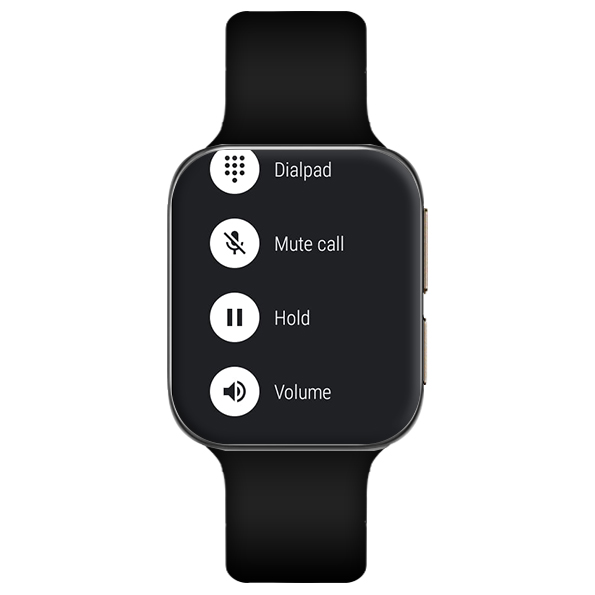
Swipe up and tap on Volume.
- 4
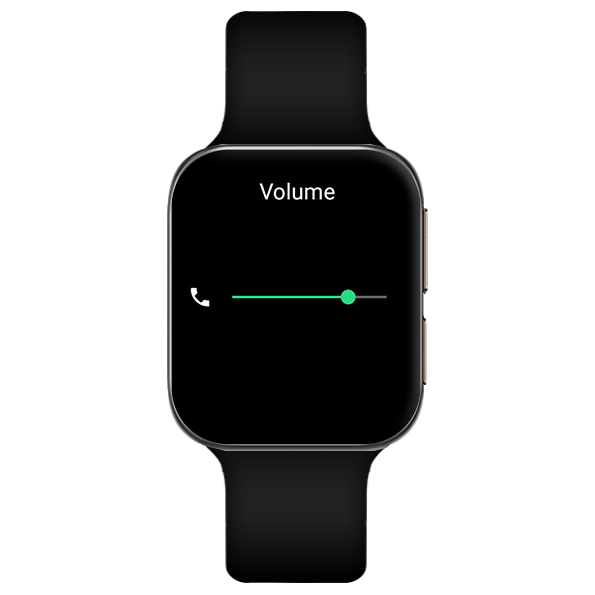
Adjust the Volume.