Personalizing
Turn ON Do Not Disturb Mode on OPPO Watch 41mm
5 steps · OPPO Watch 41mm
- 1
Press Home button.
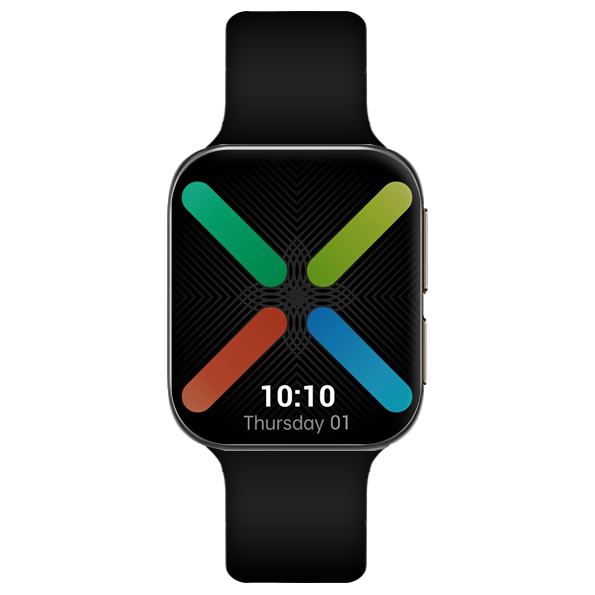
- 2
Tap on Settings icon.
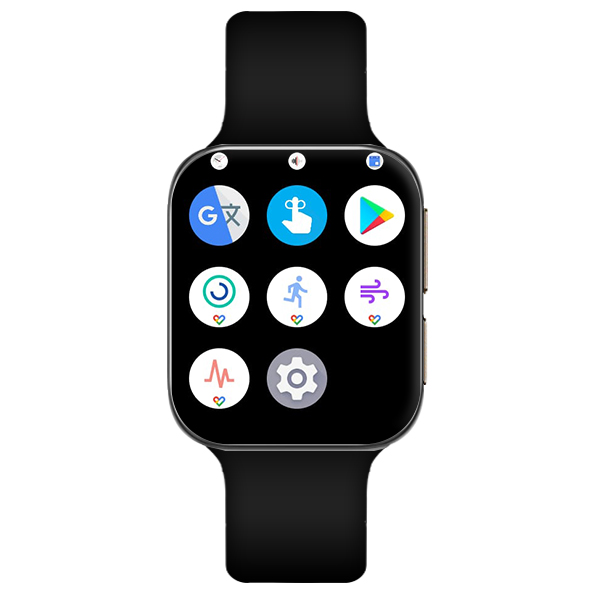
- 3
Swipe up for Apps & notifications.
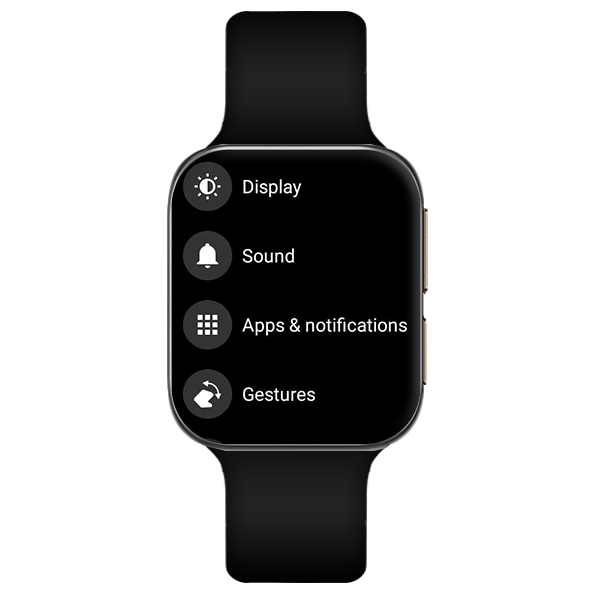
- 4
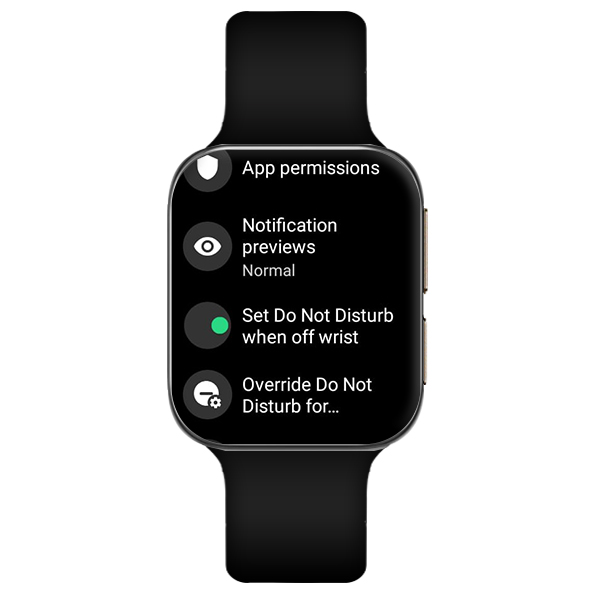
Tap on Set Do Not Disturb when off wrist.
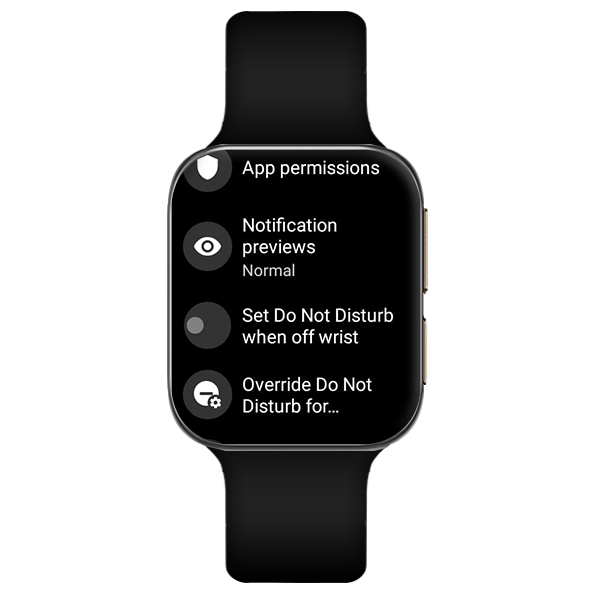
- 5
Press Home button.
View on OPPO: Turn ON Do Not Disturb Mode on the official OPPO site