Device Support
Start and Stop Timer on OPPO Watch 41mm
4 steps · OPPO Watch 41mm
- 1
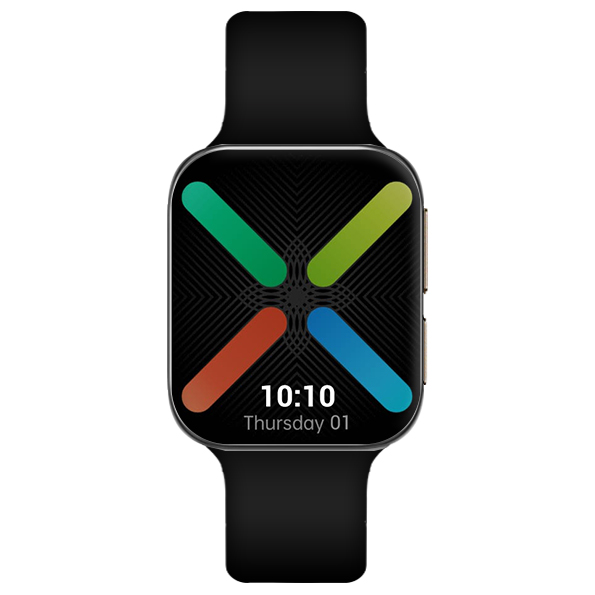
Press Home button.
- 2
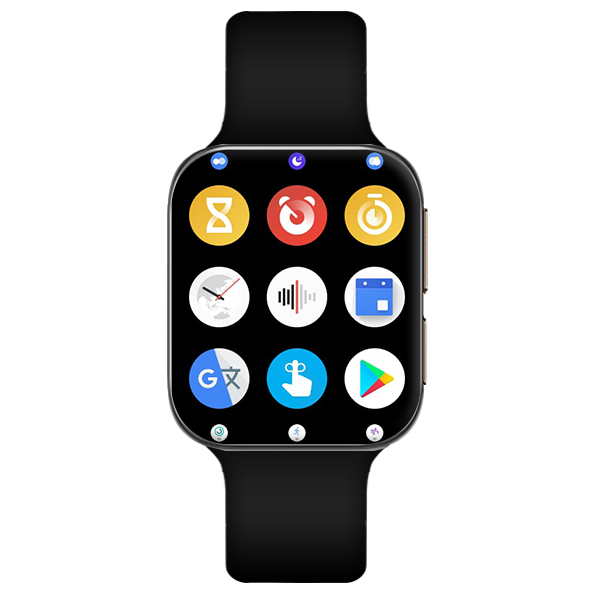
Tap on Timer icon.
- 3
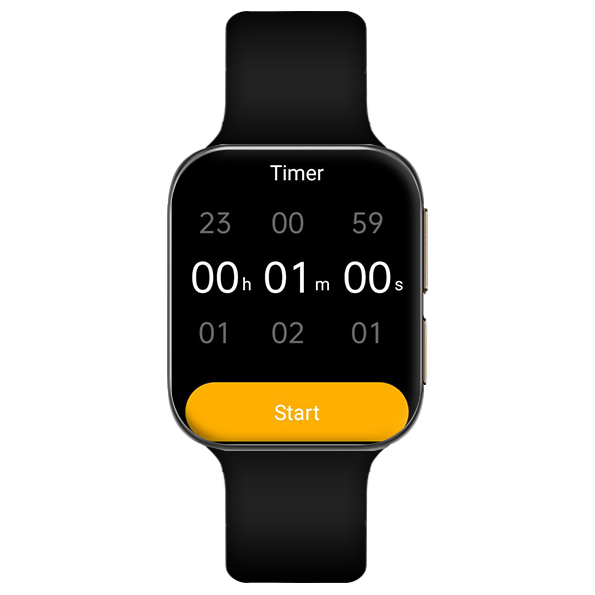
Tap on Start.
- 4
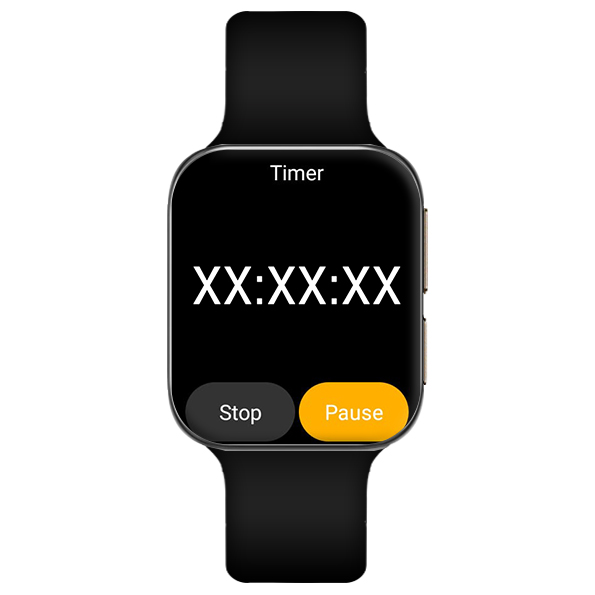
Tap on Stop.
View on OPPO: Start and Stop Timer on the official OPPO site