Personalizing

Set Data and Time on OPPO Watch 41mm

16 steps · OPPO Watch 41mm

  1. 1

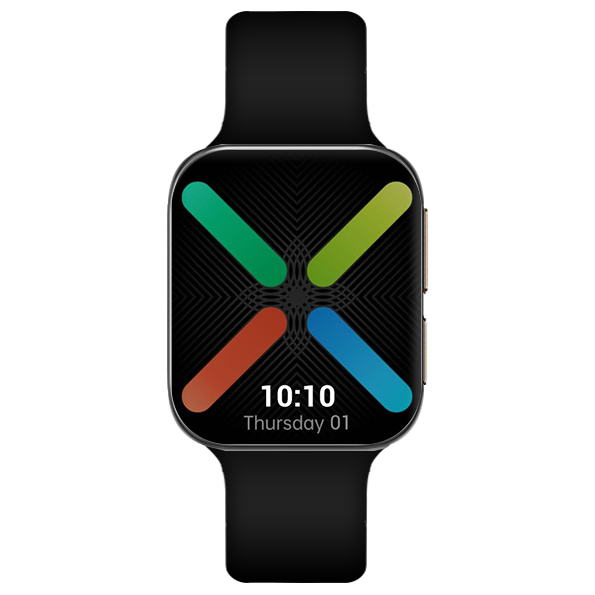
    Press Home button.

    Step 1: Press Home button.
  2. 2

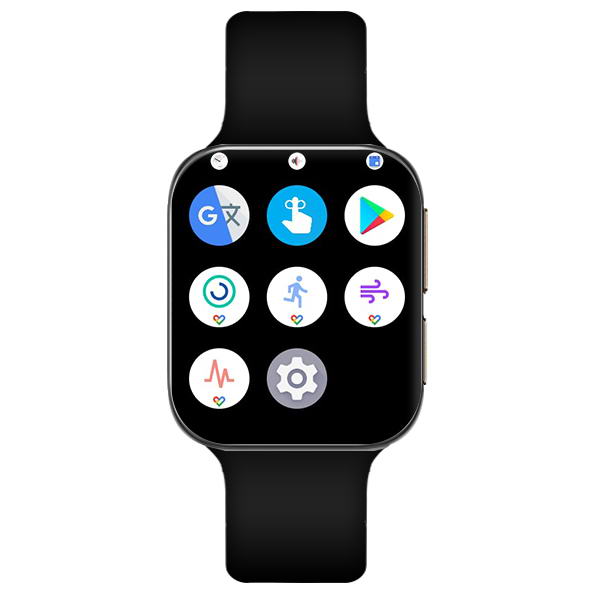
    Tap on Settings icon.

    Step 2: Tap on Settings icon.
  3. 3

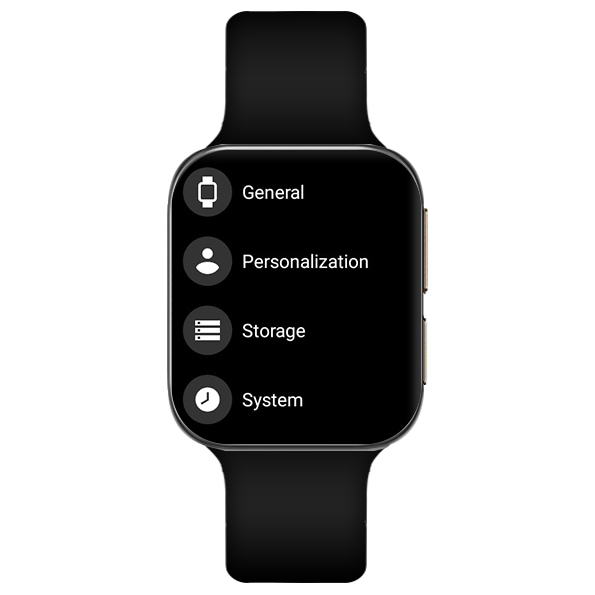
    Swipe up for System.

    Step 3: Swipe up for System.
  4. 4

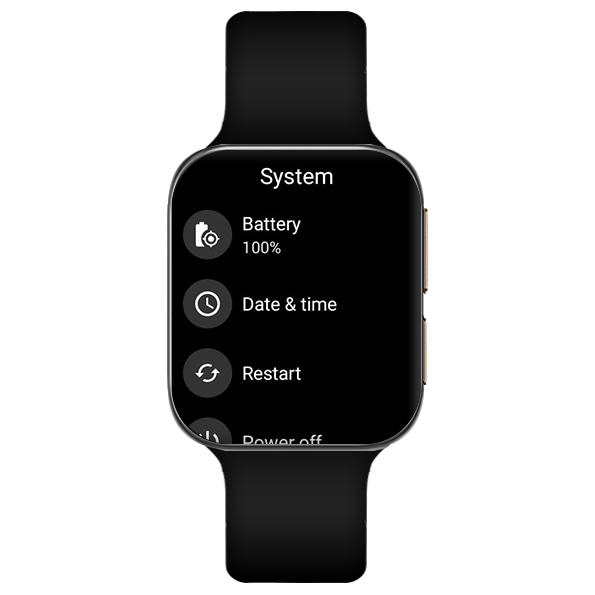
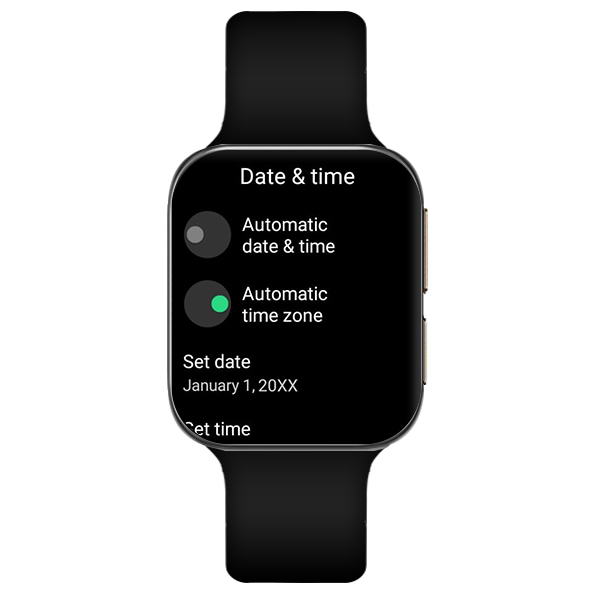
    Tap on Date & time.

    Step 4: Tap on Date & time.
  5. 5

    Tap on Automatic data & time to turn OFF.
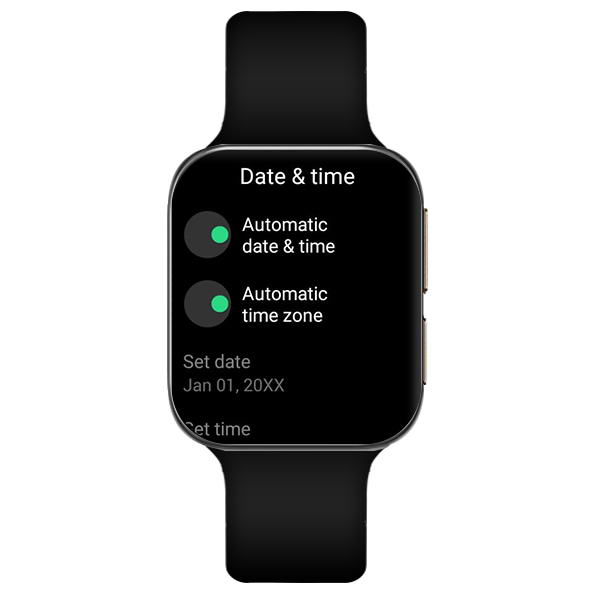
    Step 5: Tap on Automatic data & time to turn OFF.
  6. 6

    Tap on Set date.

    Step 6: Tap on Set date.
  7. 7

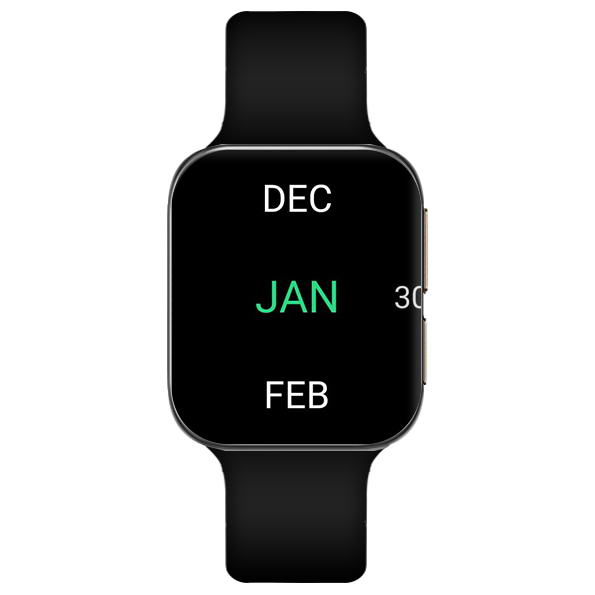
    Set Month.

    Step 7: Set Month.
  8. 8

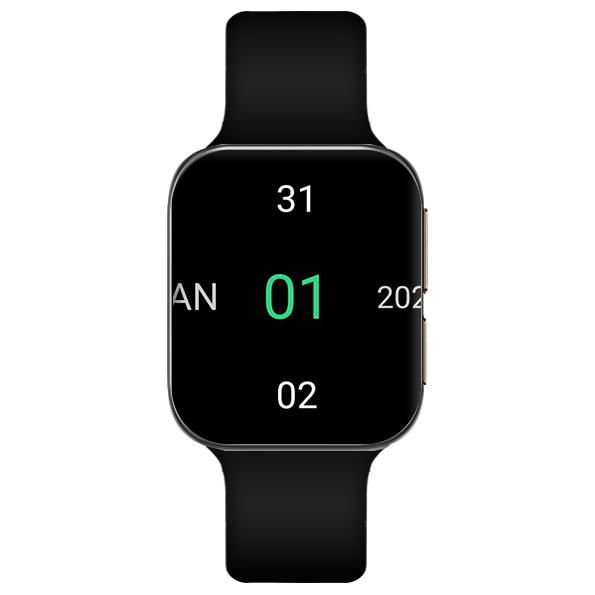
    Set Date.

    Step 8: Set Date.
  9. 9

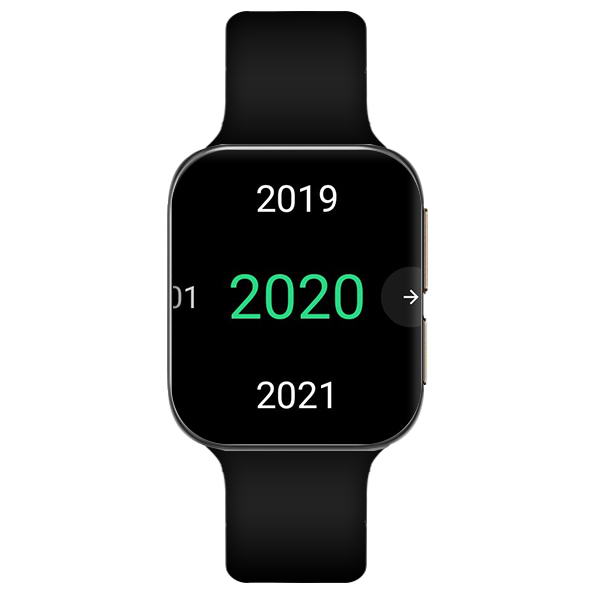
    Set Year.

    Step 9: Set Year.
  10. 10

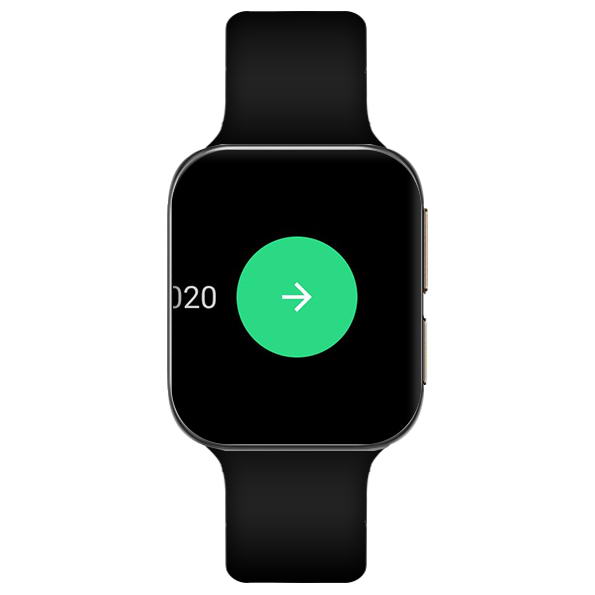
    Tap on Next.

    Step 10: Tap on Next.
  11. 11

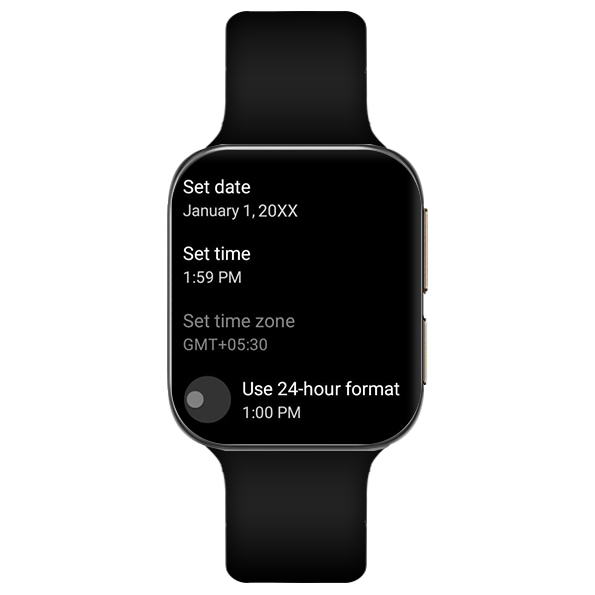
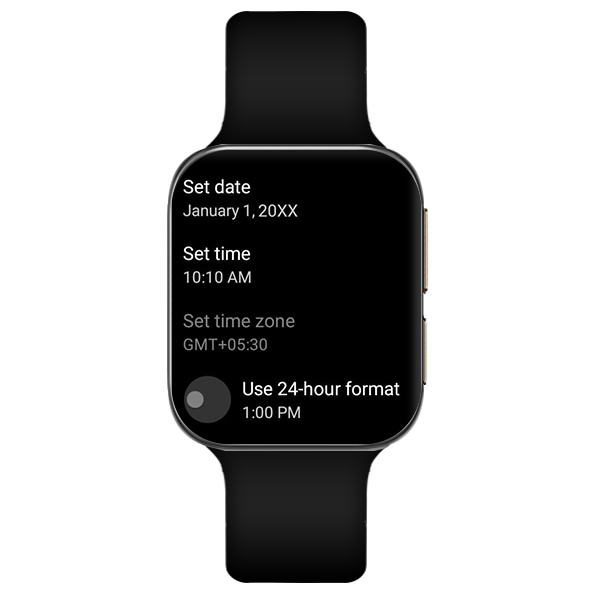
    Tap on Set time.

    Step 11: Tap on Set time.
  12. 12

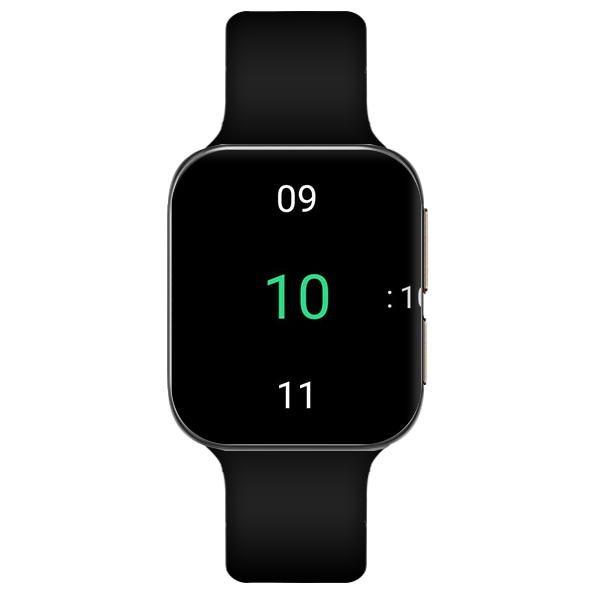
    Set Hour.

    Step 12: Set Hour.
  13. 13

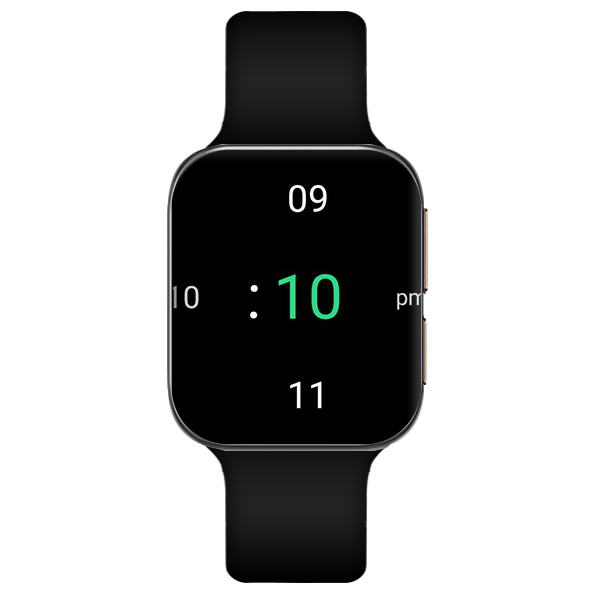
    Set Minutes.

    Step 13: Set Minutes.
  14. 14

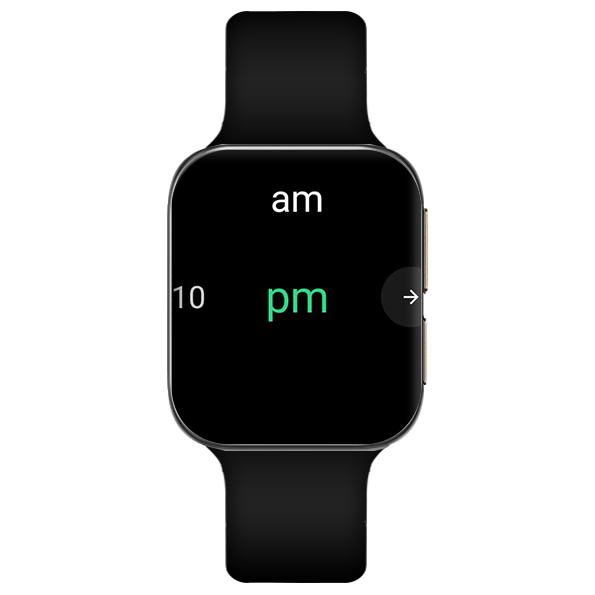
    Set AM or PM.

    Step 14: Set AM or PM.
  15. 15

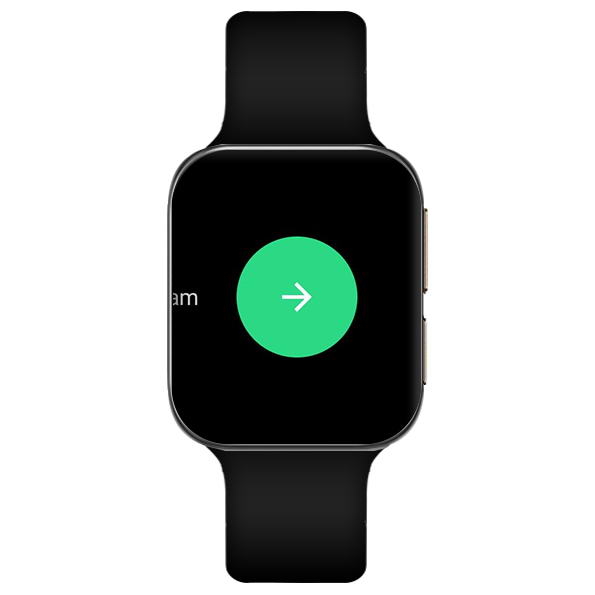
    Tap on Next.

    Step 15: Tap on Next.
  16. 16

    Press Home button.

    Step 16: Press Home button.