Personalizing
Remove a Watch Face From Favorite on OPPO Watch 41mm
2 steps · OPPO Watch 41mm
- 1
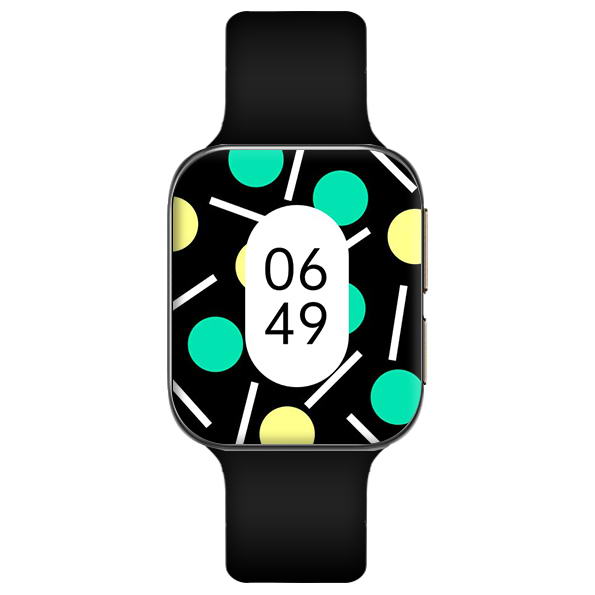
Tap and Hold on screen.
- 2
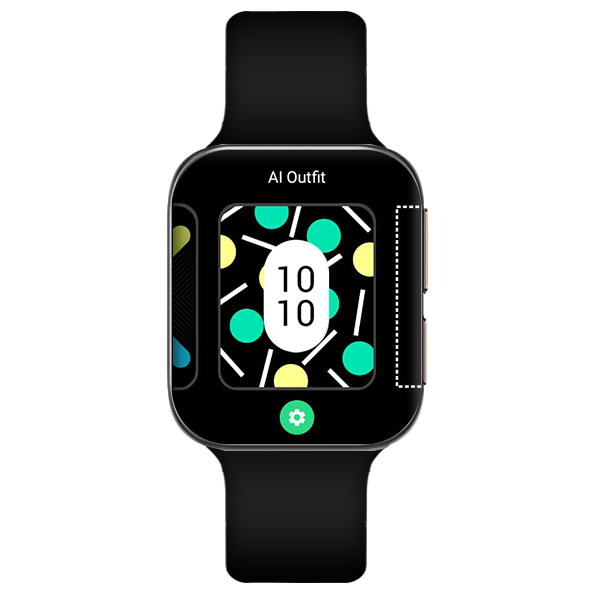
Swipe up and down to remove watch face.
2 steps · OPPO Watch 41mm
Tap and Hold on screen.
Swipe up and down to remove watch face.