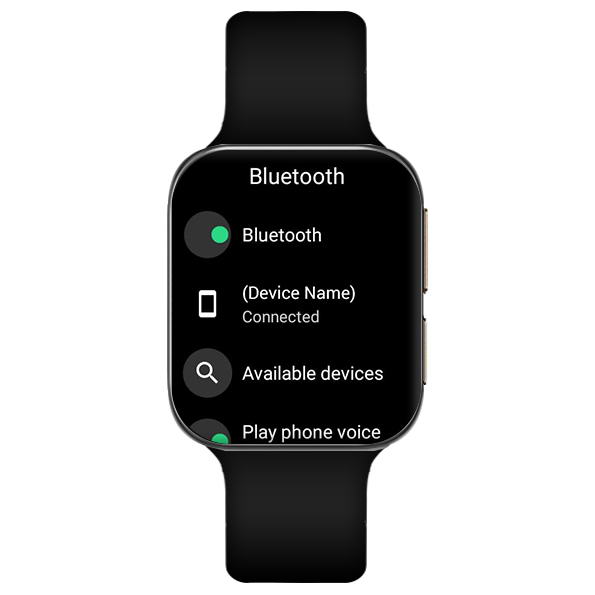
Bluetooth
Pair a Device through Bluetooth on OPPO Watch 41mm
9 steps · OPPO Watch 41mm
- 1
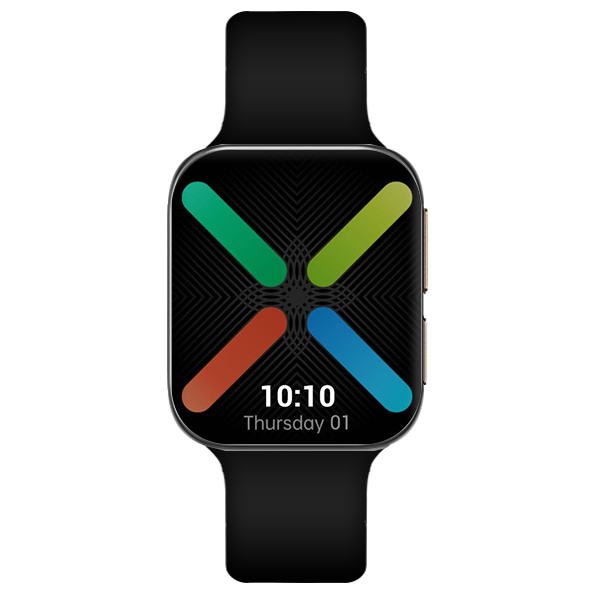
Press Home button.
- 2
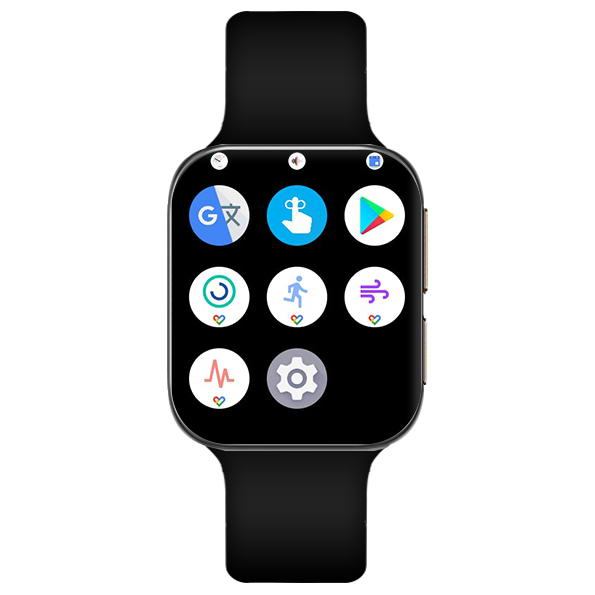
Tap on Settings icon.
- 3
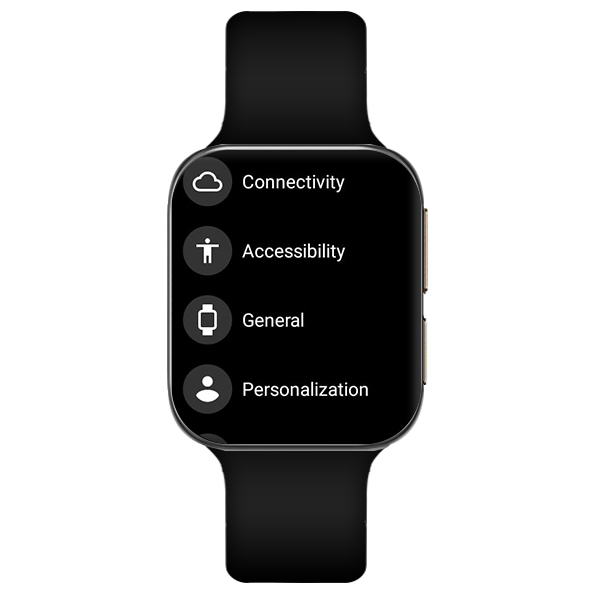
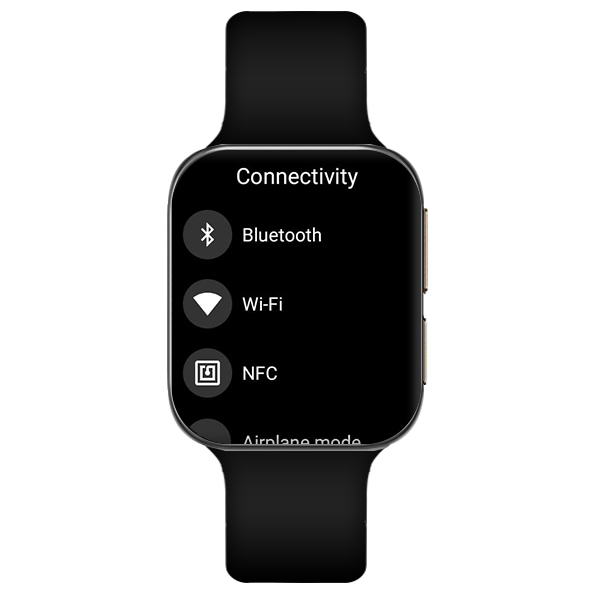
Swipe up for Connectivity.
- 4
Tap on Bluetooth.
- 5
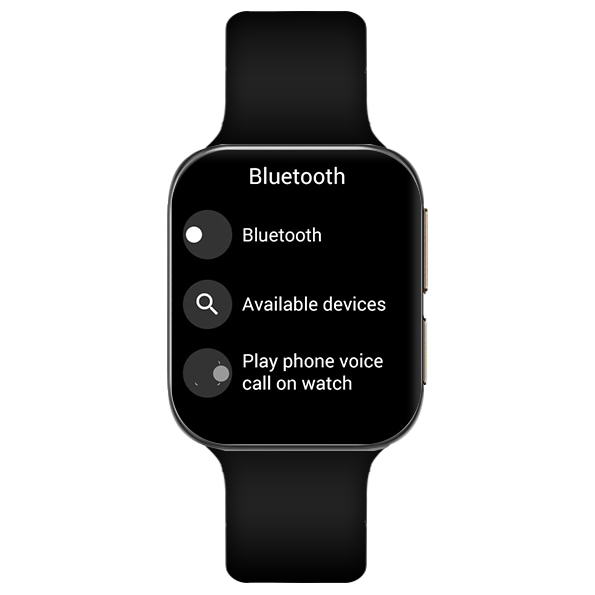
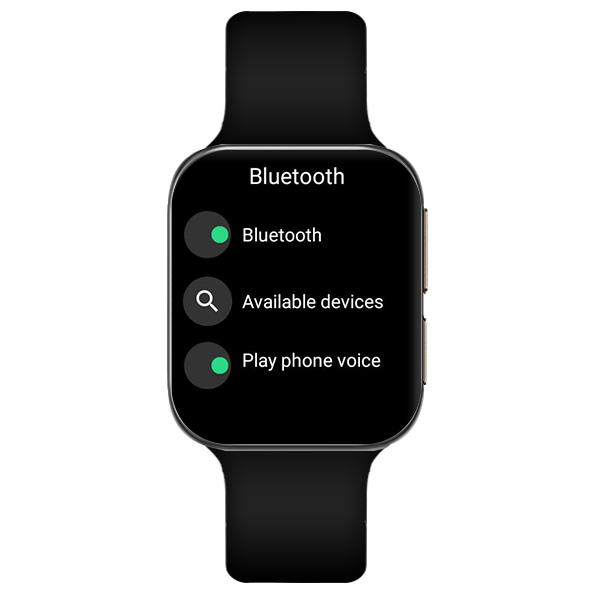
Tap on Bluetooth to turn ON.
- 6
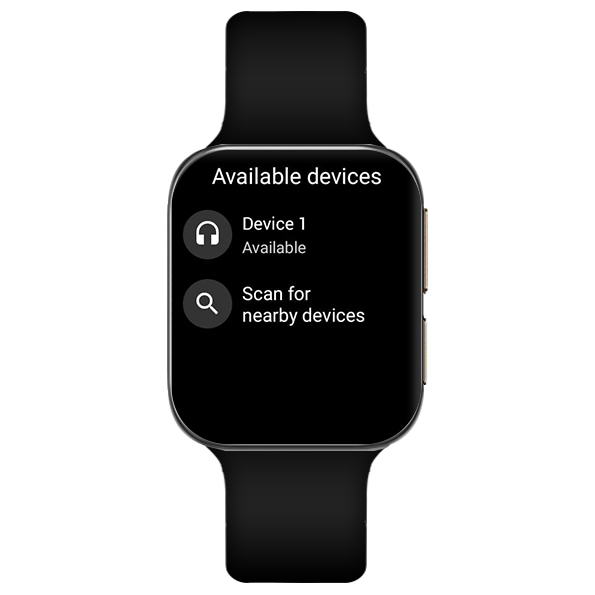
Tap on Available devices.
- 7
Tap on desired device.
- 8
Tap on OK.
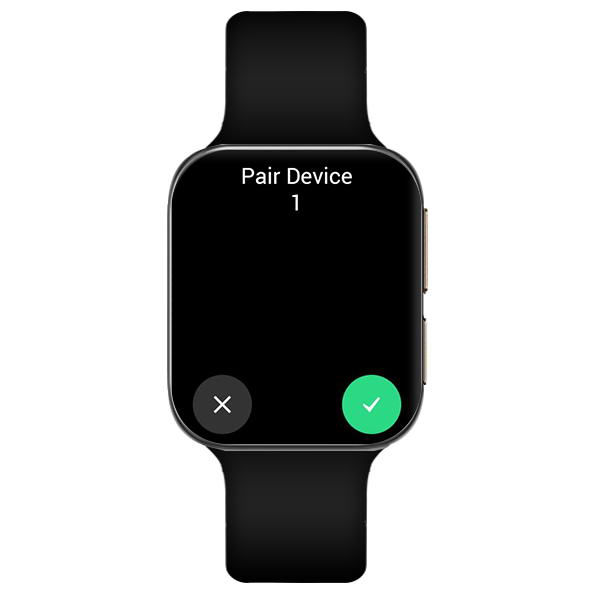
- 9
Bluetooth paired successfully.