More

Enable Auto-Update Date and Time on OPPO Watch 41mm

6 steps · OPPO Watch 41mm

  1. 1

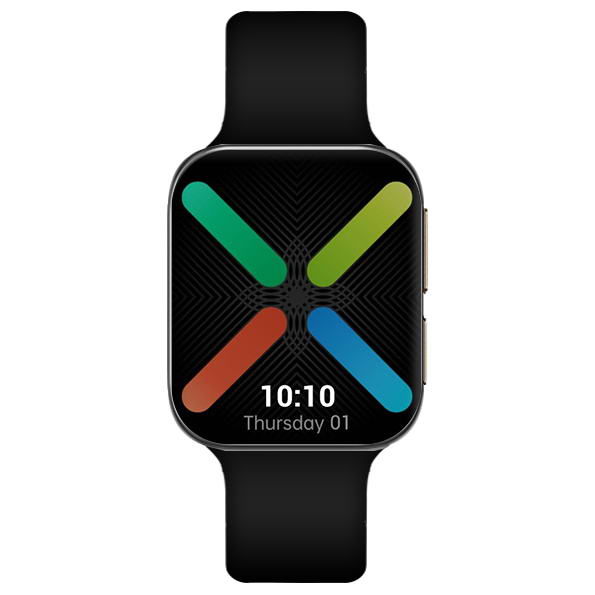
    Press Home button.

    Step 1: Press Home button.
  2. 2

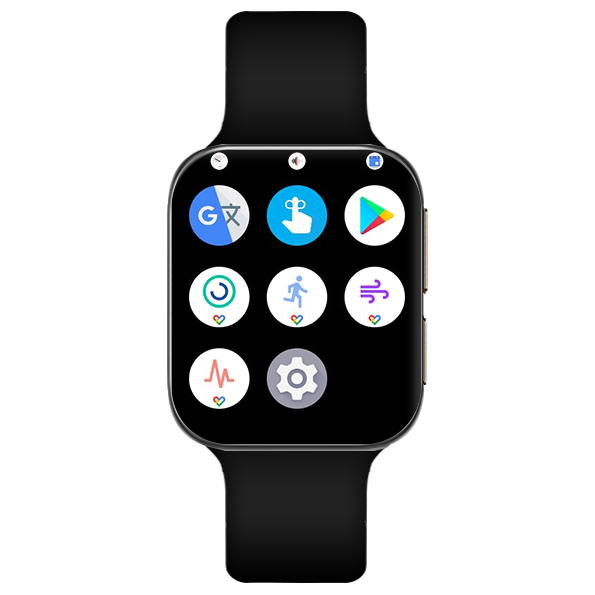
    Tap on Settings icon.

    Step 2: Tap on Settings icon.
  3. 3

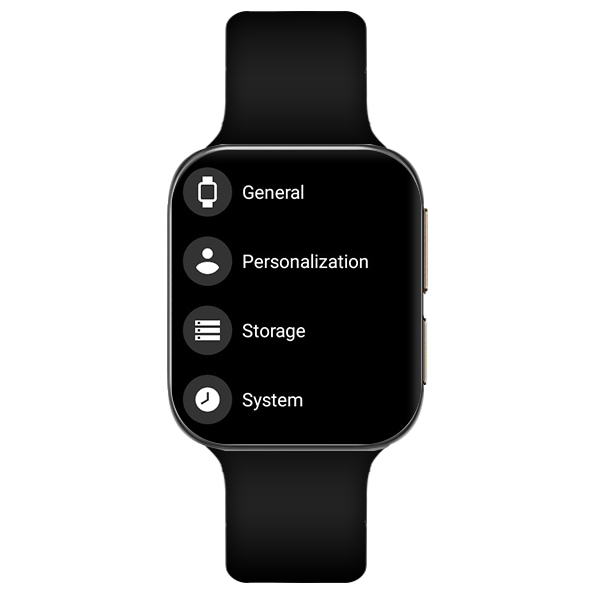
    Swipe up for System.

    Step 3: Swipe up for System.
  4. 4

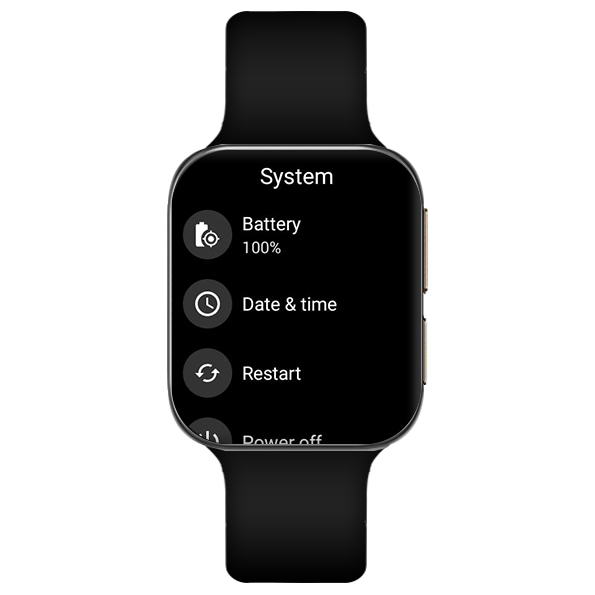
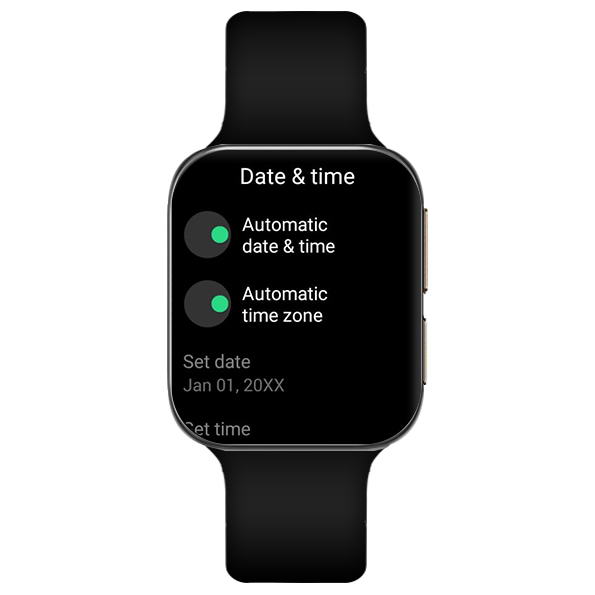
    Tap on Date & time.

    Step 4: Tap on Date & time.
  5. 5

    Tap on Automatic date & time to turn ON.
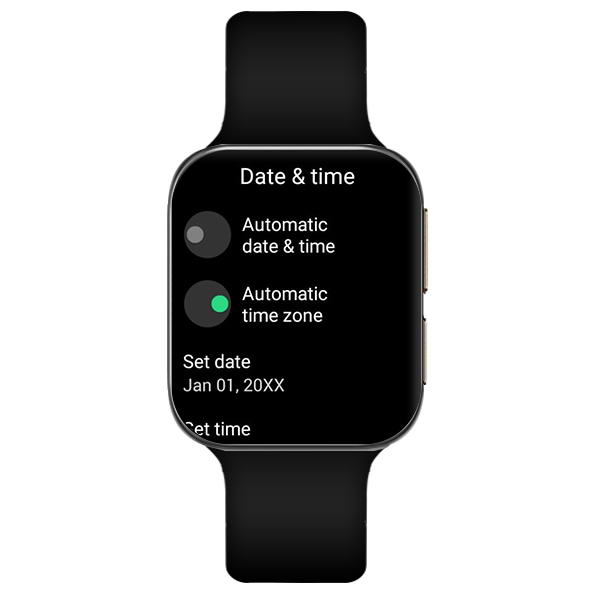
    Step 5: Tap on Automatic date & time to turn ON.
  6. 6

    Press Home button.

    Step 6: Press Home button.