Health
do 5-Min Workouts on OPPO Watch 41mm
6 steps · OPPO Watch 41mm
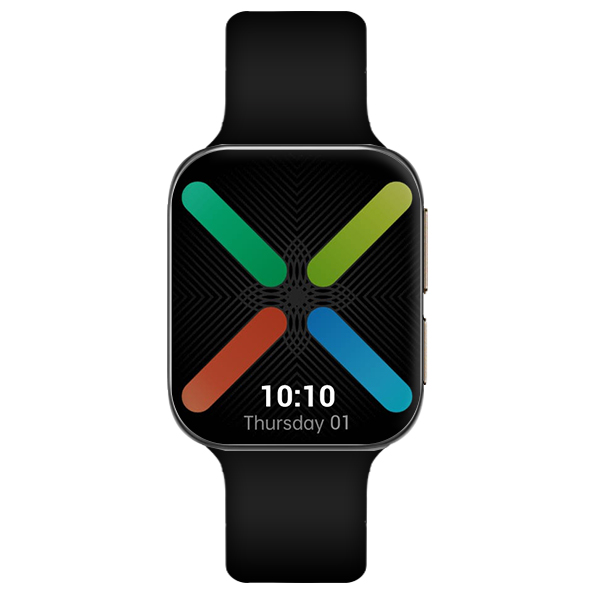
- 1
Press Home button.
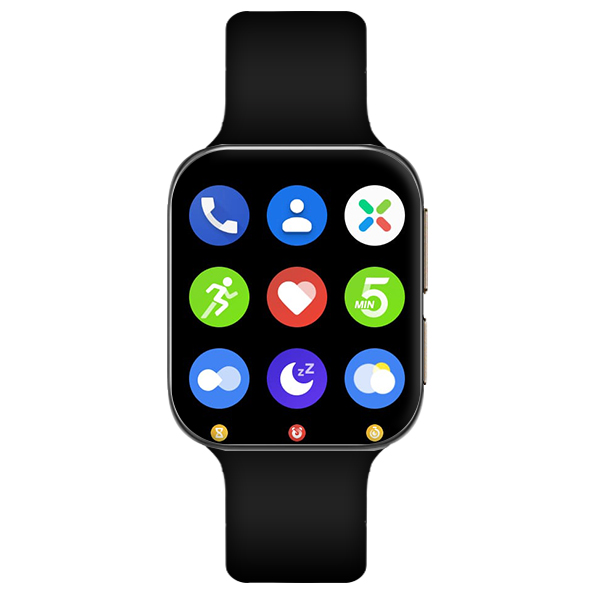
- 2
Tap on 5 min workout icon.
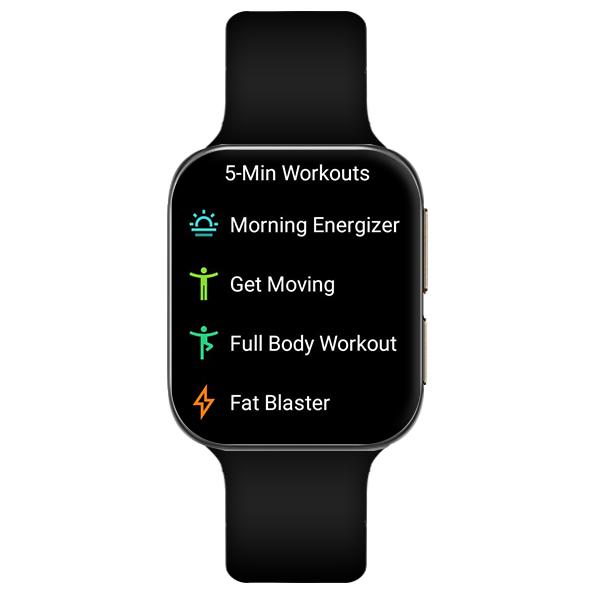
- 3
Tap on desired Workout.
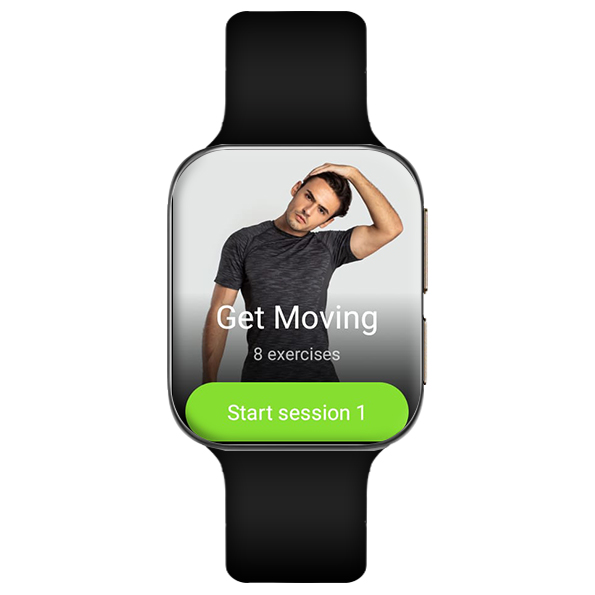
- 4
Tap on Start session.
- 5
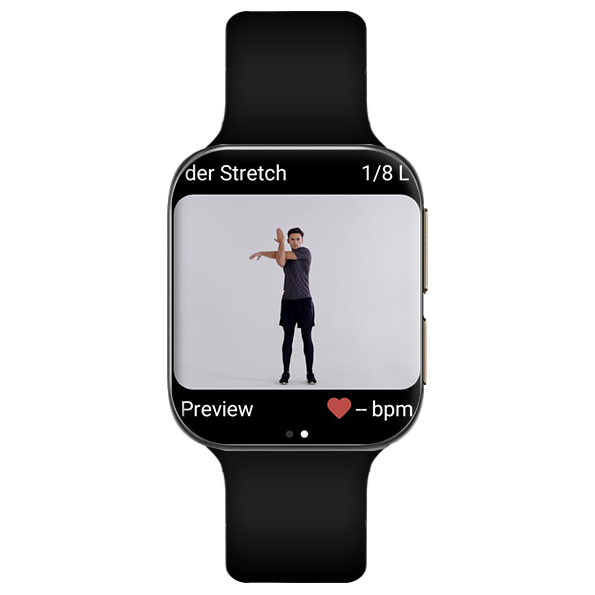
Follow the screen insturction.
- 6
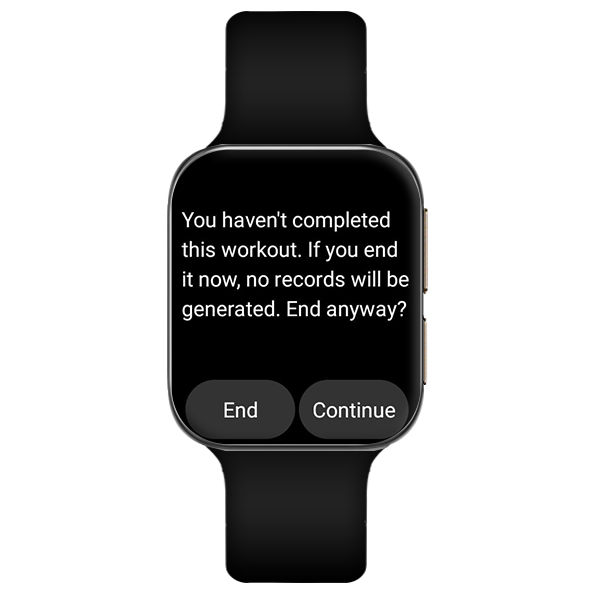
Swipe left or right to End workout.
View on OPPO: do 5-Min Workouts on the official OPPO site