Recording
Enable Screen Recording on OPPO Phones
7 steps · works on 1 OPPO device
- 1
Drag down notification panel.
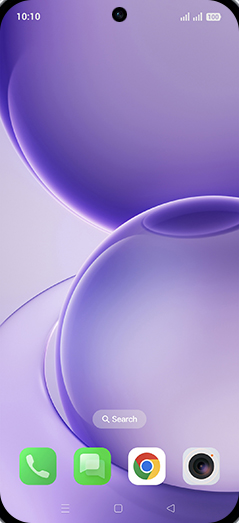
- 2
Tap on Screen recording.
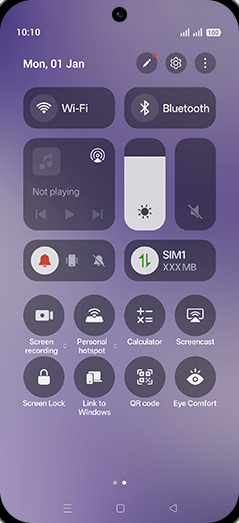
- 3
Tap on Get started.
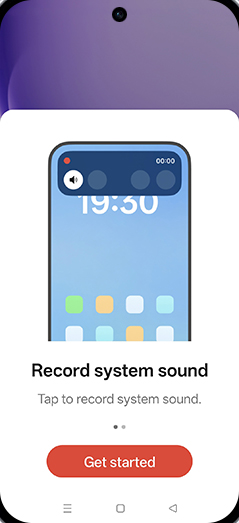
- 4
Enable desired option and tap on Start recording.
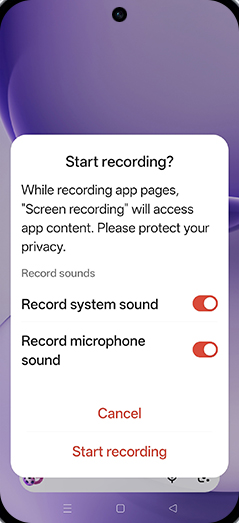
- 5
Screen recording is started and tap on recording.
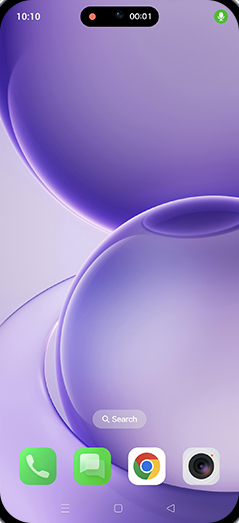
- 6
Tap on Stop icon.
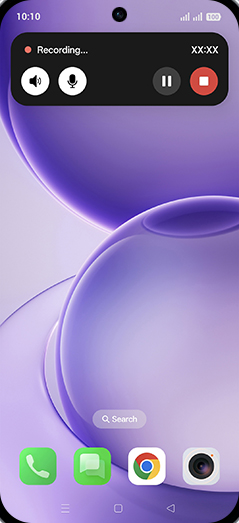
- 7
Recording saved to photos.
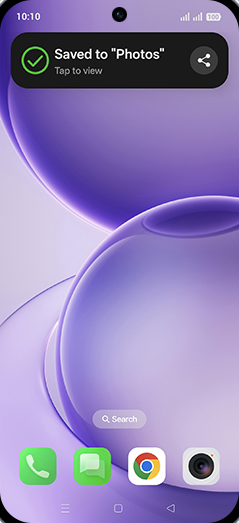
Screenshots shown from OPPO Reno16 5G; steps are the same across every supported device below.
View on OPPO: Enable Screen Recording on the official OPPO site