Foldable
Set lock on Cover Screen on OPPO Phones
14 steps · works on 2 OPPO devices
- 1
Swipe Up.
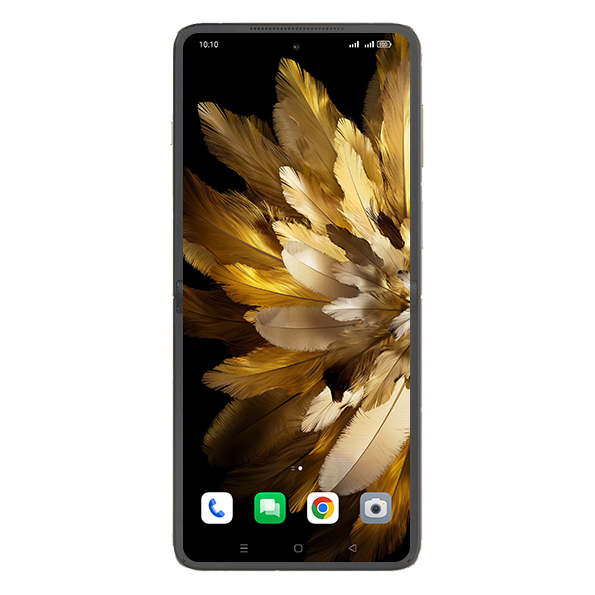
- 2
Tap on Settings icon.
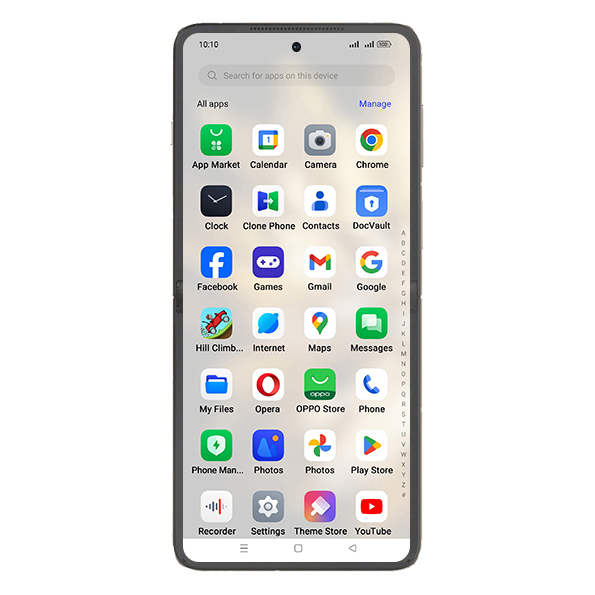
- 3
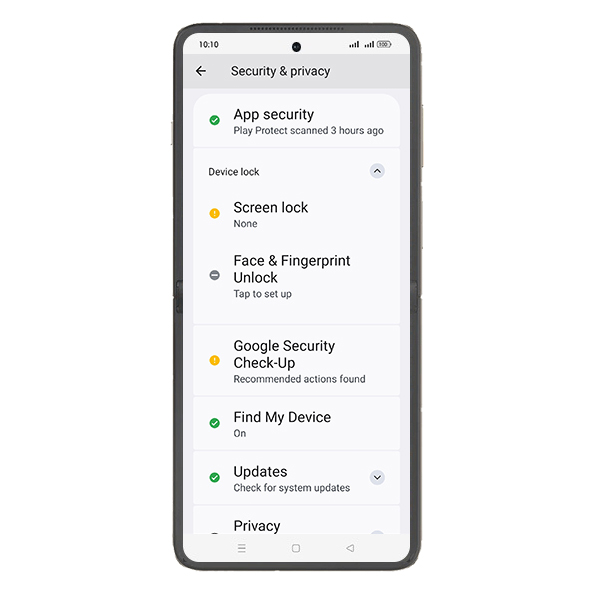
Tap on Security and privacy.
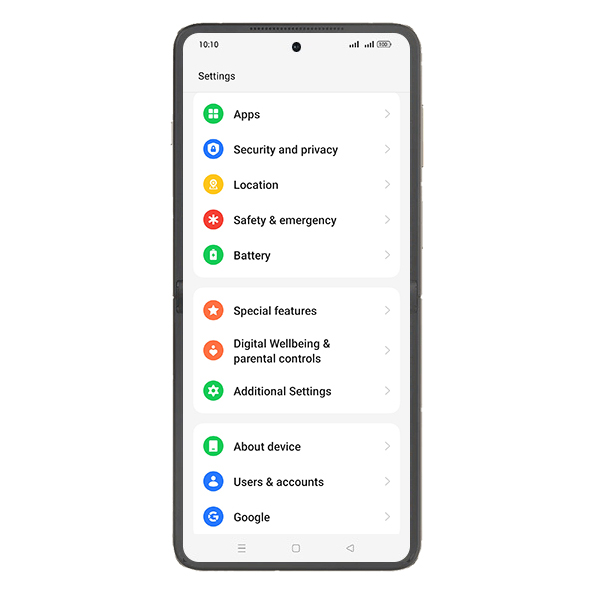
- 4
Tap on Device lock.
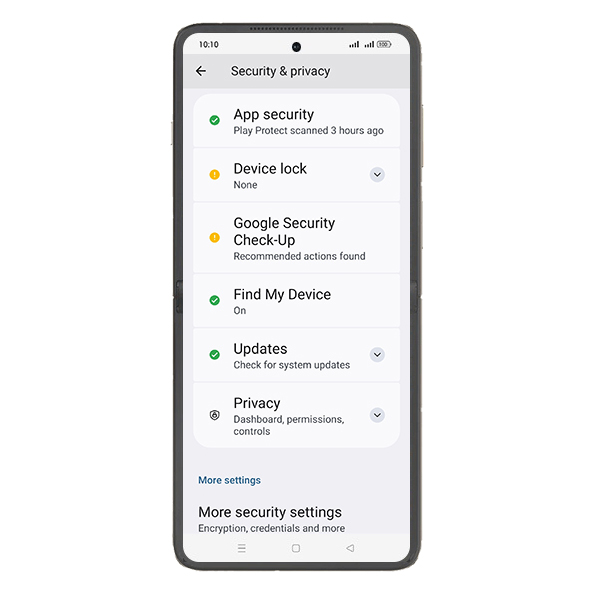
- 5
Tap on Screen lock.
- 6
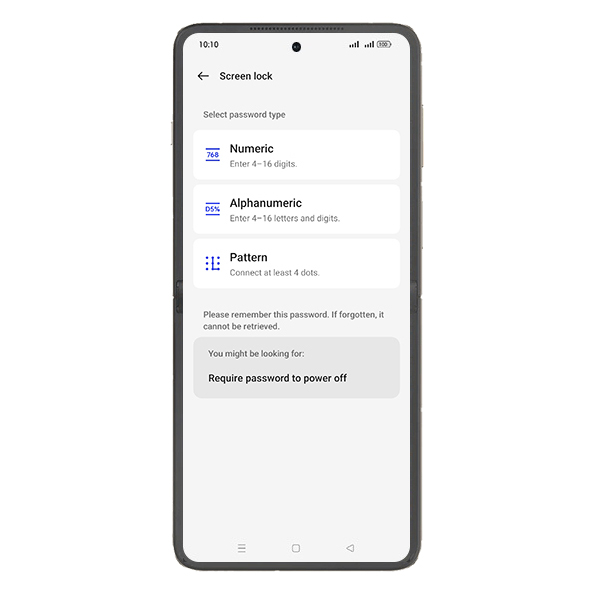
Tap on Numeric.
- 7
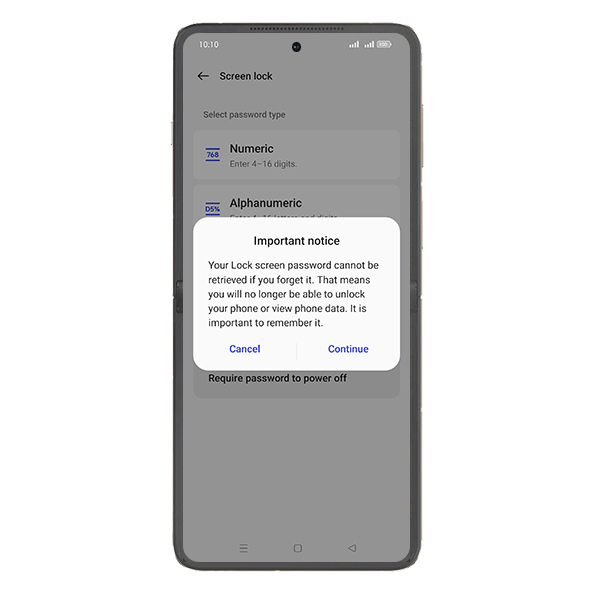
Tap on Continue.
- 8
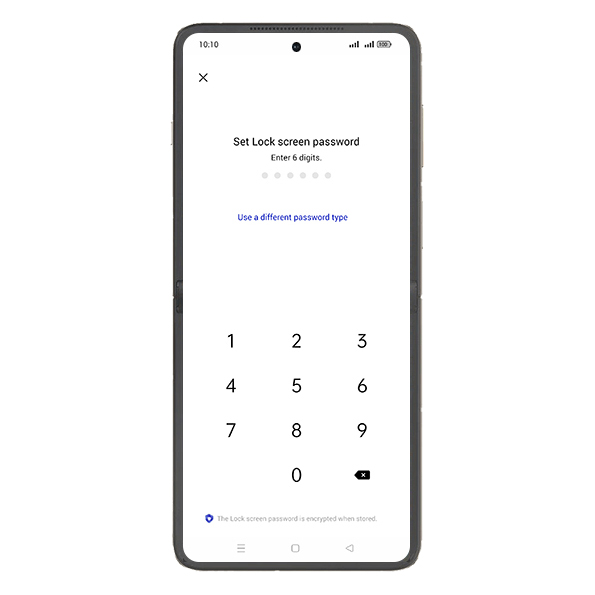
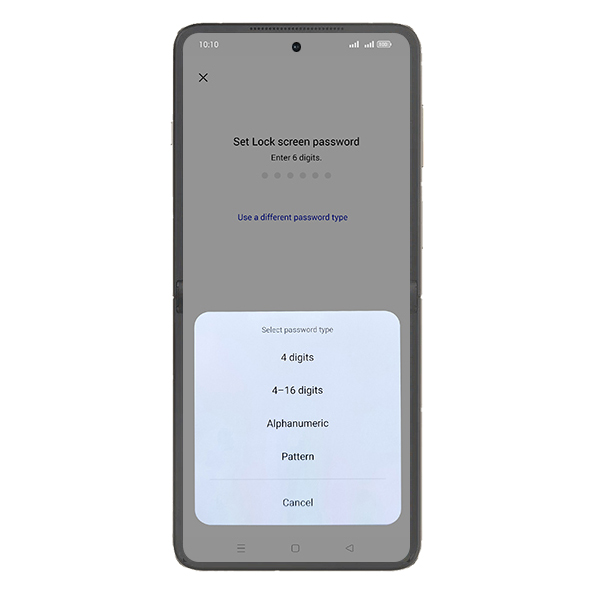
Tap on Use a different password type.
- 9
Tap on 4 digits.
- 10
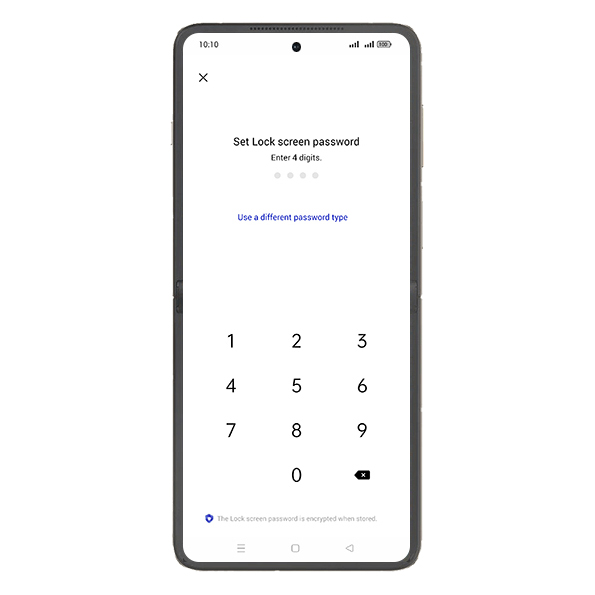
Enter password.
- 11
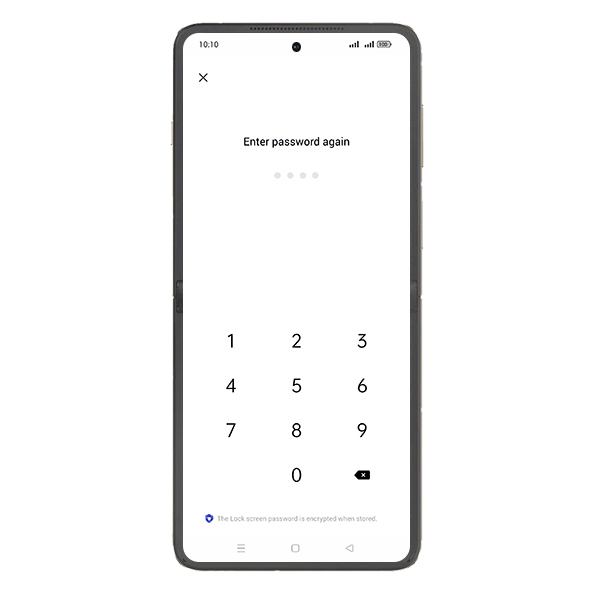
Verify new password.
- 12
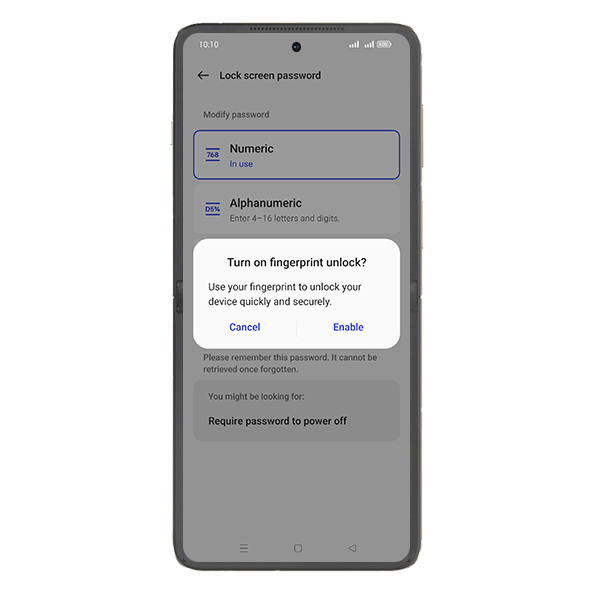
Tap on desired Option.
- 13
Tap on Home.
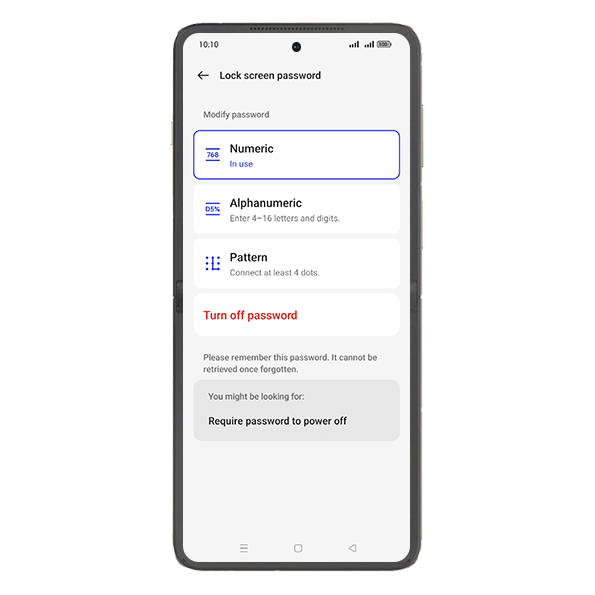
- 14
Check Cover screen is locked.
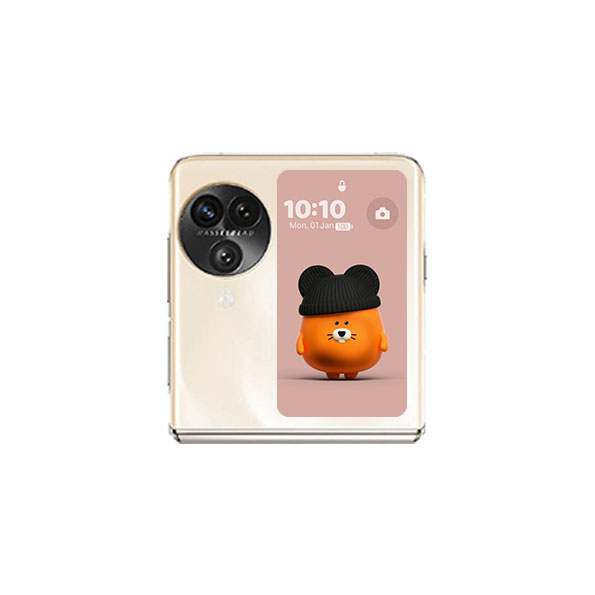
Screenshots shown from OPPO Find N3 Flip; steps are the same across every supported device below.
View on OPPO: Set lock on Cover Screen on the official OPPO site