Foldable
Auto Rotate Cover Screen on OPPO Phones
5 steps · works on 1 OPPO device
- 1
Swipe Up.
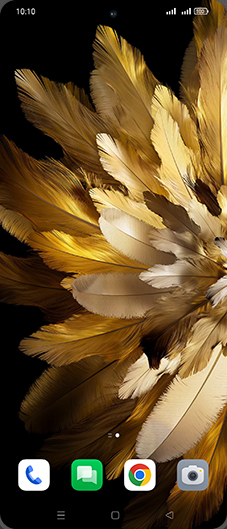
- 2
Tap on Settings icon.
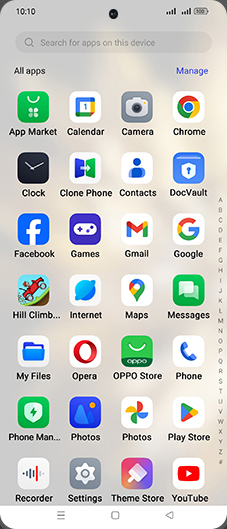
- 3
Tap on Display & brightness.
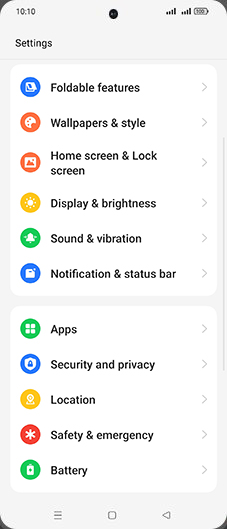
- 4
Tap on Auto-rotate on cover screen to turn ON.
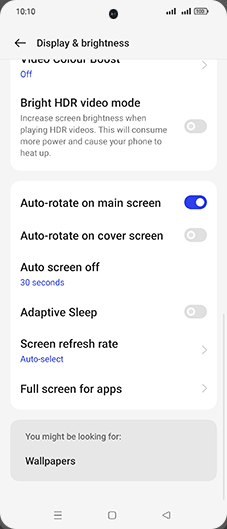
- 5
Tap on Home.
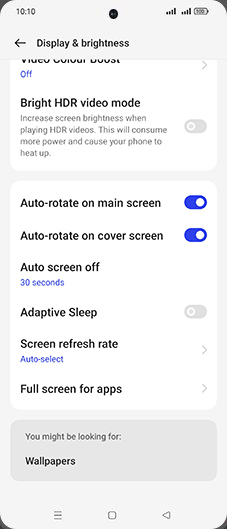
Screenshots shown from OPPO Find N3 Flip; steps are the same across every supported device below.
View on OPPO: Auto Rotate Cover Screen on the official OPPO site