AI Features
Use AI Summarise Documents on OPPO Phones
8 steps · works on 34 OPPO devices
- 1
Swipe Up.
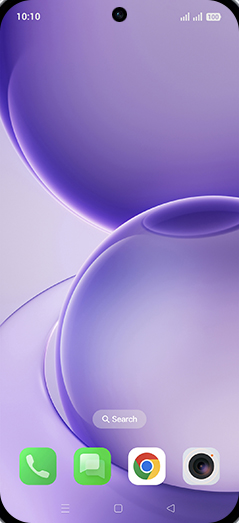
- 2
Tap on My Files icon.
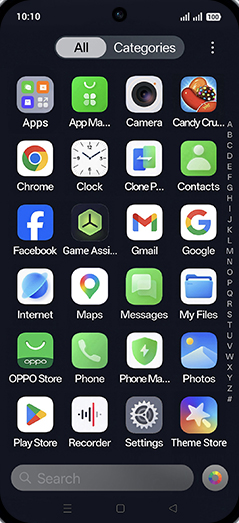
- 3
Tap on Documents.
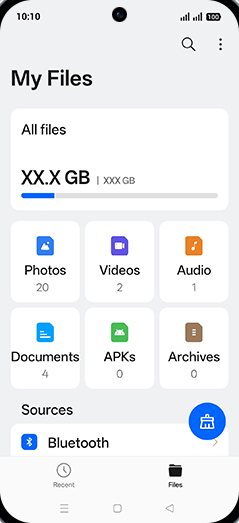
- 4
Tap on desired Document.
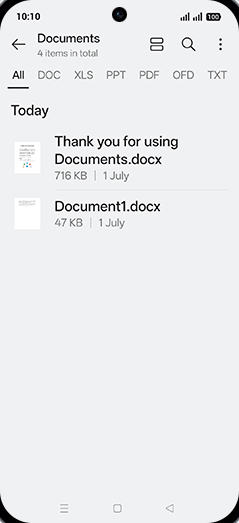
- 5
Tap on AI Writer.
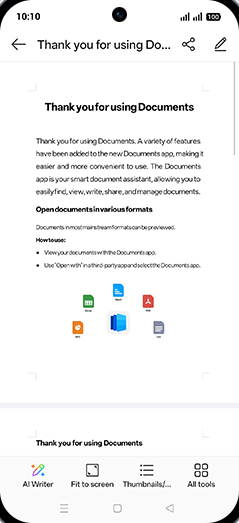
- 6
Tap on Summary.
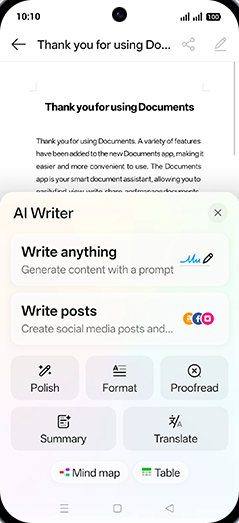
- 7
Generating summary.

- 8
Tap on Save to Notes.
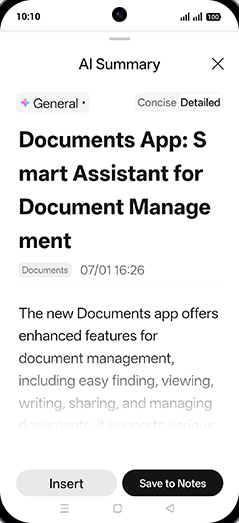
Screenshots shown from OPPO Reno16 5G; steps are the same across every supported device below.
Also works on
Same steps, your device's own screenshots.
Reno16 5GReno16C 5GFind X9sFind X9 UltraF33 5GF33 Pro 5GK14 5GA6s 5GK14x 5GReno15c 5GA6 5GReno15 Pro Mini 5GReno15 Pro 5GReno15 5GPad 5 WiFiA6 Pro 5GA6x 4GFind X9Find X9 ProF31 5GF31 Pro 5GF31 Pro Plus 5GReno14 5G Diwali EditionK13 Turbo 5GK13 Turbo Pro 5GA5x 4GPad SE WiFiReno14 ProK13x 5GA5 ProK13 5GF29 Pro 5GF29 5GReno13 Pro 5G
View on OPPO: Use AI Summarise Documents on the official OPPO site