AI Features
Use AI Assistant for Notes (Clean up and Polish Formatting) on OPPO Reno16 5G
8 steps · OPPO Reno16 5G · Android OS v16
- 1
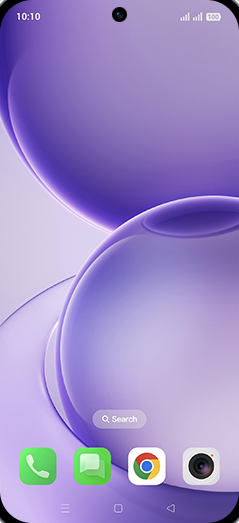
Swipe Up.
- 2
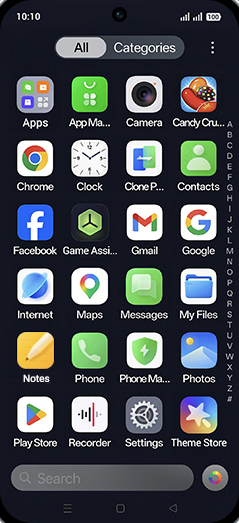
Tap on Notes.
- 3
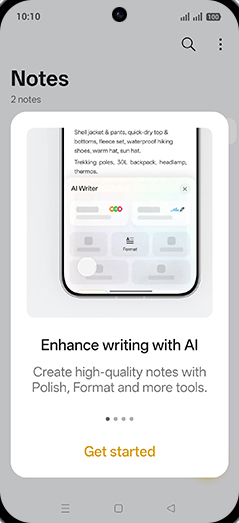
Tap on Get started.
- 4
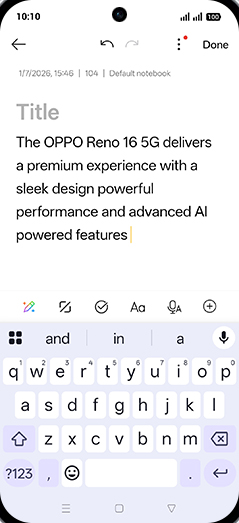
Write a Note.
- 5
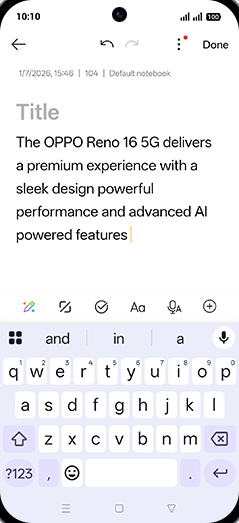
Tap on AI Assistant icon.
- 6
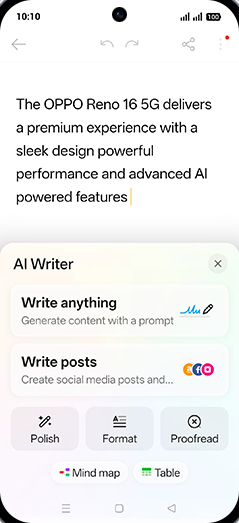
Tap on Polish.
- 7
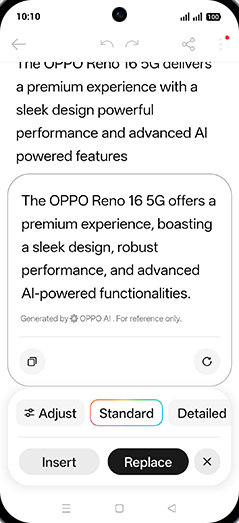
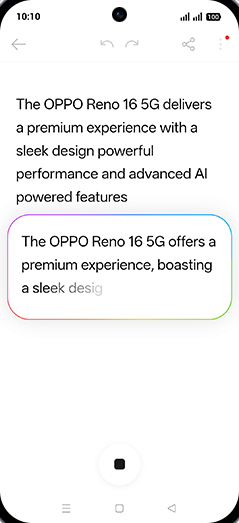
Generating the note.
- 8
Tap on Replace.