Camera

Three-Finger Translate with Google Lens on OPPO Reno16 5G

7 steps · OPPO Reno16 5G · Android OS v16

  1. 1

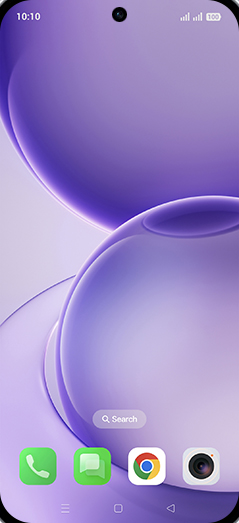
    Swipe Up.

    Step 1: Swipe Up.
  2. 2

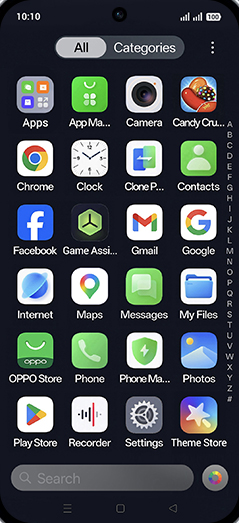
    Tap on Camera icon.

    Step 2: Tap on Camera icon.
  3. 3

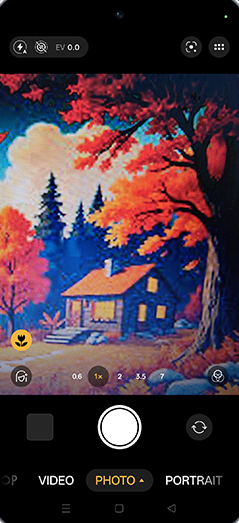
    Tap on Google lens.

    Step 3: Tap on Google lens.
  4. 4

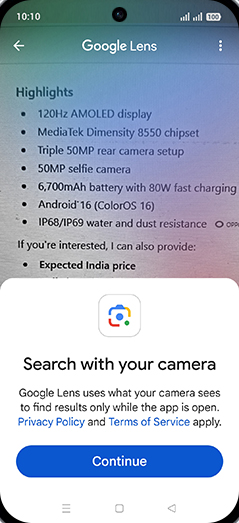
    Tap on Continue.

    Step 4: Tap on Continue.
  5. 5

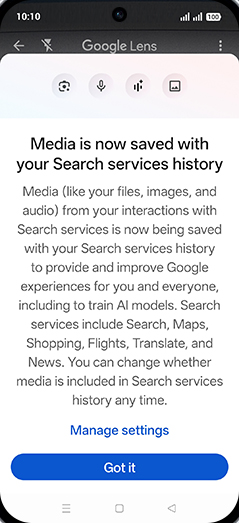
    Tap on Got it.

    Step 5: Tap on Got it.
  6. 6

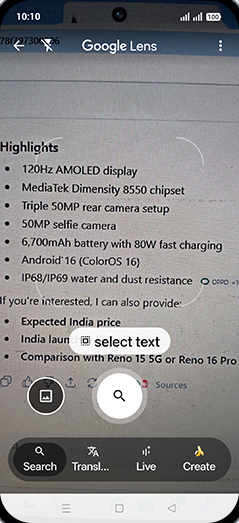
    Tap on Translate.

    Step 6: Tap on Translate.
  7. 7

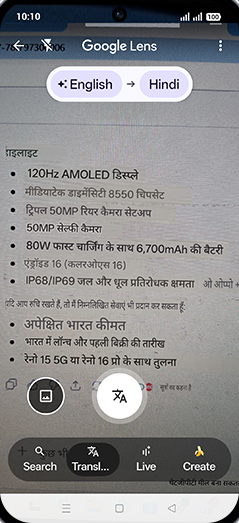
    Check result.

    Step 7: Check result.