Backup
Take Backup Photos & Videos on OPPO Reno16 5G
4 steps · OPPO Reno16 5G · Android OS v16
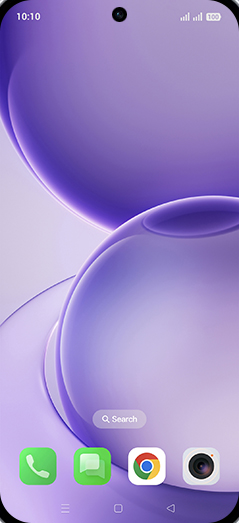
- 1
Swipe Up.
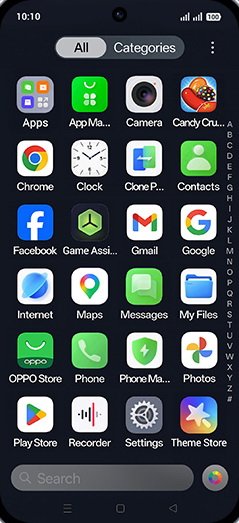
- 2
Tap on Google Photos icon.
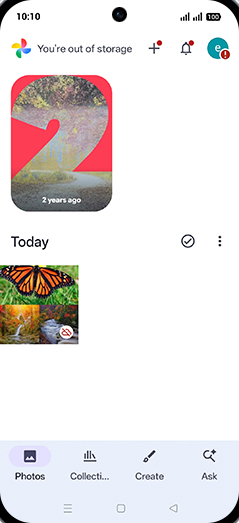
- 3
Tap and hold on desired photo.
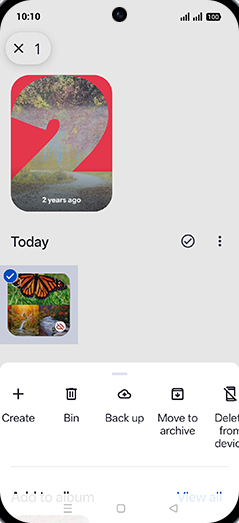
- 4
Tap on Back up.
View on OPPO: Take Backup Photos & Videos on the official OPPO site