AI Features
Open Mind Space Ask Questions on OPPO Reno15 Pro Mini 5G
11 steps · OPPO Reno15 Pro Mini 5G · Android OS v16
- 1
Swipe Up.
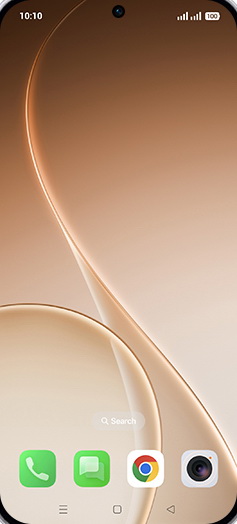
- 2
Tap on Settings icon.
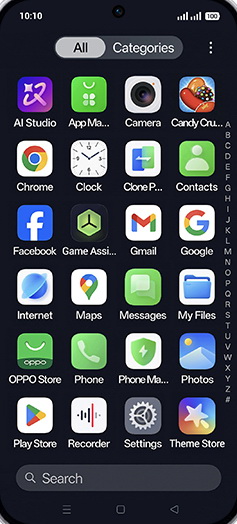
- 3
Tap on OPPO AI.
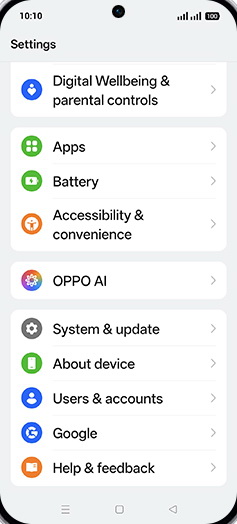
- 4
Tap on Mind Space.
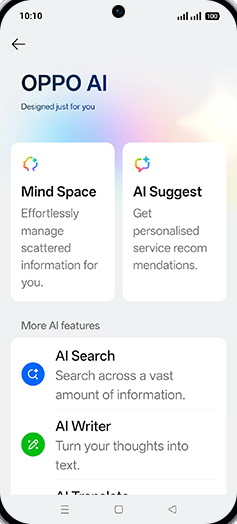
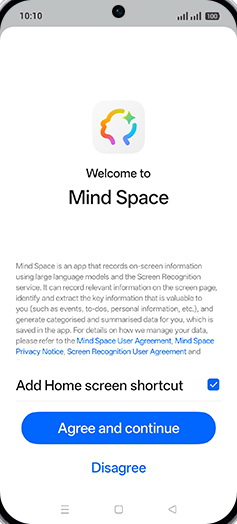
- 5
Tap on Agree and continue.
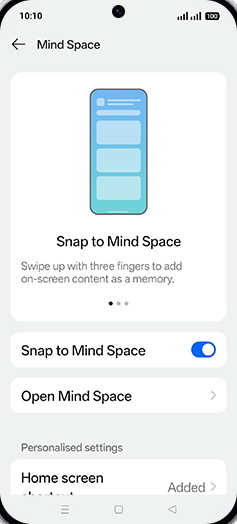
- 6
Tap on Open Mind Space.
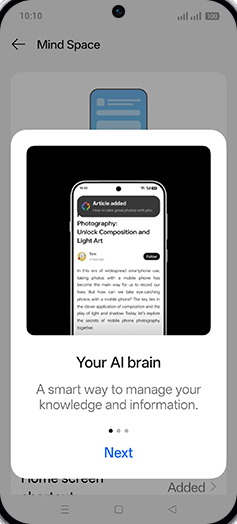
- 7
Tap on Next.
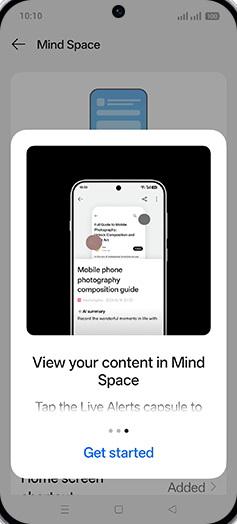
- 8
Tap on Get started.
- 9
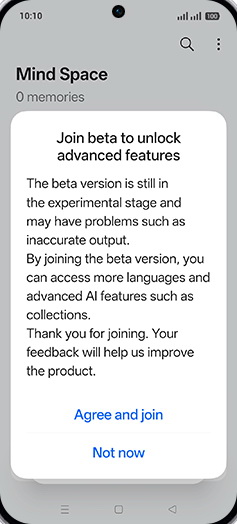
Tap on Agree and join.
- 10
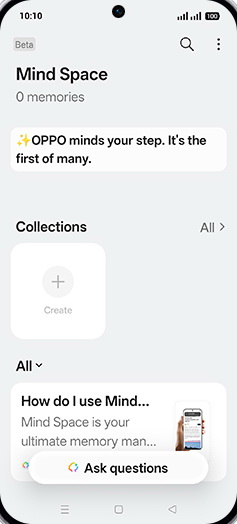
Tap on Ask questions.
- 11
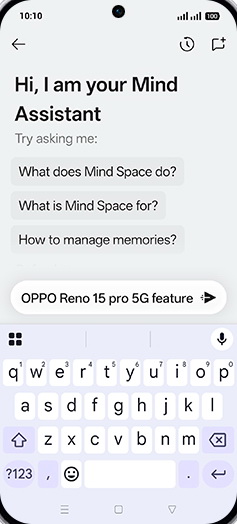
Search or ask anything.
View on OPPO: Open Mind Space Ask Questions on the official OPPO site