AI Features
Use AI Clear Face on OPPO Reno13 Pro 5G
10 steps · OPPO Reno13 Pro 5G · Android OS v15
- 1
Swipe Up.
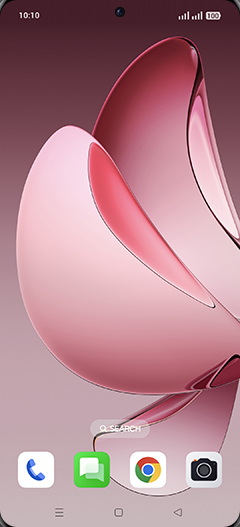
- 2
Tap on Photos icon.
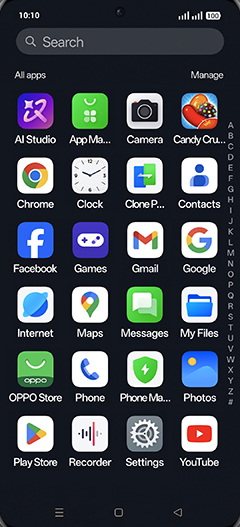
- 3
Tap on Albums tab.
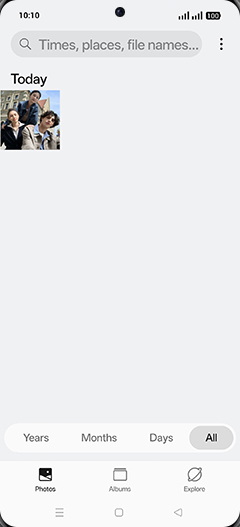
- 4
Tap on Image folder.
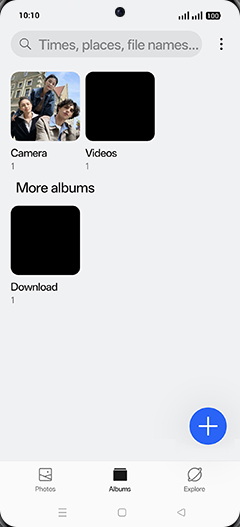
- 5
Tap on desired Photo.
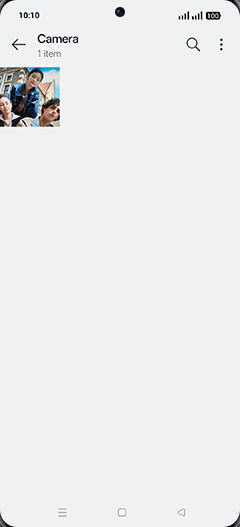
- 6
Tap on AI Perfect shot icon.
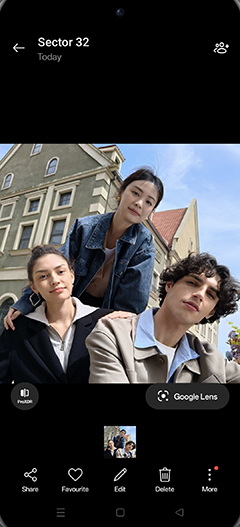
- 7
Tap on OK.
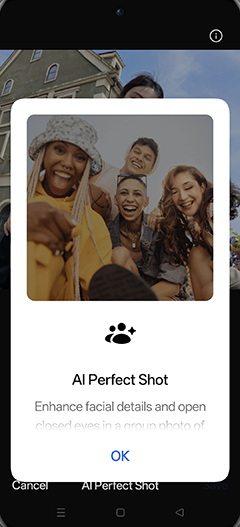
- 8
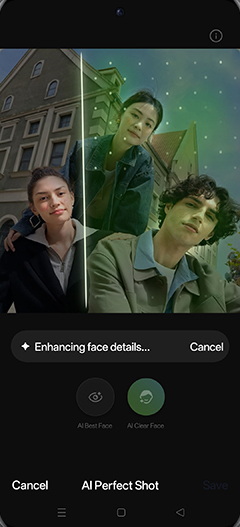
Tap on AI Clear Face.
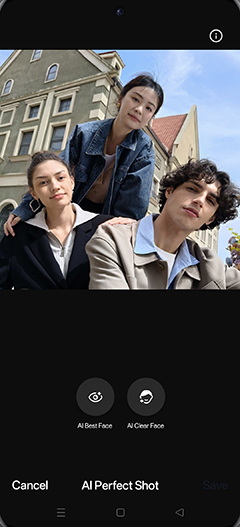
- 9
Enhancing face details.
- 10
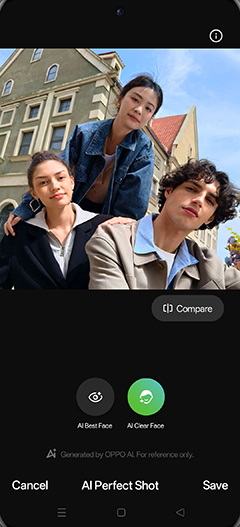
Tap on Save.
View on OPPO: Use AI Clear Face on the official OPPO site