AI Features
Use AI Recording Summary on OPPO K13 Turbo 5G
12 steps · OPPO K13 Turbo 5G · Android OS v15
- 1
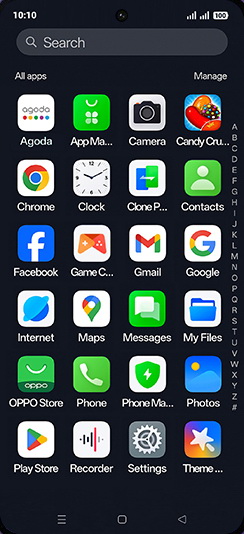
Swipe Up.

- 2
Tap on Recorder icon.
- 3
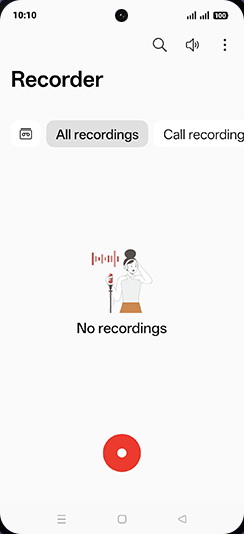
Tap on Record icon.
- 4
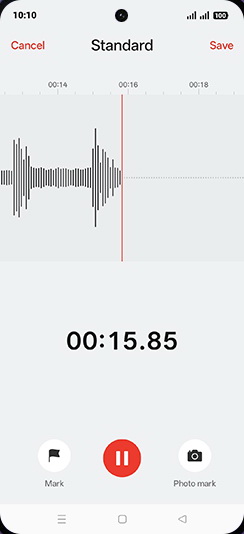
Recording started and tap on Save.
- 5
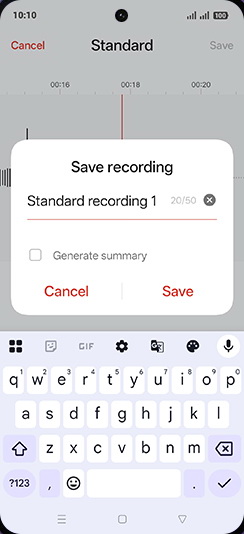
Enter desired name and tap on Save.
- 6
Tap on Recording.
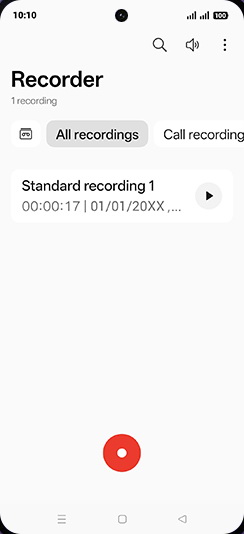
- 7
Tap on Summarise.
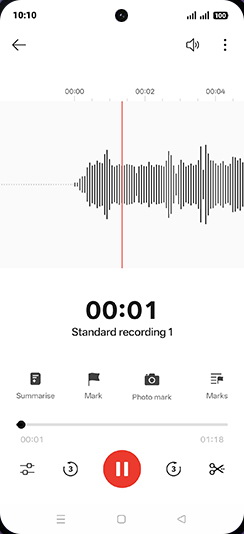
- 8
Select summary language and tap on Start.
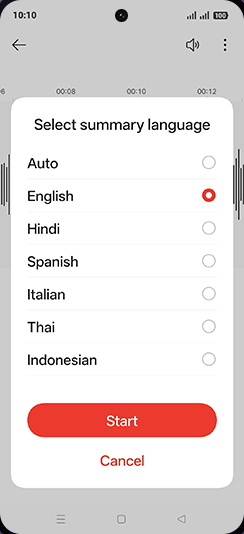
- 9
Generating summery.
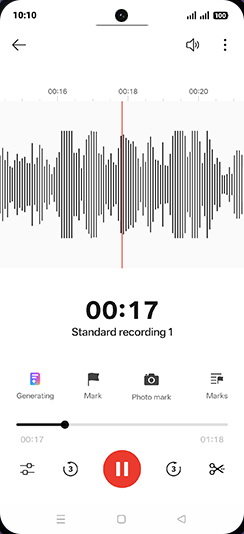
- 10
Tap on Back.
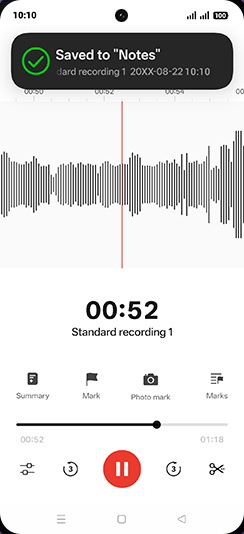
- 11
Tap on Summery icon.
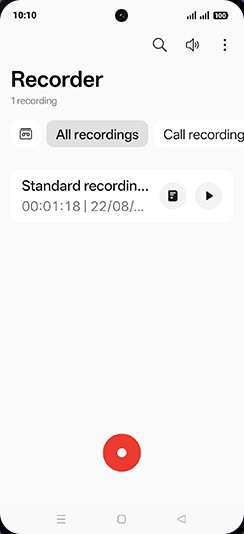
- 12
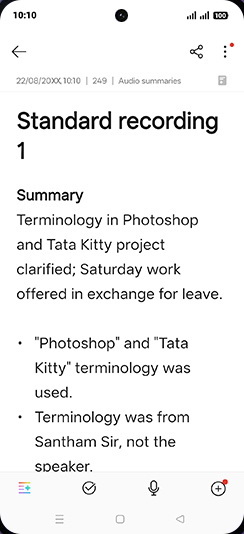
Check Recording summary.
View on OPPO: Use AI Recording Summary on the official OPPO site