AI Features
Enable AI VoiceScribe on OPPO K13 Turbo 5G
6 steps · OPPO K13 Turbo 5G · Android OS v15
- 1
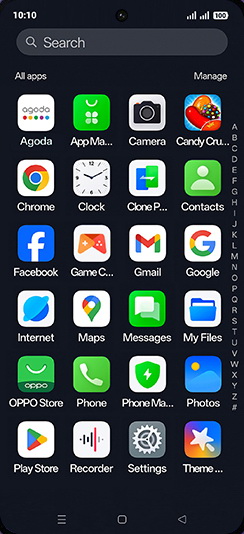
Swipe Up.

- 2
Tap on Settings icon.
- 3
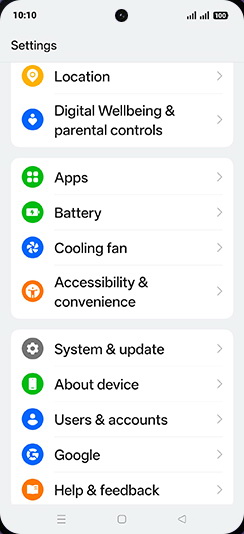
Tap on Accessibility & convenience.
- 4
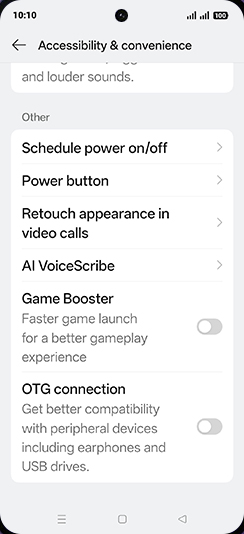
Tap on AI VoiceScribe.
- 5
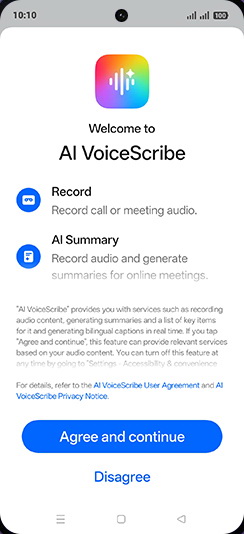
Tap on Agree and continue.
- 6
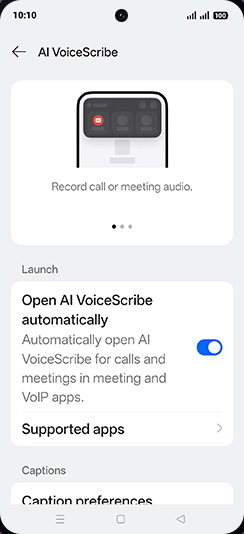
Tap on Open AI VoiceScribe automatically to turn ON.
View on OPPO: Enable AI VoiceScribe on the official OPPO site