SIM Card
Insert SIM Card on OPPO K13 5G
4 steps · OPPO K13 5G · Android OS v15
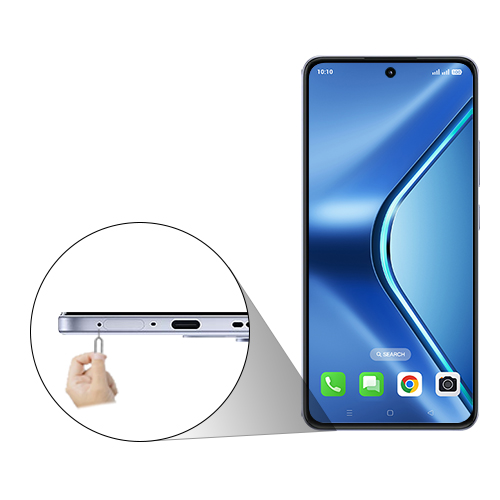
- 1
Insert the ejection pin into the hole on the SIM card tray to loosen the tray.
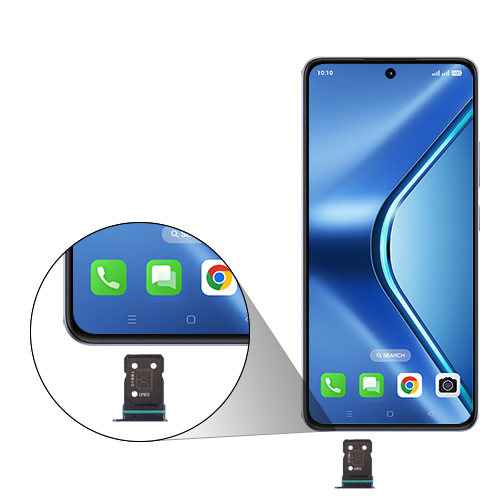
- 2
Pull out the SIM card tray gently from the Device.
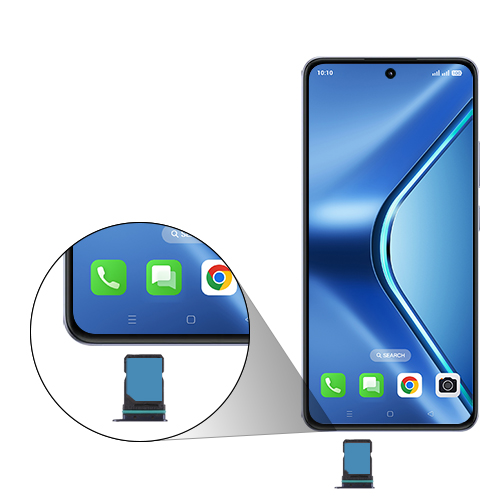
- 3
Place the SIM card(s) in the SIM card tray.
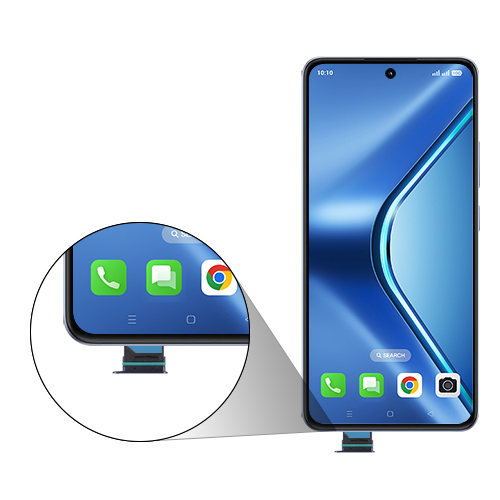
- 4
Carefully insert the SIM card tray into the Device.
View on OPPO: Insert SIM Card on the official OPPO site