Foldable
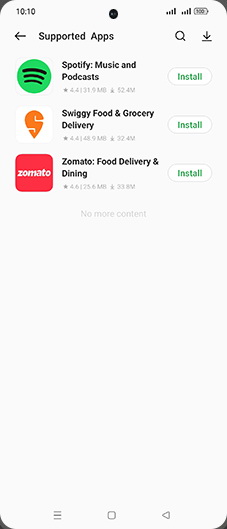
Which Apps are Compatible with Contextual info on OPPO Find N2 Flip
7 steps · OPPO Find N2 Flip · Android OS v13
- 1
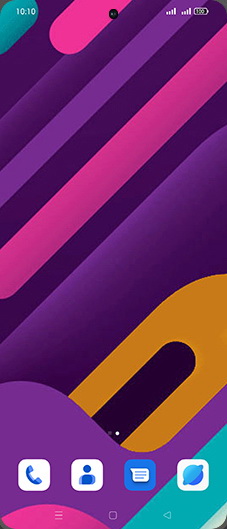
Swipe Up.
- 2
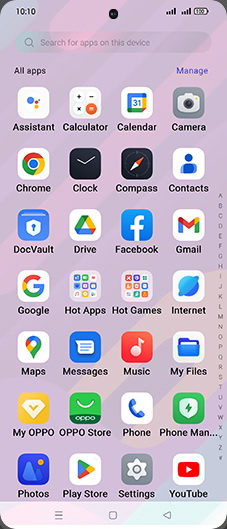
Tap on Settings icon.
- 3
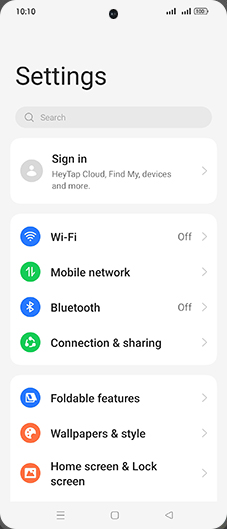
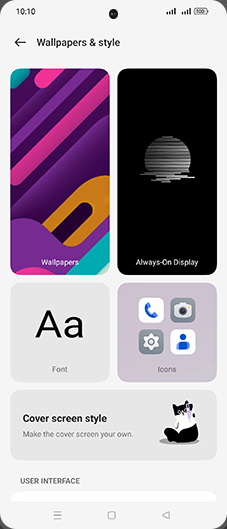
Tap on Wallpapers & style.
- 4
Tap on Always-On Display.
- 5
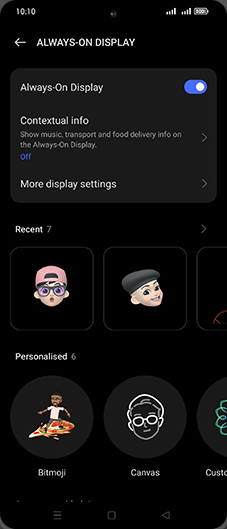
Tap on Contextual info.
- 6
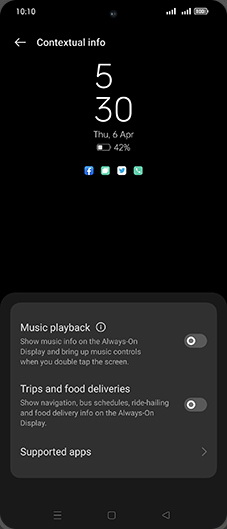
Tap on Supported apps.
- 7
Check Compatible app for contextual info.