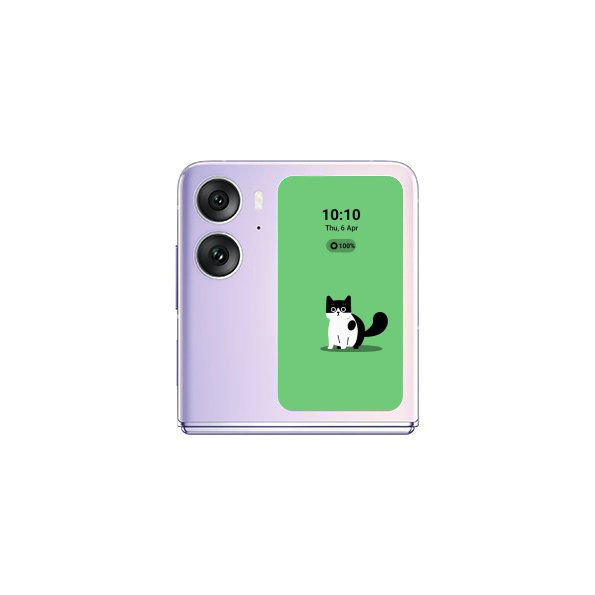
Foldable
Display an Interactive Pets on Cover Screen on OPPO Find N2 Flip
10 steps · OPPO Find N2 Flip · Android OS v13
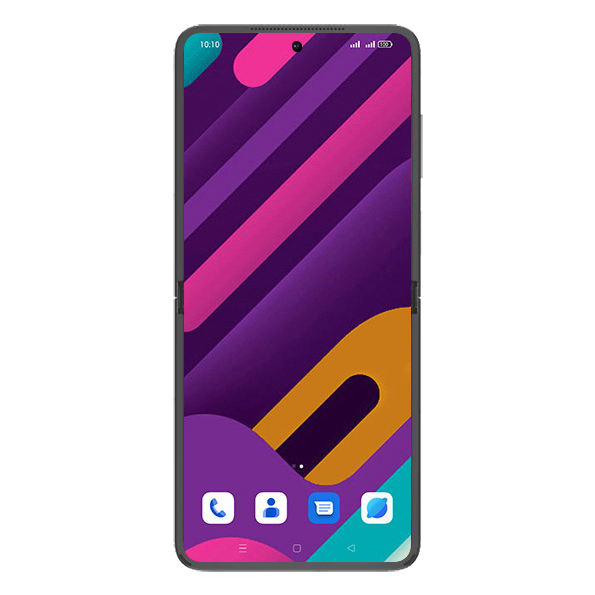
- 1
Swipe Up.
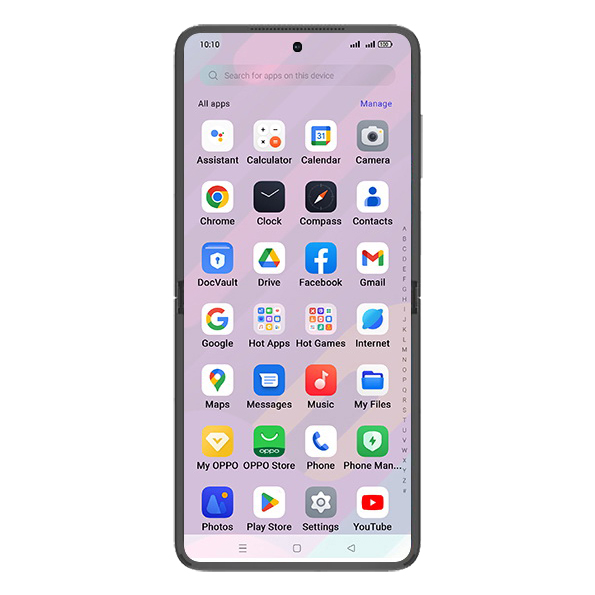
- 2
Tap on Settings icon.
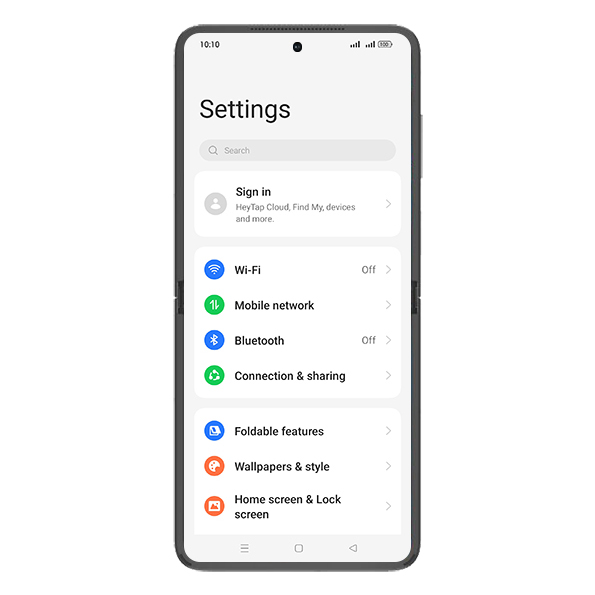
- 3
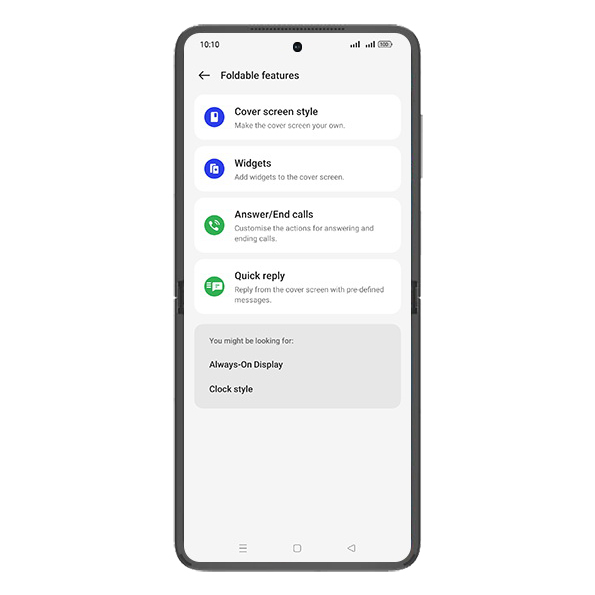
Tap on Foldable features.
- 4
Tap on Cover screen style.
- 5
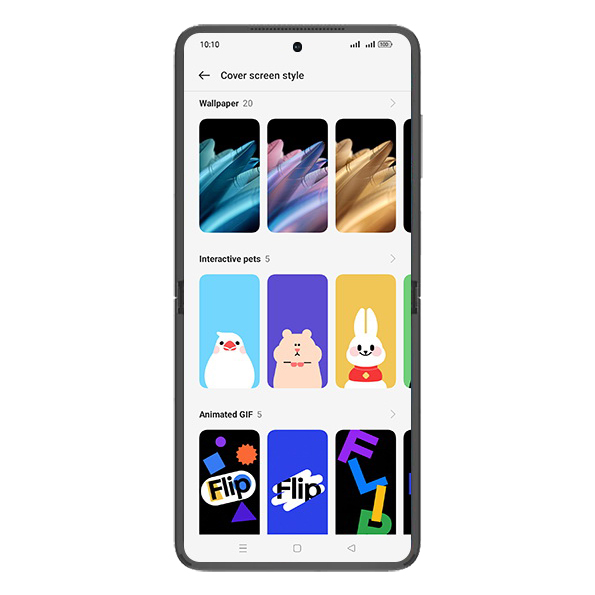
Tap on Interactive pets.
- 6
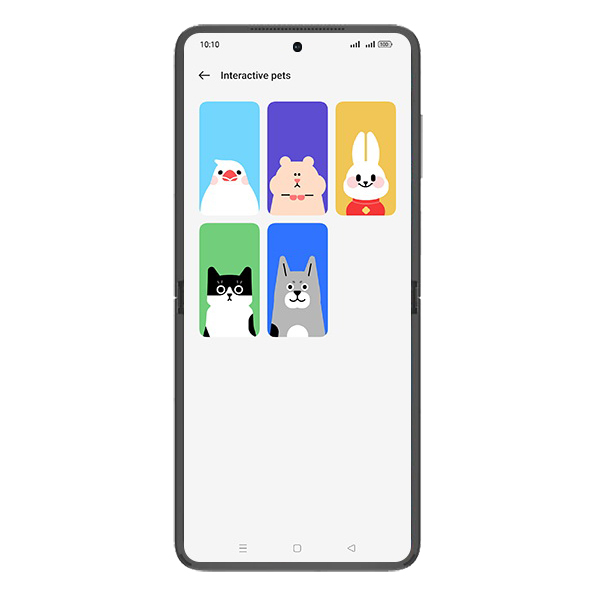
Tap on desired Pet.
- 7
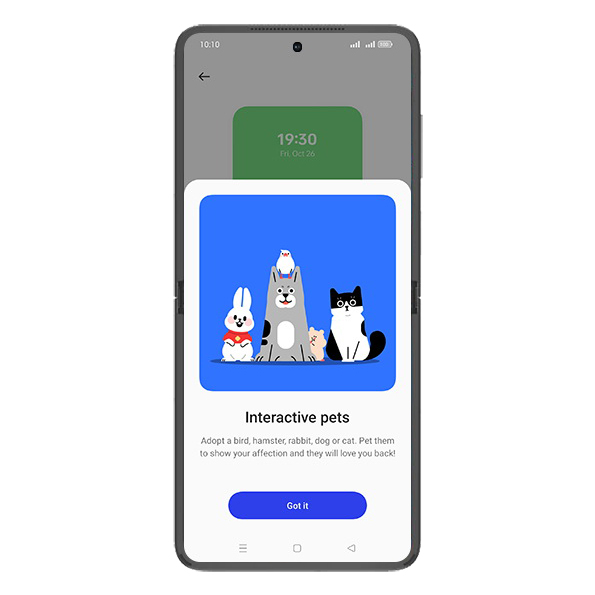
Tap on Got it.
- 8
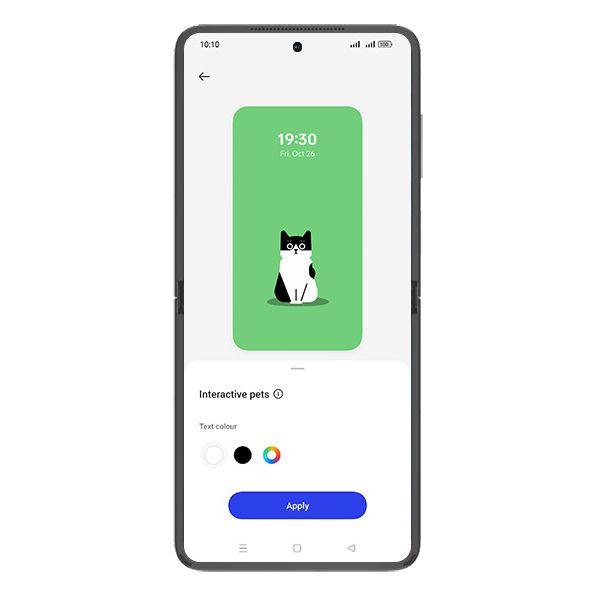
Select Text colour.
- 9
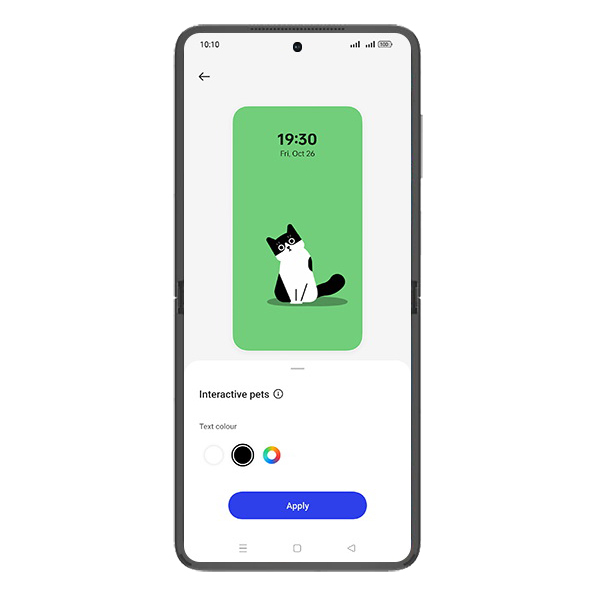
Tap on Apply.
- 10
Check Cover screen.