Foldable
Change Cover Screen Widgets on OPPO Find N2 Flip
6 steps · OPPO Find N2 Flip · Android OS v13
- 1
Swipe Up.
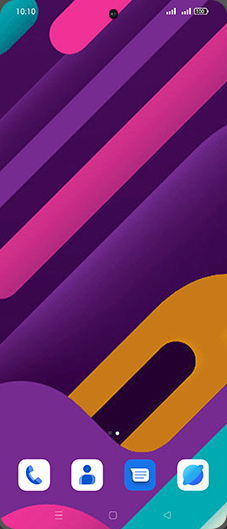
- 2
Tap on Settings icon.
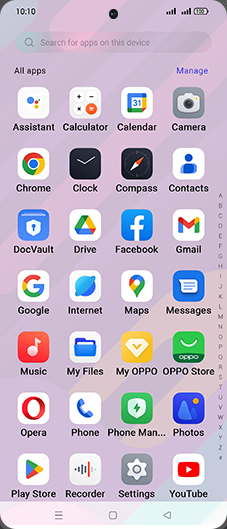
- 3
Tap on Foldable features.
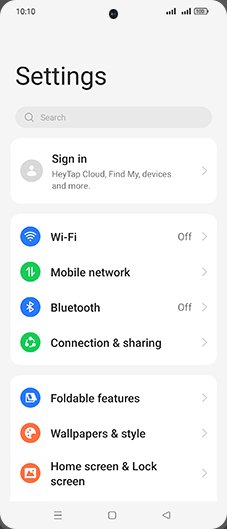
- 4
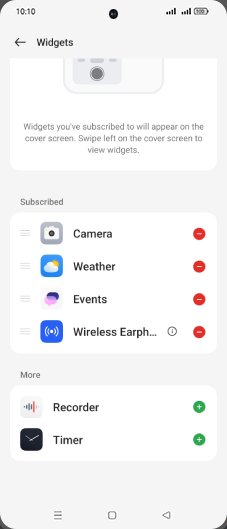
Tap on Widgets.
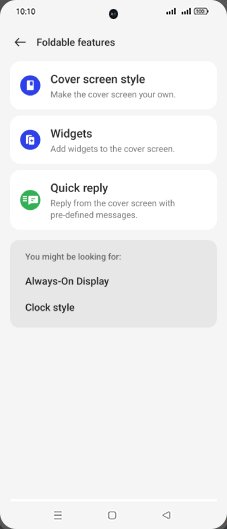
- 5
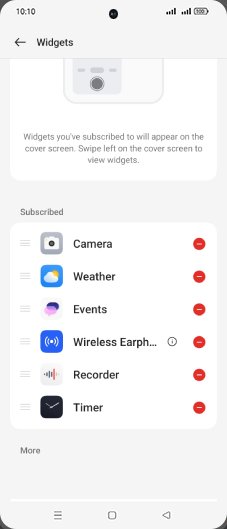
Tap on Add icon of desired widget.
- 6
Tap on Home.
View on OPPO: Change Cover Screen Widgets on the official OPPO site