AI Features
Use AI Voice clear on OPPO F33 Pro 5G
8 steps · OPPO F33 Pro 5G · Android OS v16
- 1
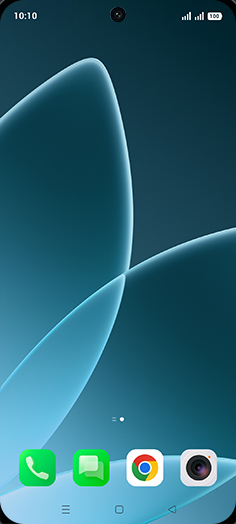
Swipe Up.
- 2
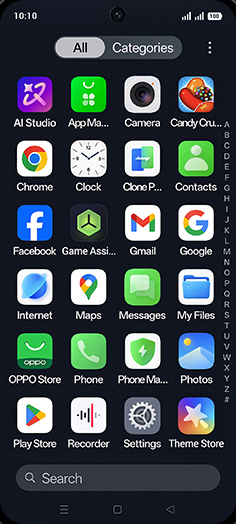
Tap on Recorder icon.
- 3
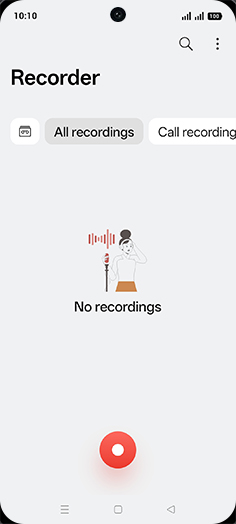
Tap on Record icon.
- 4
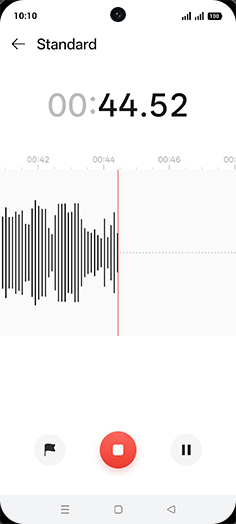
Recording started, when complete then tap on stop icon.
- 5
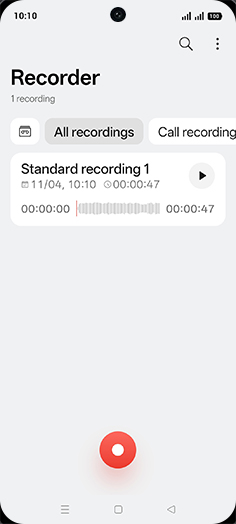
Tap on Recording.
- 6
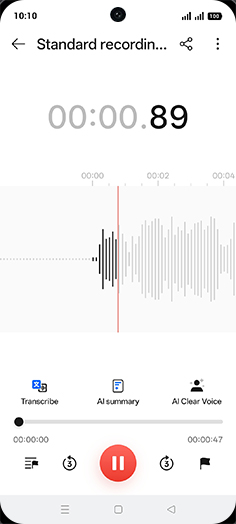
Tap on AI Clear Voice.
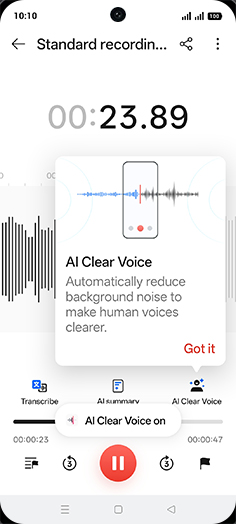
AI Clear voice automatically reduce background noise to make human voices clearer.
- 7
Tap on Got it.
- 8
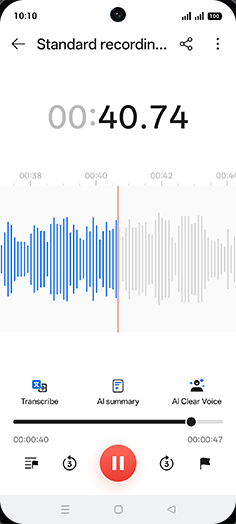
Listen recording.
View on OPPO: Use AI Voice clear on the official OPPO site