AI Features
Use AI Hyperboost on OPPO F33 Pro 5G
9 steps · OPPO F33 Pro 5G · Android OS v16
- 1
Swipe Up.
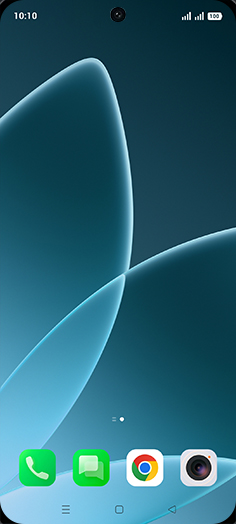
- 2
Tap on desired game icon.
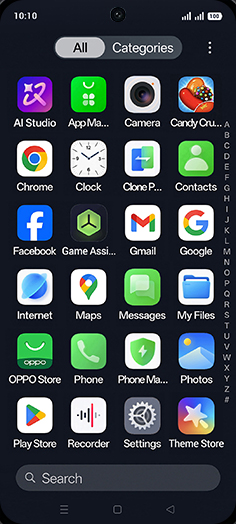
- 3
Drag Left Side-Scrolling.
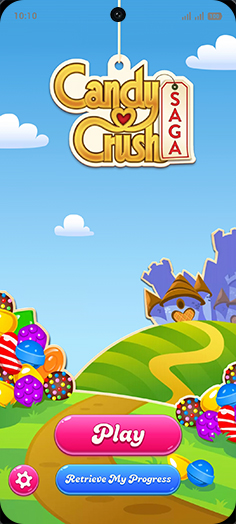
- 4
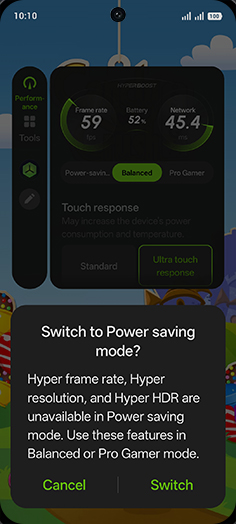
Tap on Power-saving.
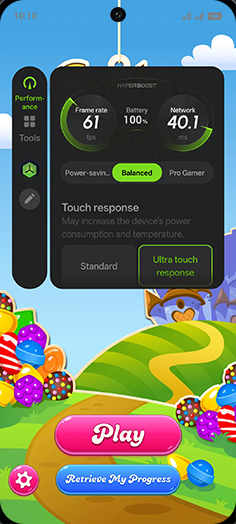
- 5
Tap on Switch.
- 6
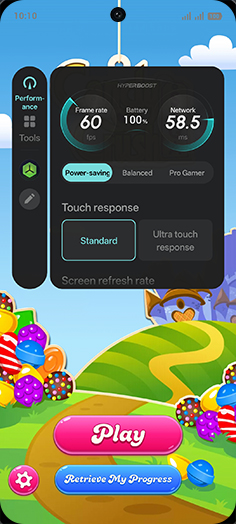
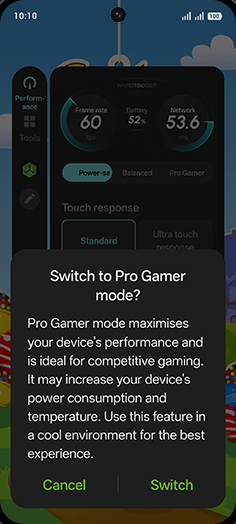
Tap on Pro Gamer.
- 7
Tap on Switch.
- 8
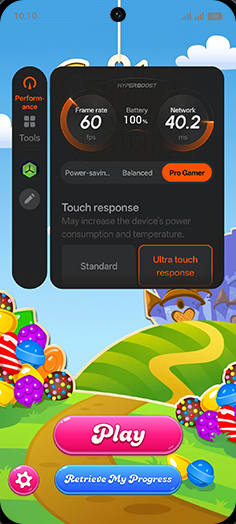
Swipe Up for more boost option.
- 9
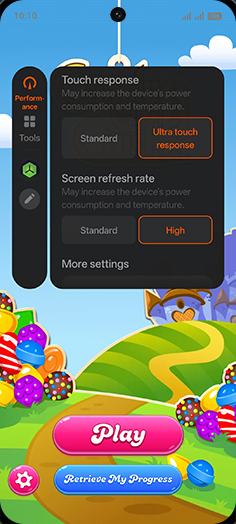
Set Touch response and screen refresh rate.
View on OPPO: Use AI Hyperboost on the official OPPO site