Data Setup
Check Daily Data Usage on OPPO F33 Pro 5G
3 steps · OPPO F33 Pro 5G · Android OS v16
- 1
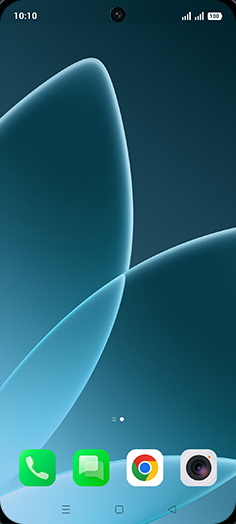
Drag down Notification panel.
When the Control Center is in merged mode, it can be accessed by swiping down from the top of the screen. In separate mode, it can be accessed by swiping down from the top-right corner of the screen.
- 2
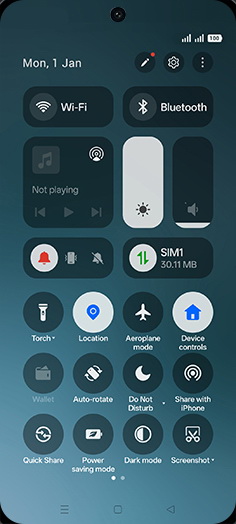
Tap on Mobile data.
- 3
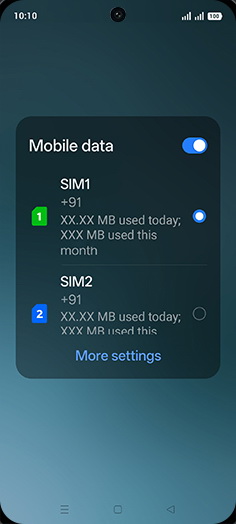
Check data usage.
View on OPPO: Check Daily Data Usage on the official OPPO site