AI Features
Use Flux Themes on OPPO F33 5G
8 steps · OPPO F33 5G · Android OS v16
- 1
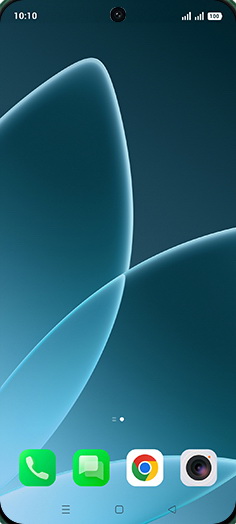
Swipe Up.
- 2
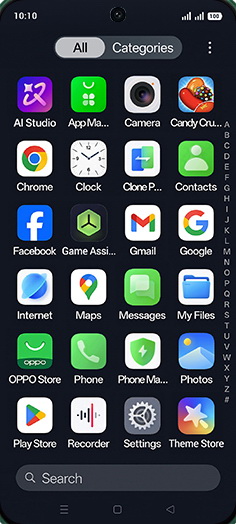
Tap on Settings icon.
- 3
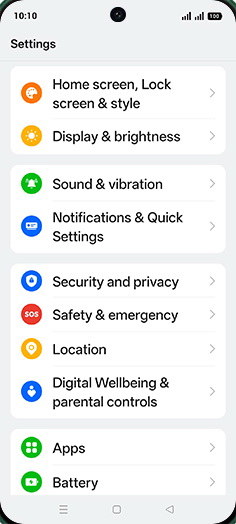
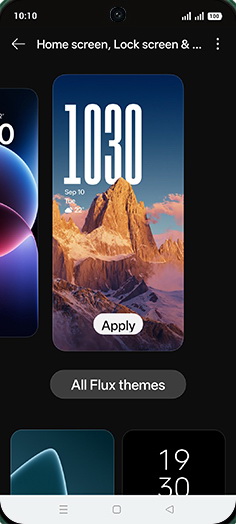
Tap on Home screen, Lock screen & style.
- 4
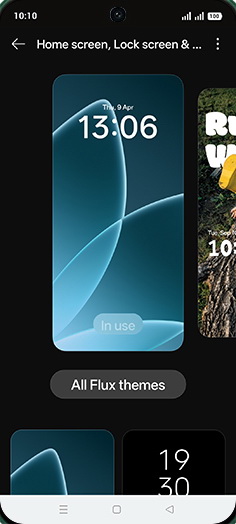
Select desired Flux themes.
- 5
Tap on Theme.
- 6
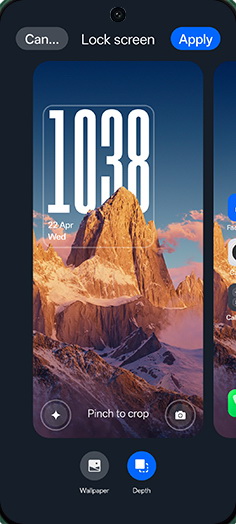
Tap on Time.
- 7
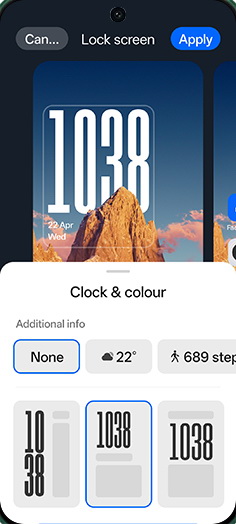
Select Clock and colour.
- 8
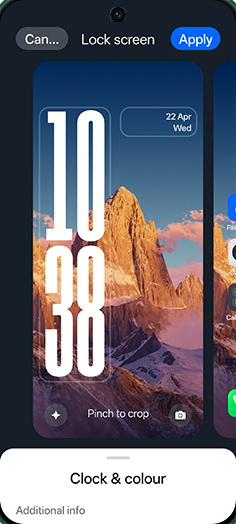
Tap on Apply.
View on OPPO: Use Flux Themes on the official OPPO site