WhatsApp
Enable Enter Key in WhatsApp on OPPO F33 5G
7 steps · OPPO F33 5G · Android OS v16
- 1
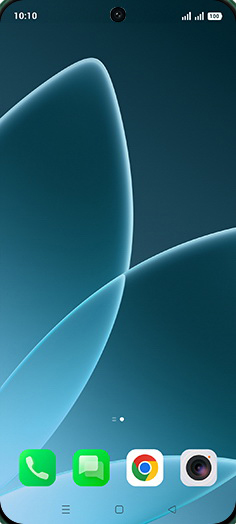
Swipe Up.
- 2
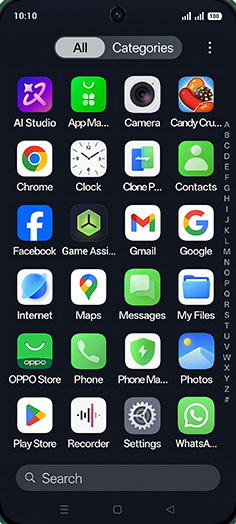
Tap on WhatsApp icon.
- 3
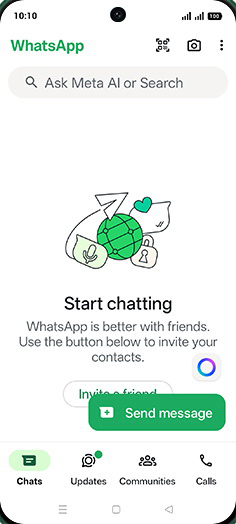
Tap on Menu.
- 4
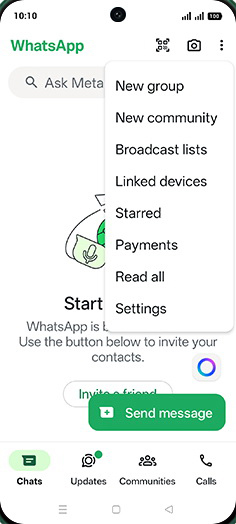
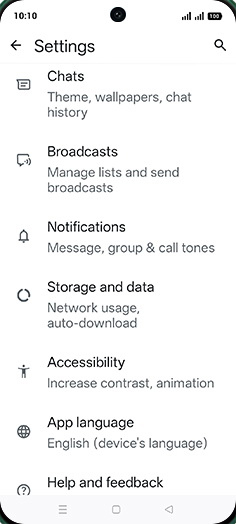
Tap on Settings.
- 5
Tap on Chats.
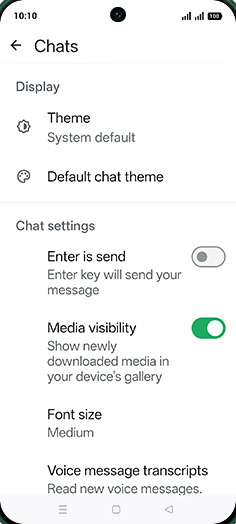
- 6
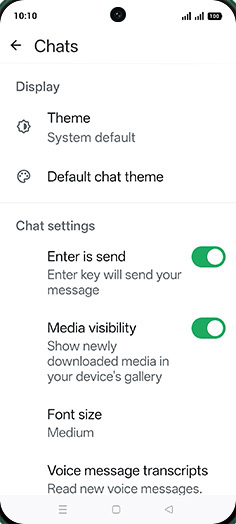
Tap on Enter is send to turn ON.
- 7
Tap on Home.
View on OPPO: Enable Enter Key in WhatsApp on the official OPPO site