AI Features
Use AI Writer on OPPO F31 Pro Plus 5G
10 steps · OPPO F31 Pro Plus 5G · Android OS v15
- 1
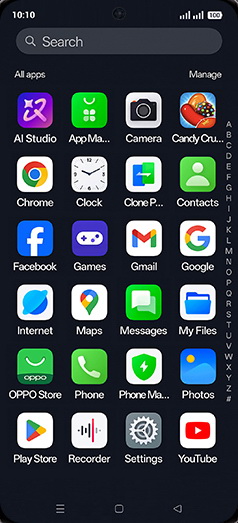
Swipe Up.

- 2
Tap on Facebook, twitter or any social app icon.
- 3
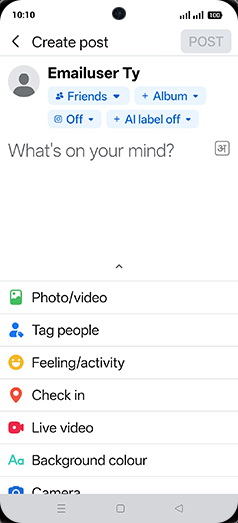
Tap on What's on your mind.

- 4
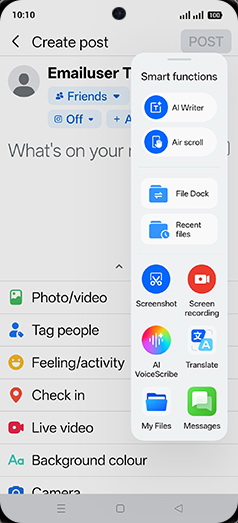
Swipe left sidebar for AI option.
- 5
Tap on AI Writer.
- 6
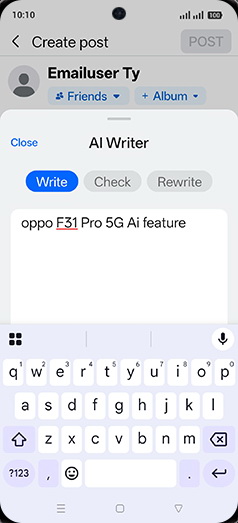
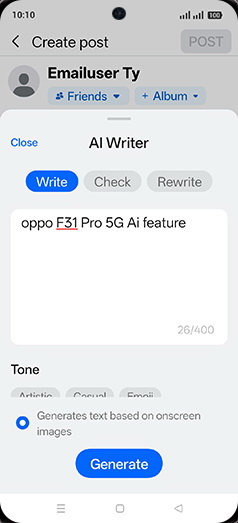
Enter Event, people or time and tap on down arrow.
- 7
Tap on Generate.
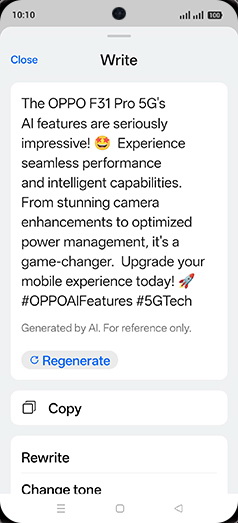
- 8
Tap on Copy.
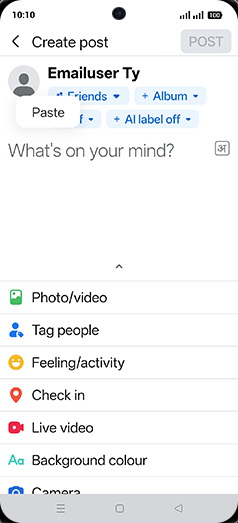
- 9
Paste the copied data, tap and hold on text box.
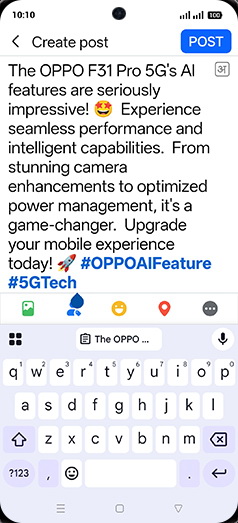
- 10
Tap on POST.
View on OPPO: Use AI Writer on the official OPPO site