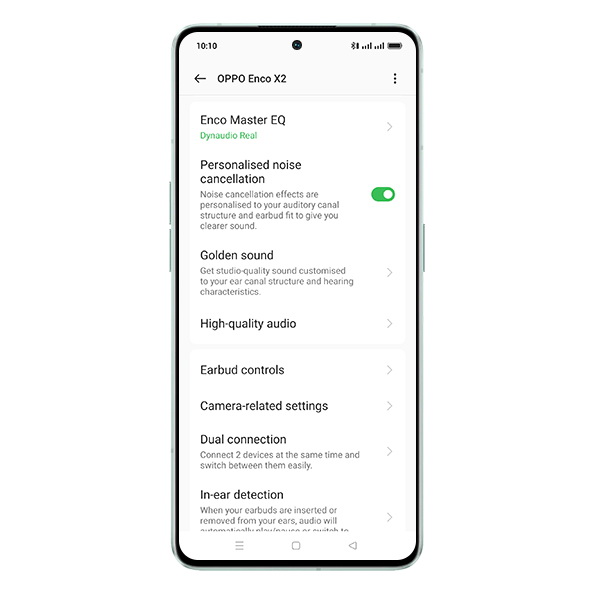
Headset Functions
Enable or Disable Personalised Noise Cancellation on OPPO Enco X2
7 steps · OPPO Enco X2
Watch the video
- 1
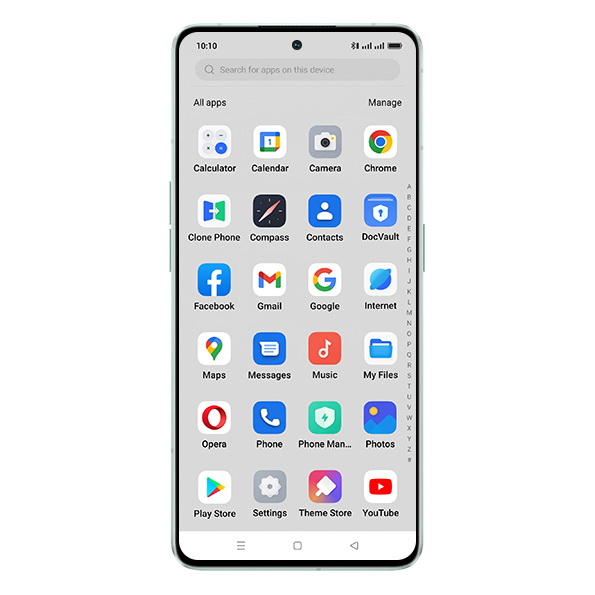
Tap on Settings icon.
- 2
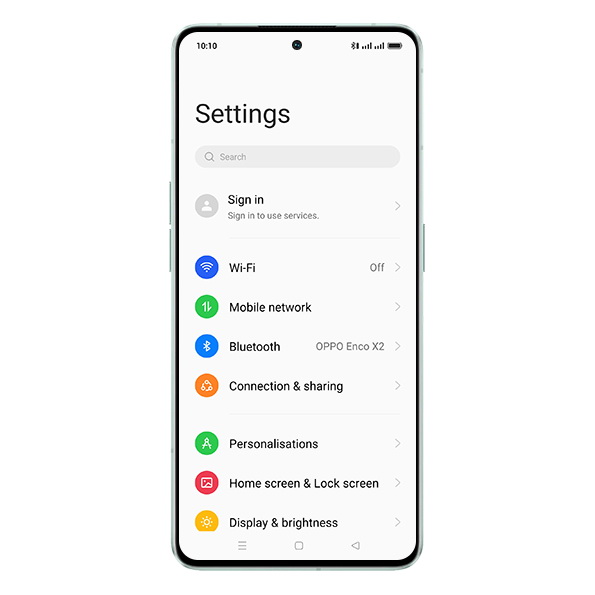
Tap on Bluetooth.
- 3
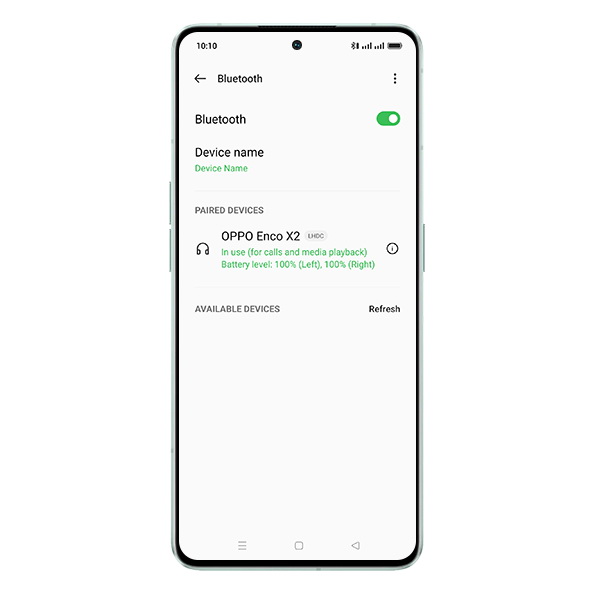
Tap on Details icon of OPPO Enco X2.
- 4
Tap on Earbud functions.
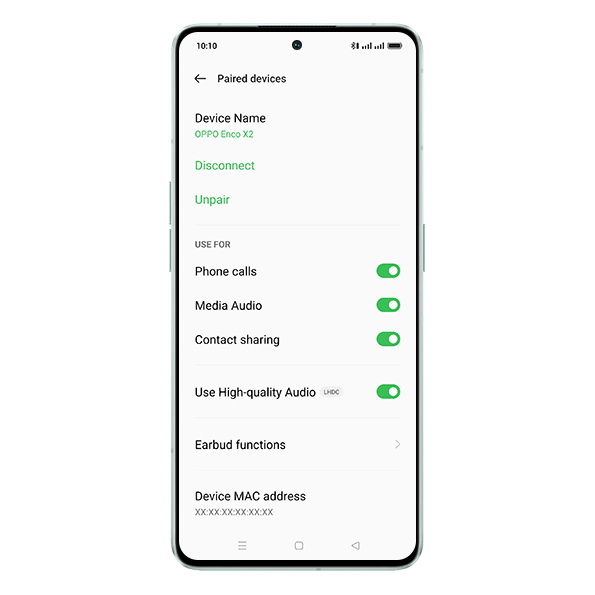
- 5
Tap on Personalised noise cancellation to turn ON.
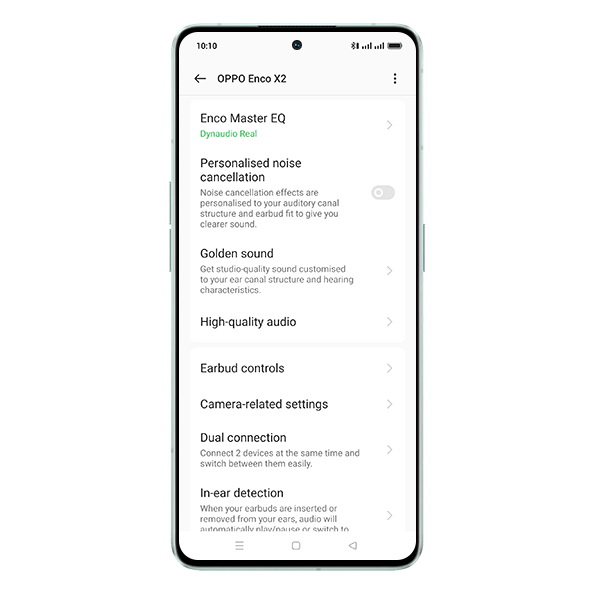
- 6
Tap on Start test.
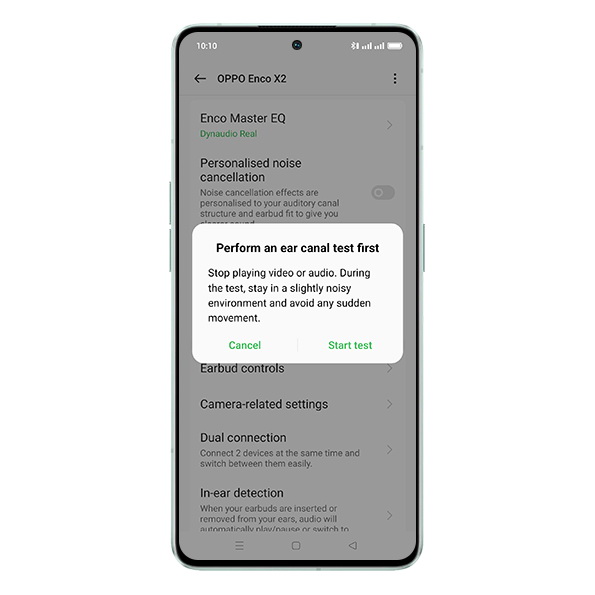
- 7
Tap on Home.