More
Take a Photo on OPPO Enco Buds3 Pro
8 steps · OPPO Enco Buds3 Pro
- 1
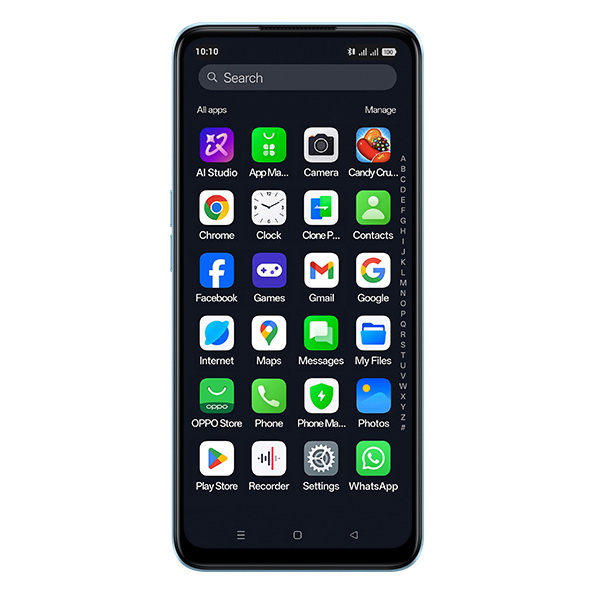
Tap on Settings icon.
- 2
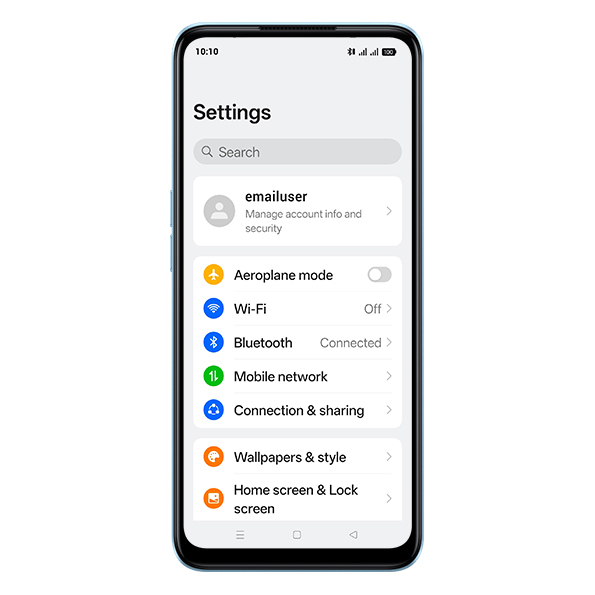
Tap on Bluetooth.
- 3
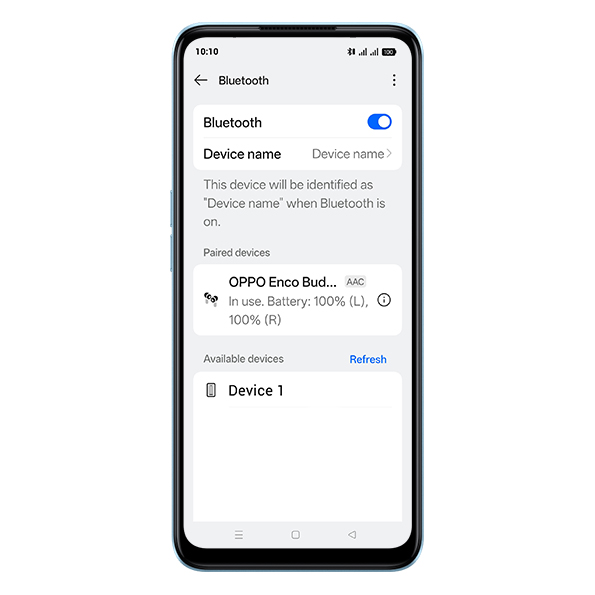
Tap on Details icon of OPPO Enco Buds3 Pro.
- 4
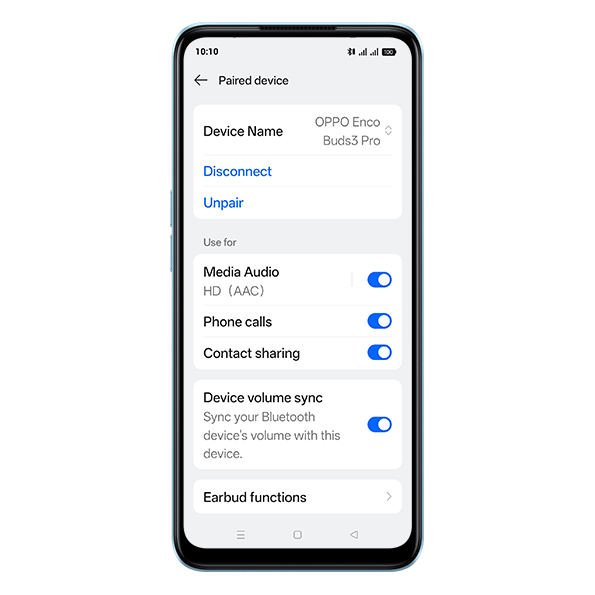
Tap on Earbud functions. Note: This feature will be available on Color OS 12.
- 5
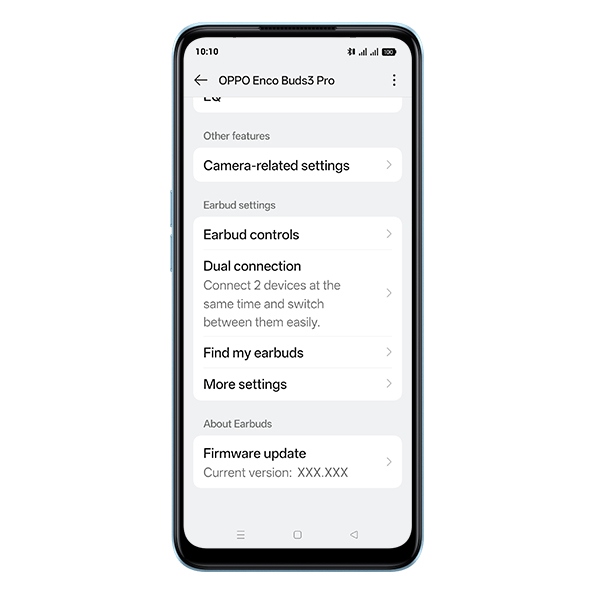
Tap on Camera-related settings.
- 6
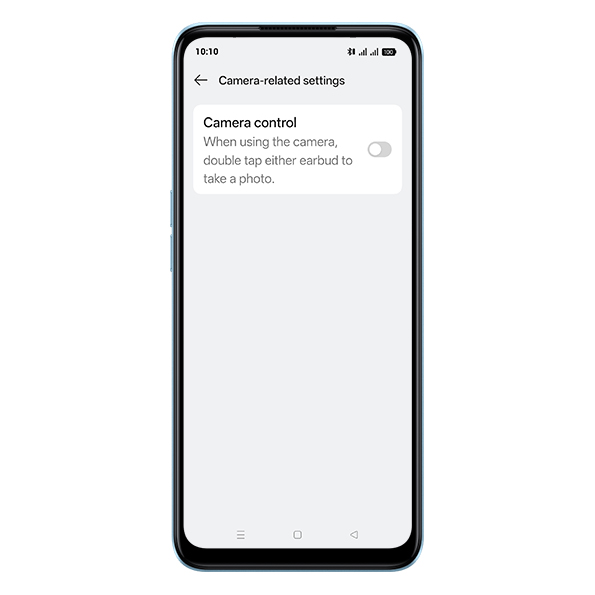
Tap on Camera control to turn ON.
- 7
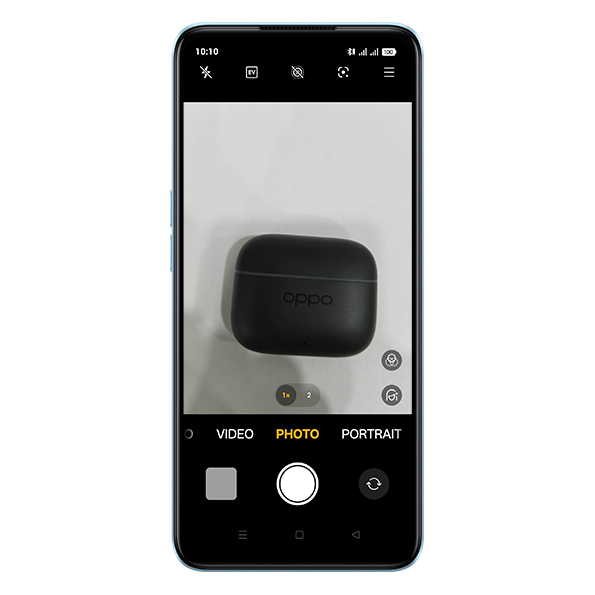
Open Camera on Phone.
- 8
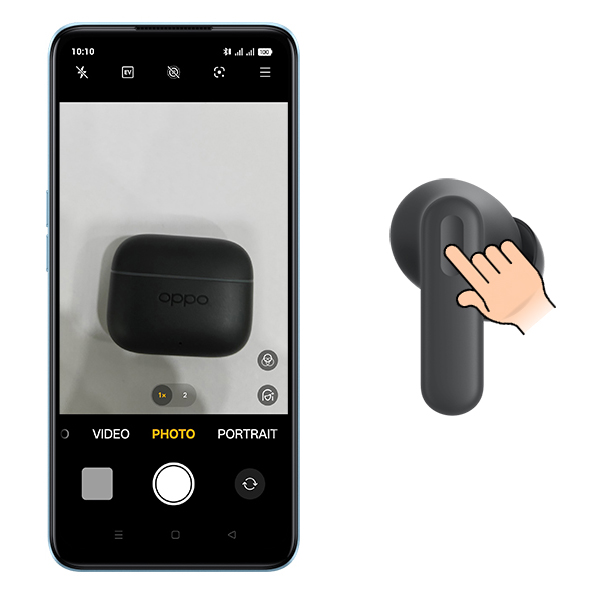
Double tap on touch area of right or left Earbud to capture photo.
View on OPPO: Take a Photo on the official OPPO site