Media
Set Clear Vocals Level on OPPO Enco Buds3 Pro
7 steps · OPPO Enco Buds3 Pro
Watch the video
- 1
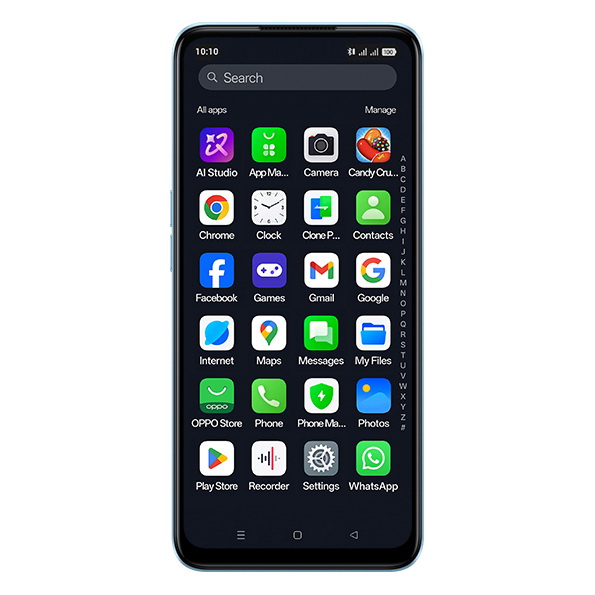
Tap on Settings icon.
- 2
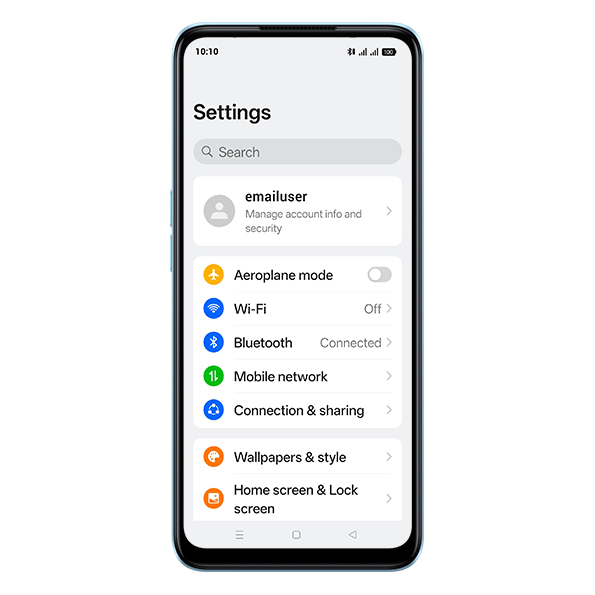
Tap on Bluetooth.
- 3
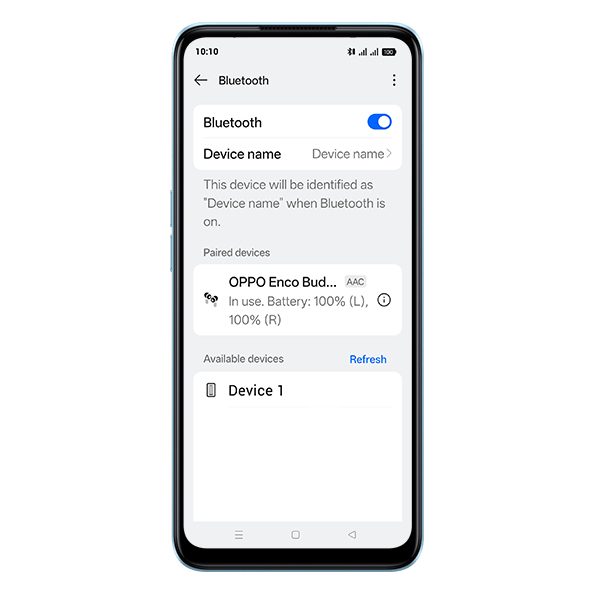
Tap on Details icon of OPPO Enco Buds3 Pro.
- 4
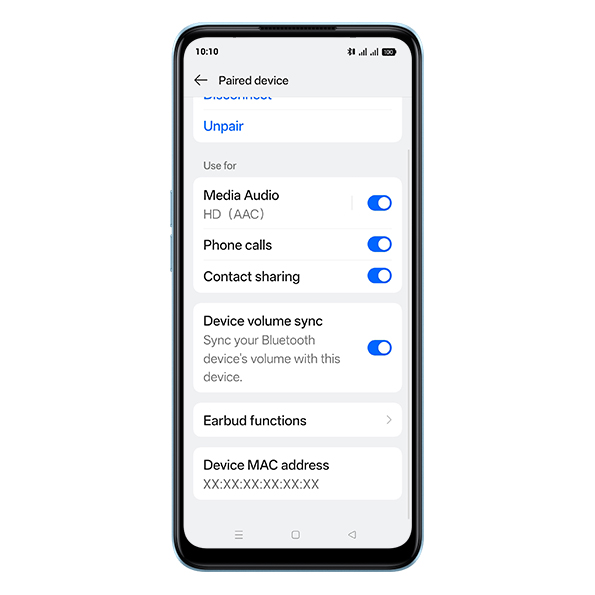
Tap on Earbud functions.
- 5
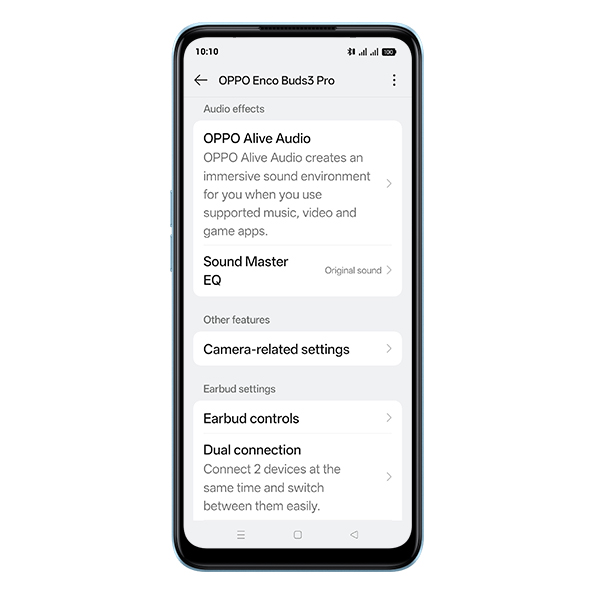
Tap on Sound Master EQ.
- 6
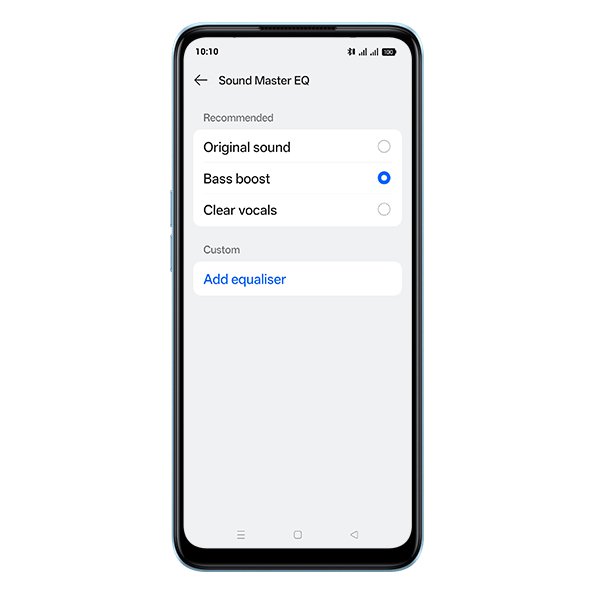
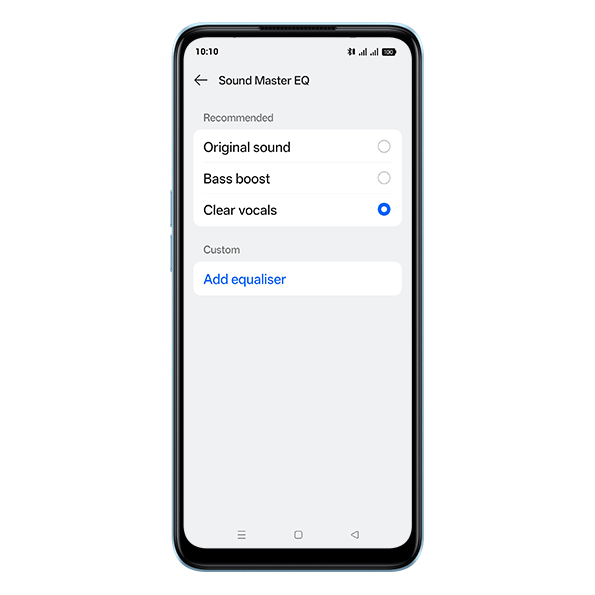
Tap on Clear vocals.
- 7
Tap on Home.
View on OPPO: Set Clear Vocals Level on the official OPPO site