Headset Functions
Activate Google Assistant on OPPO Enco Buds2
11 steps · OPPO Enco Buds2
- 1
Tap on Settings icon.
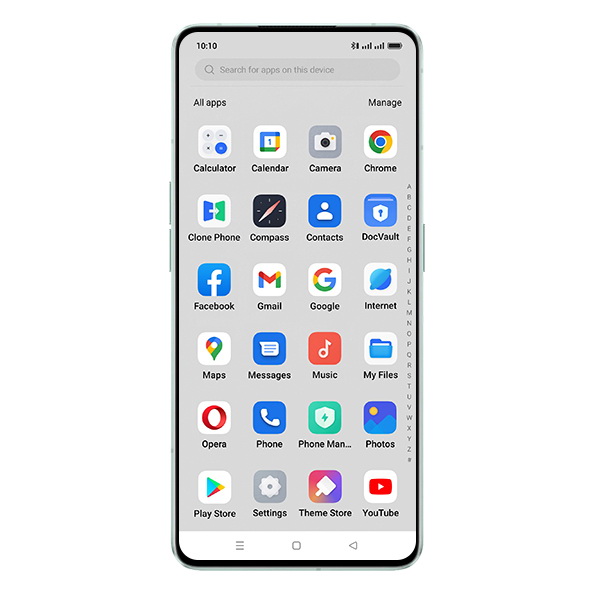
- 2
Tap on Bluetooth.
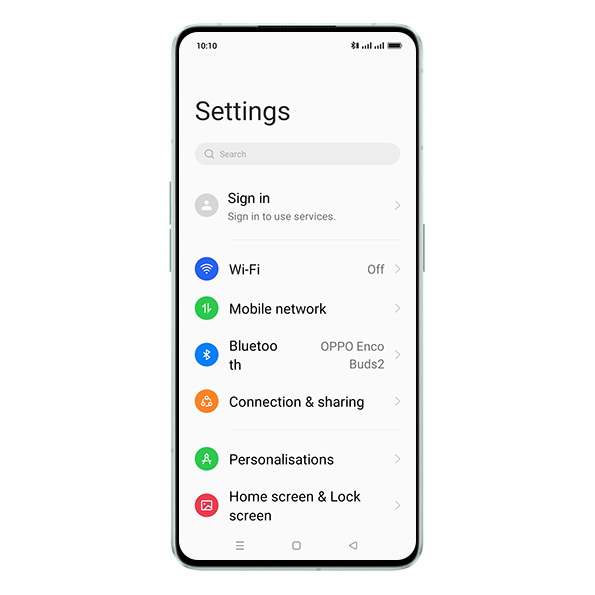
- 3
Tap on Details icon of OPPO Enco Buds2.
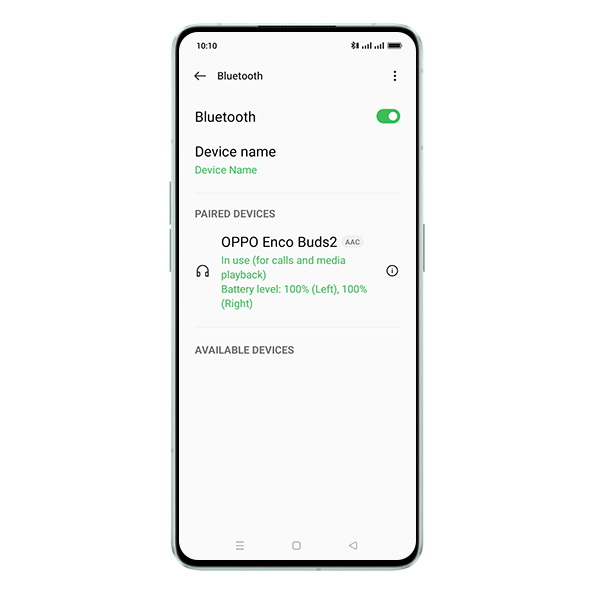
- 4
Tap on Earbud functions.
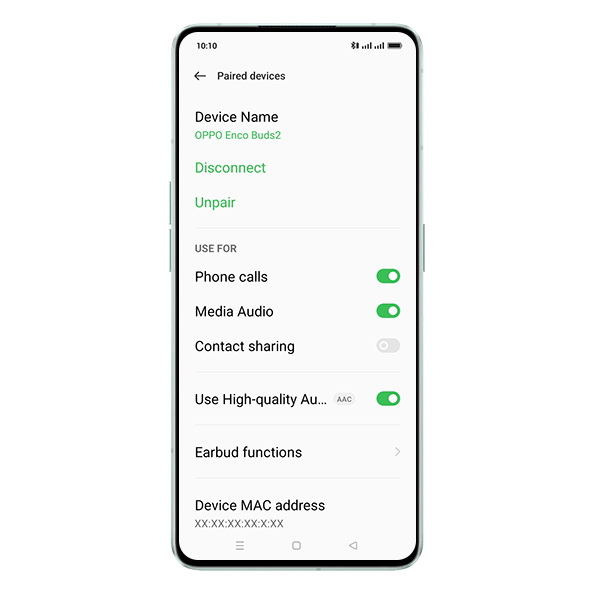
- 5
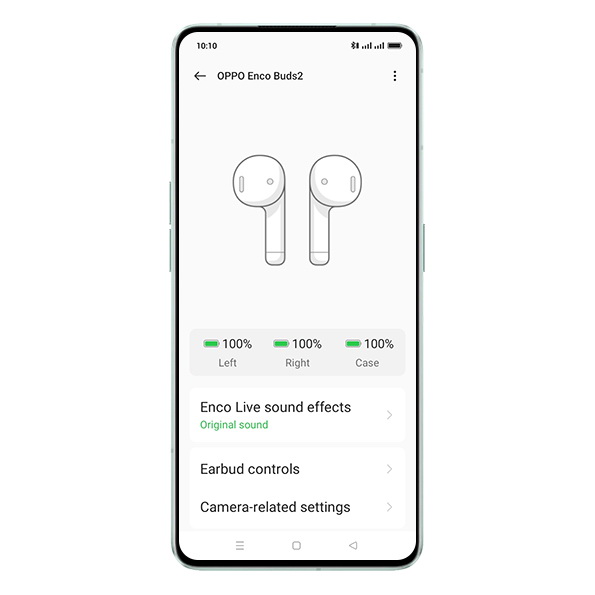
Tap on Earbud controls.
- 6
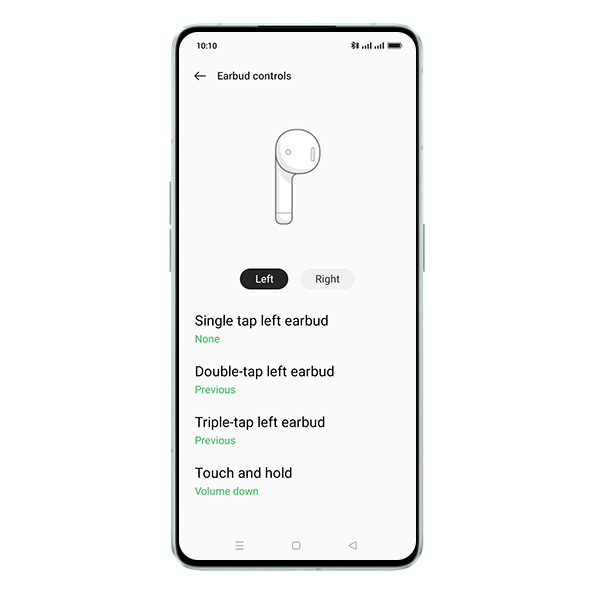
Tap on Left or Right Earbud.
- 7
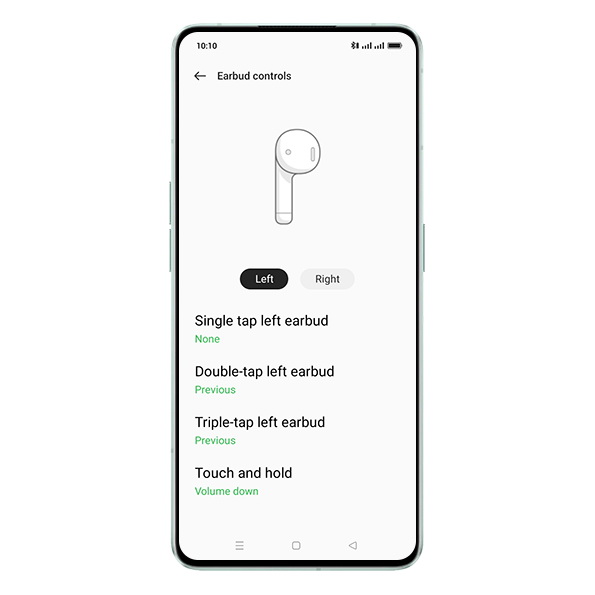
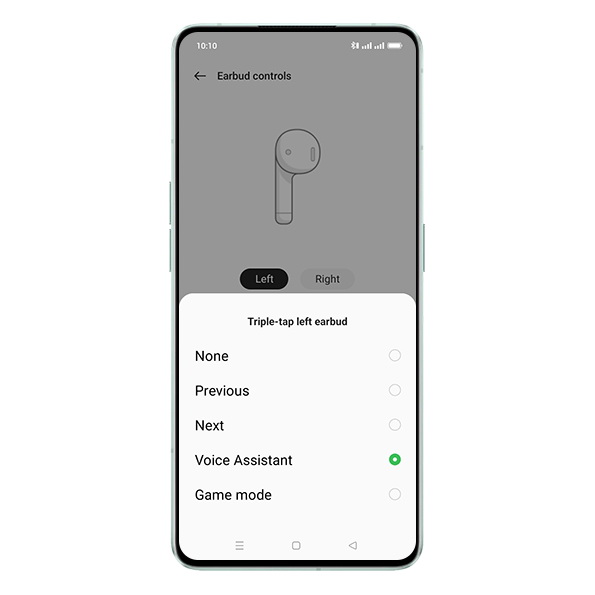
Tap on Triple tap left earbud.
- 8
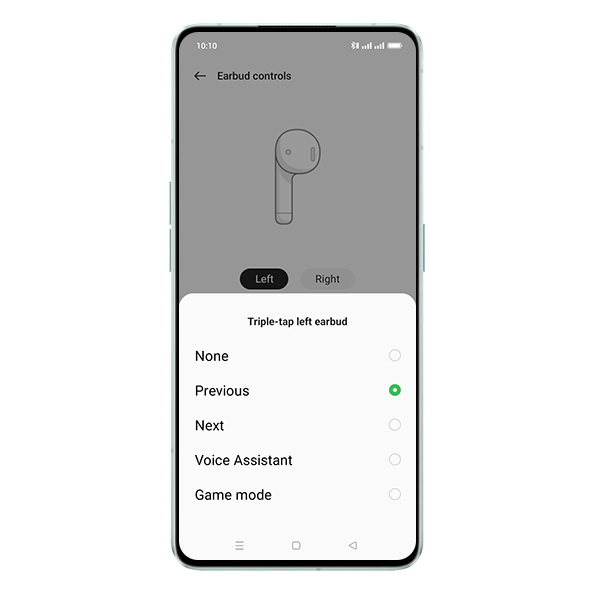
Tap on Voice Assistant.
- 9
Tap on Back.
- 10
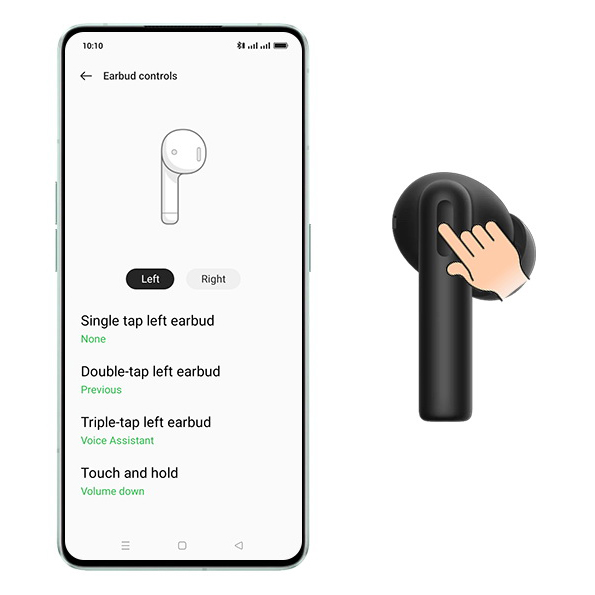
Triple squeeze left earbud stem.
- 11
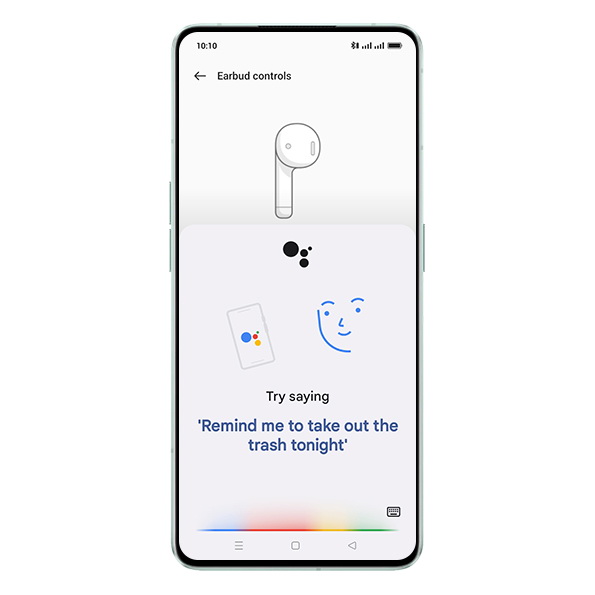
Google Assistant is Opened on Handset.
View on OPPO: Activate Google Assistant on the official OPPO site