Device Setup

Connect Headset to Your Android Device on OPPO Enco Air2

7 steps · OPPO Enco Air2

  1. 1

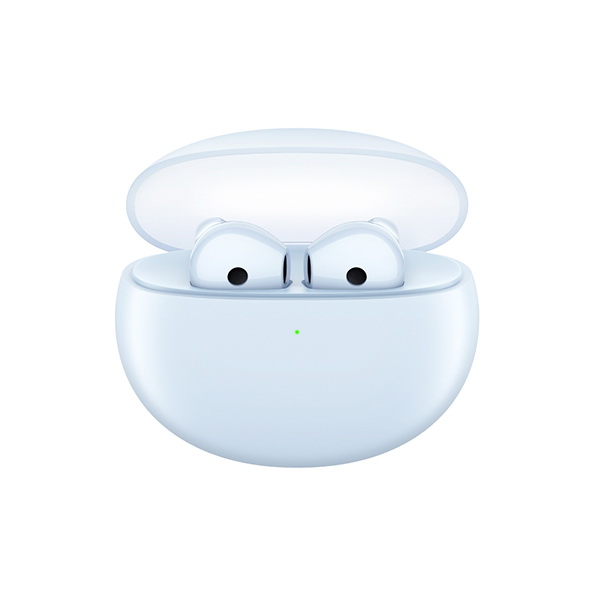
    Open the charging case cover.

    Step 1: Open the charging case cover.
  2. 2

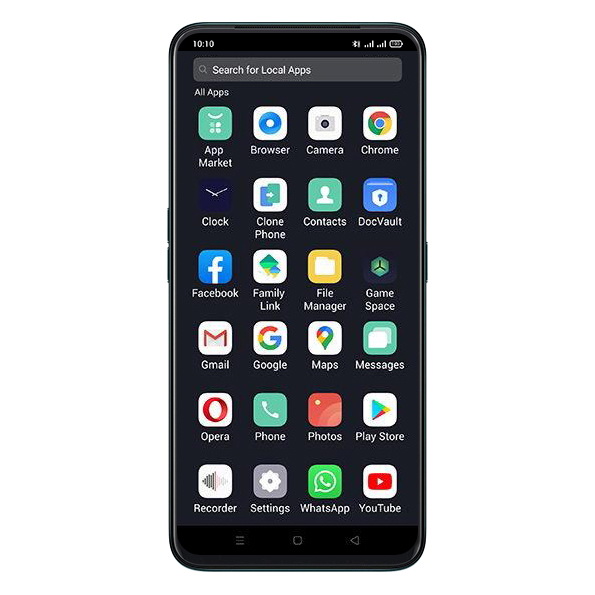
    Tap on Settings icon in your phone.

    Step 2: Tap on Settings icon in your phone.
  3. 3

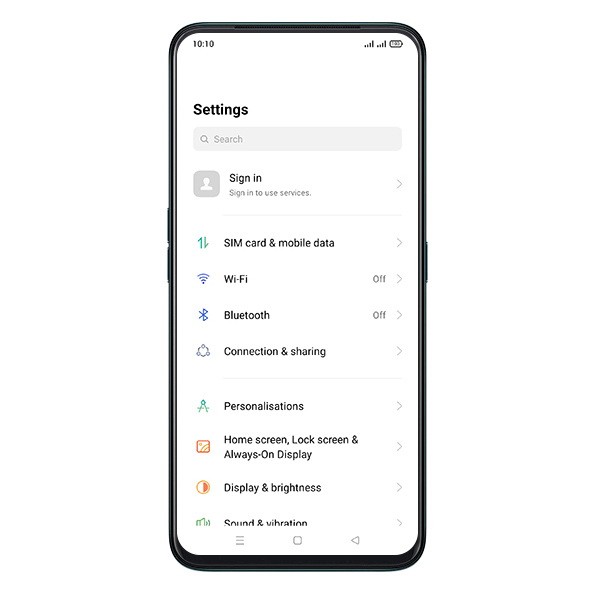
    Tap on Bluetooth.

    Step 3: Tap on Bluetooth.
  4. 4

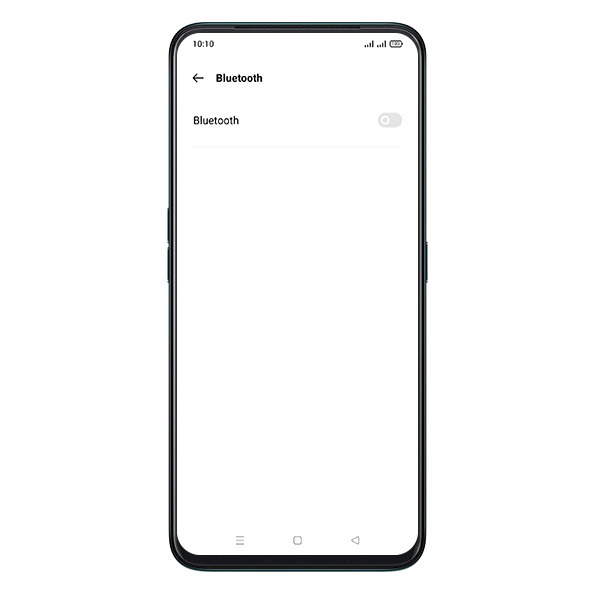
    Tap on Bluetooth to turn ON.

    Step 4: Tap on Bluetooth to turn ON.
  5. 5

    Tap on OPPO Enco Air2 under Available devices.
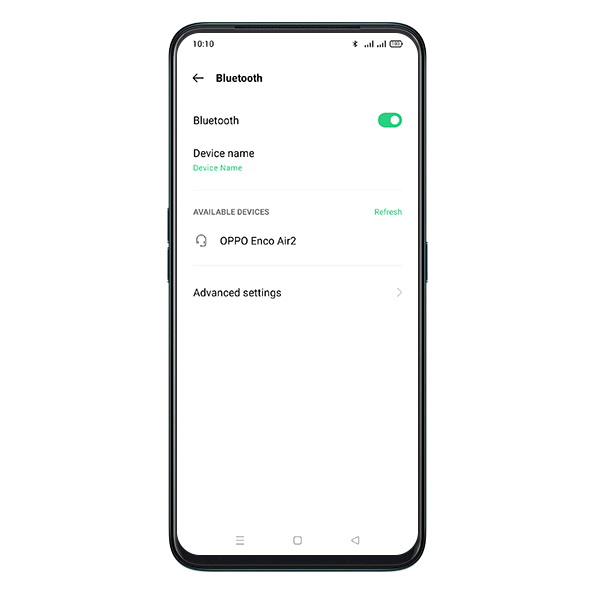
    Step 5: Tap on OPPO Enco Air2 under Available devices.
  6. 6

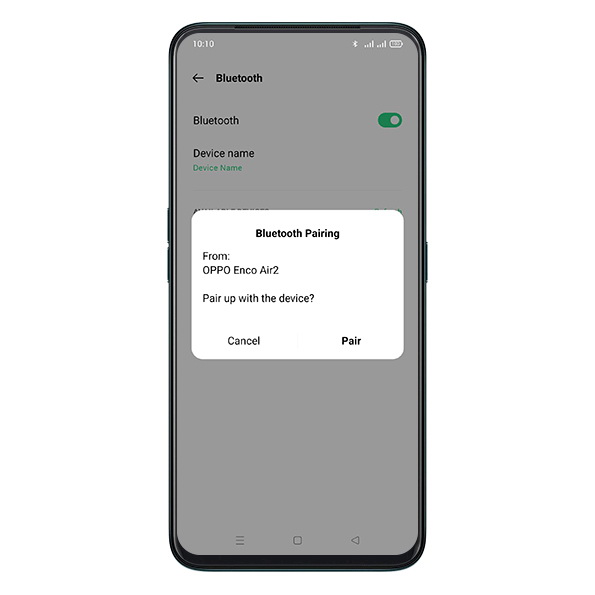
    Tap on Pair.

    Step 6: Tap on Pair.
  7. 7

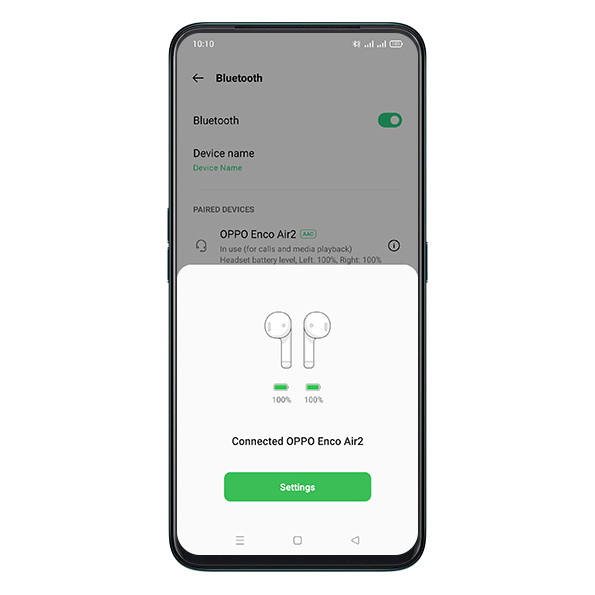
    OPPO Enco Air2 Paired Successfully.

    Step 7: OPPO Enco Air2 Paired Successfully.