Media
Use Auto Pause and Play Function on OPPO Enco Air2 Pro
8 steps · OPPO Enco Air2 Pro
- 1
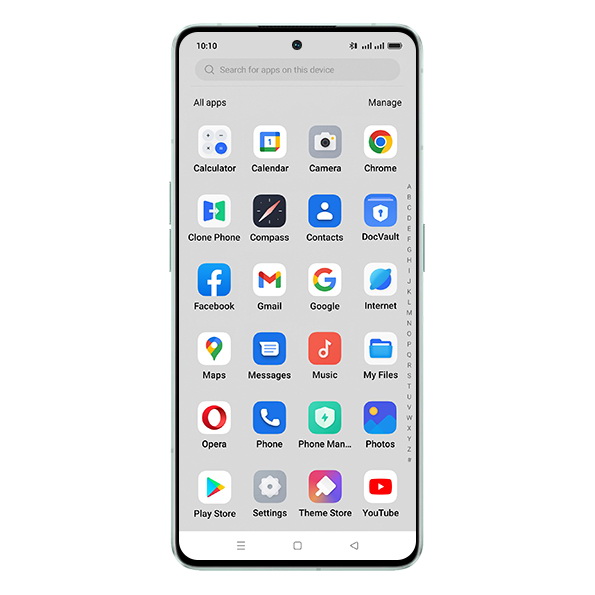
Tap on Settings icon.
- 2
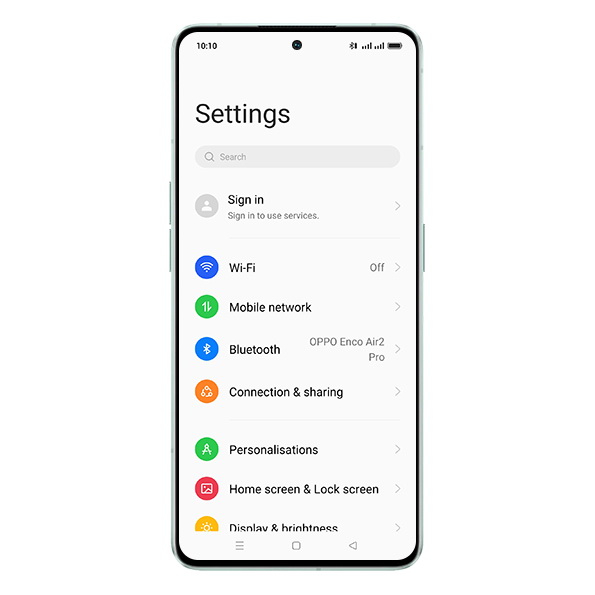
Tap on Bluetooth.
- 3
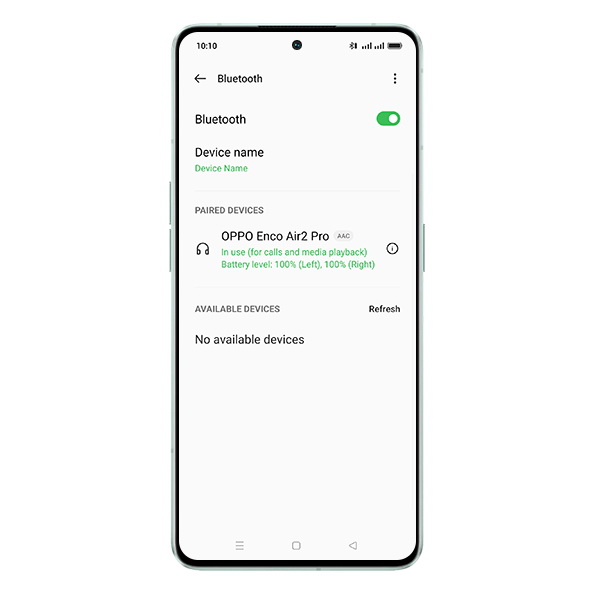
Tap on Details icon of OPPO Enco Air2 Pro.
- 4
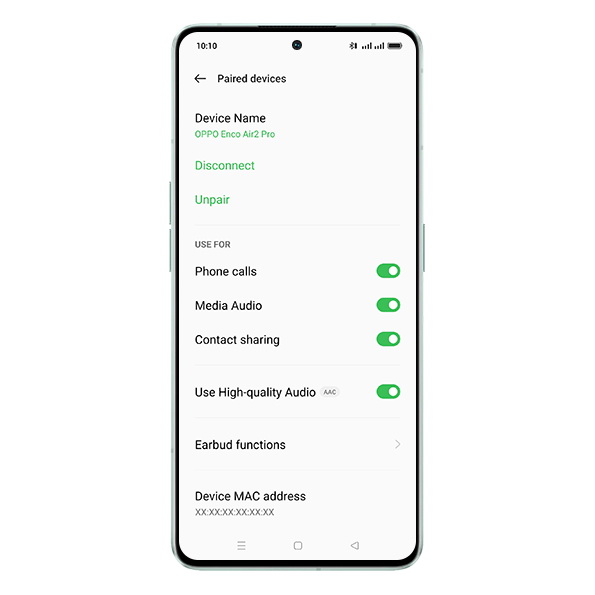
Tap on Earbud functions.
- 5
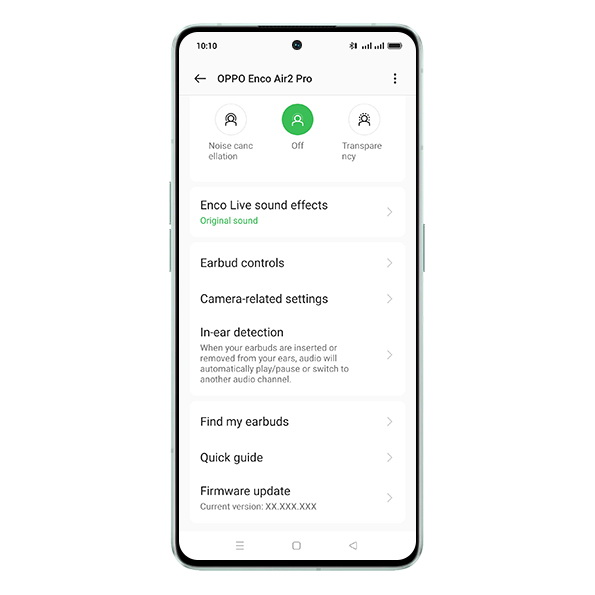
Tap on In-ear detection.
- 6
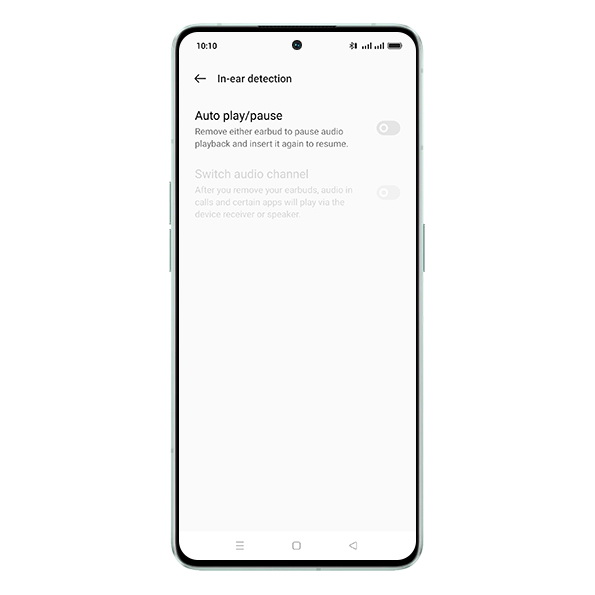
Tap on Auto play/pause to turn ON.
- 7
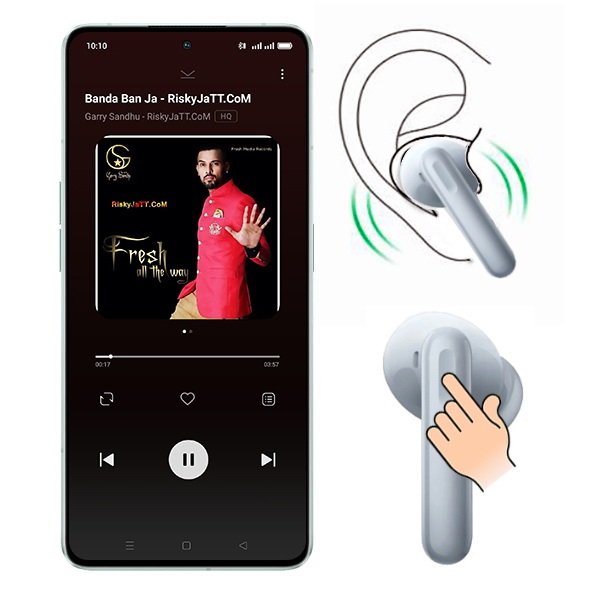
Remove Earbud from the ear, the media will pause.
- 8
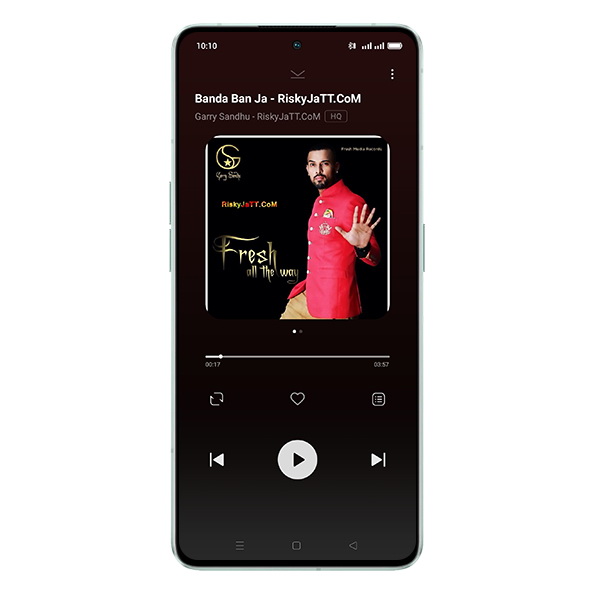
Check Media File is Pause in your Phone.